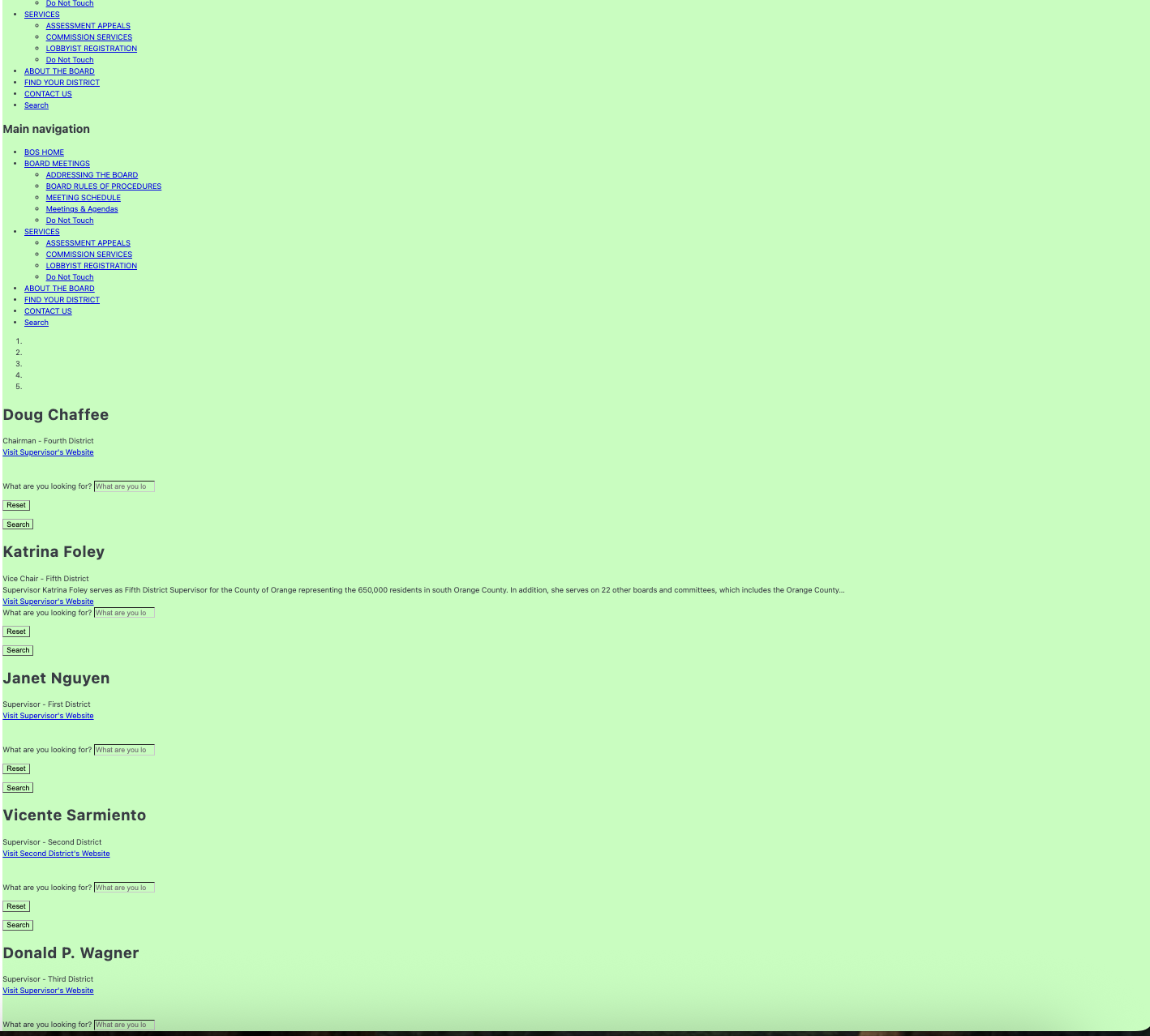
If I add a PDF link to Distill for monitoring, how can I monitor only a specific page? For example, for this PDF link: https://board.oc.gov/#docaccess-47c6037f664982cfe4afff601f10808b, I only want to monitor page 3. What would be the best way to set this up in Distill?
I tried adding it under the Webpage category, and it opens successfully. However, when selecting an element, Distill recognizes the file as an image. Somehow, I was able to select pages 3 and 4, and when I checked for changes in Distill, it showed website changes, although the output is quite messy. Still, it does show the 5 supervisor titles and positions.