Hi, we noticed that numerous monitors that we’ve previously set up has been turned off involuntarily. As a result, certain changes have not been picked up. We’ve since manually turn on the monitors and the changes have come through.
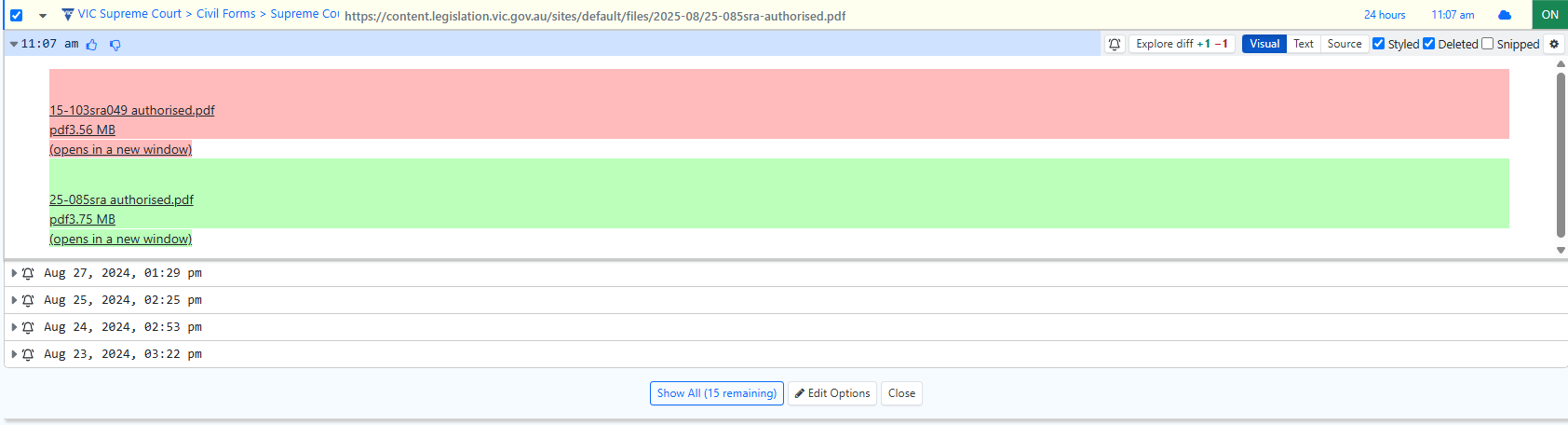
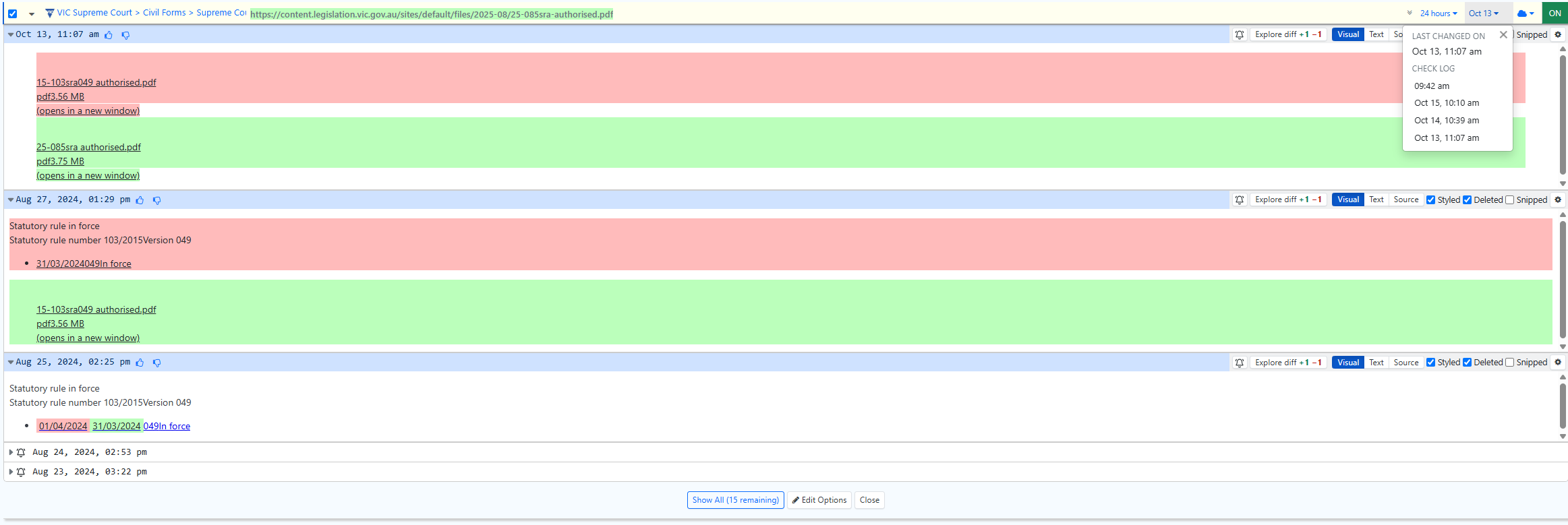
One example affected monitor is the attached VIC Supreme Court > Civil Forms > Supreme Court (General Civil Procedure) Rules 2025 monitor. Can you please advise at what point was the monitor turned off and what was the cause of it? Also, what precautionary steps can be taken to prevent monitors from being turned off on its own in the future?
I’ve tried to check the error logs for the VIC Supreme Court > Civil Forms > Supreme Court (General Civil Procedure) Rules 2025 monitor but was unable to see any (refer screenshot below). Are there any possible cause for the monitor to be turned off in this case?
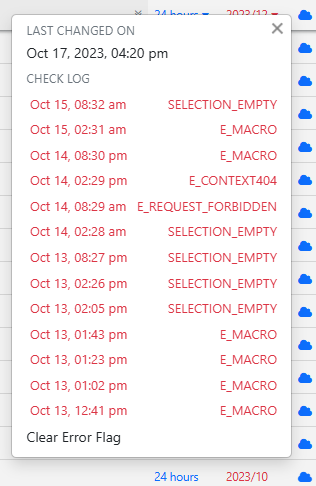
@smokeballaulp The second screenshot shows that the monitor encountered errors. In general, Distill automatically turns off a monitor only after 10 consecutive SELECTION_EMPTY or E_REQUEST_NOT_FOUND errors.
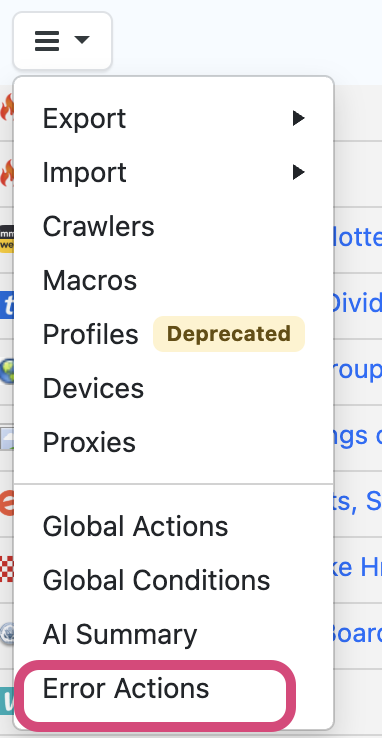
To receive an alert before an affected monitor is disabled, configure Error Actions:
This will notify you when monitors encounter errors, allowing you to review and correct them before repeated errors cause them to turn off automatically.