Since yesterday, page scanning has been stalling with an error; I deleted the monitors and tried restarting again, but it is scanning blocks other than the ones I marked and the ones i mark always. Moreover, for the exact same page with the same capture areas selected it shows different results on different computers in chrome. I hope the developers are already fixing the bug 
@alextom Could you please share screenshots showing:
- The sections selected for monitoring.
- The different results displayed.
- The errors.
Please also include the monitored page URL.
If you prefer not to share these details publicly on the forum, please email them to support@distill.io, and we can continue debugging the issue via email.
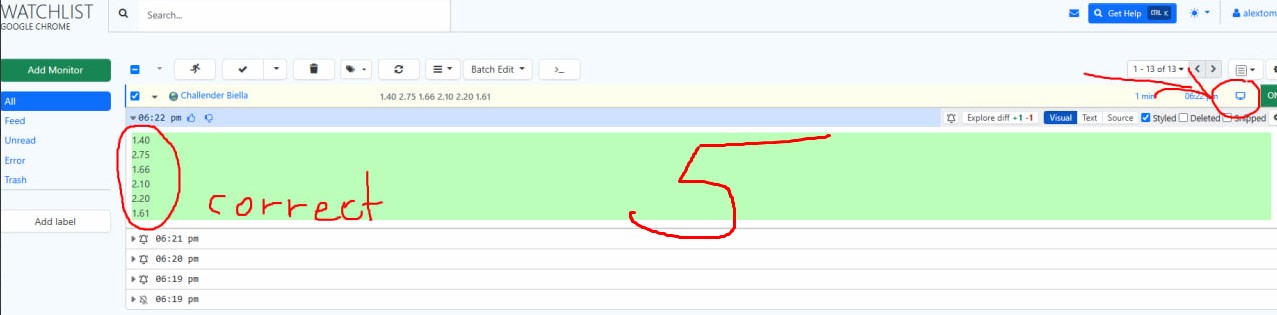
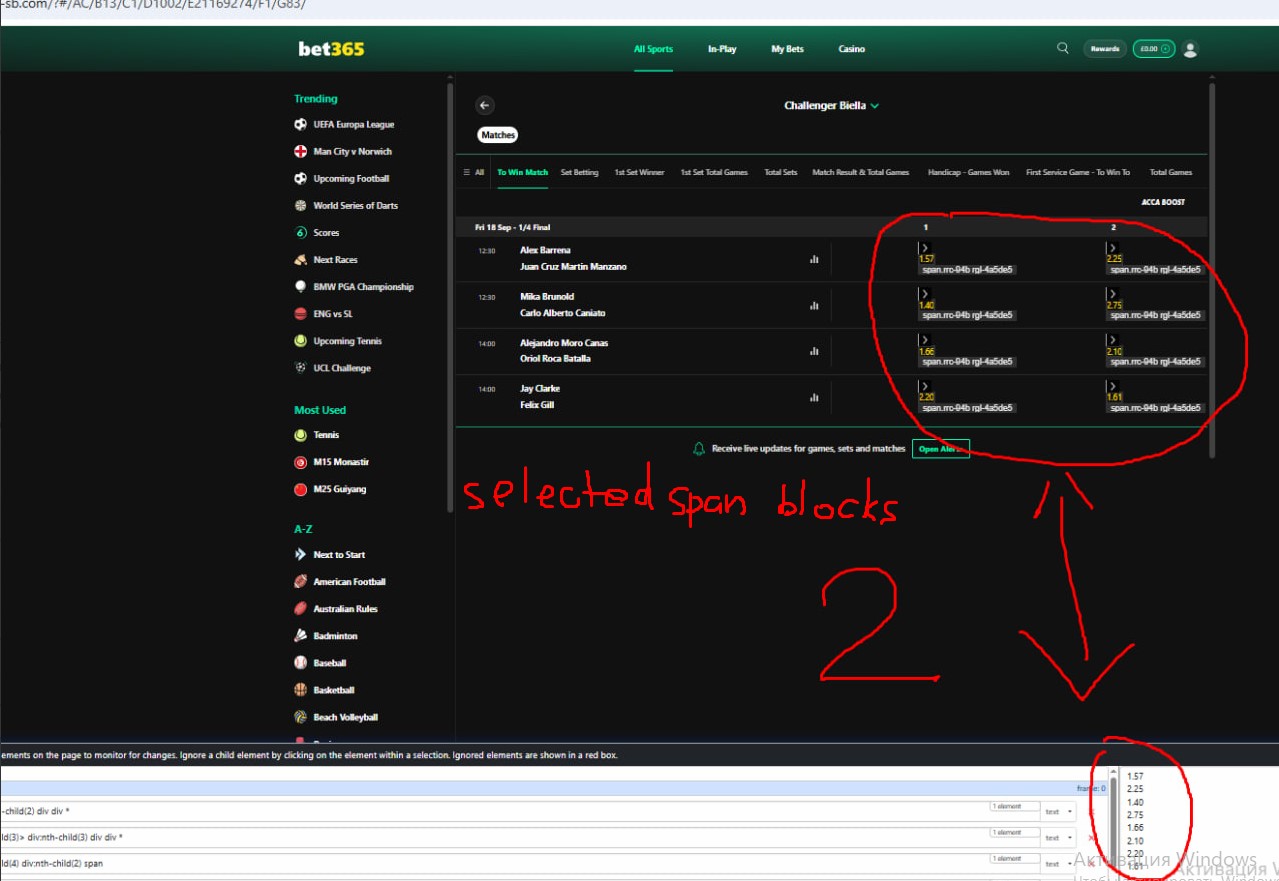
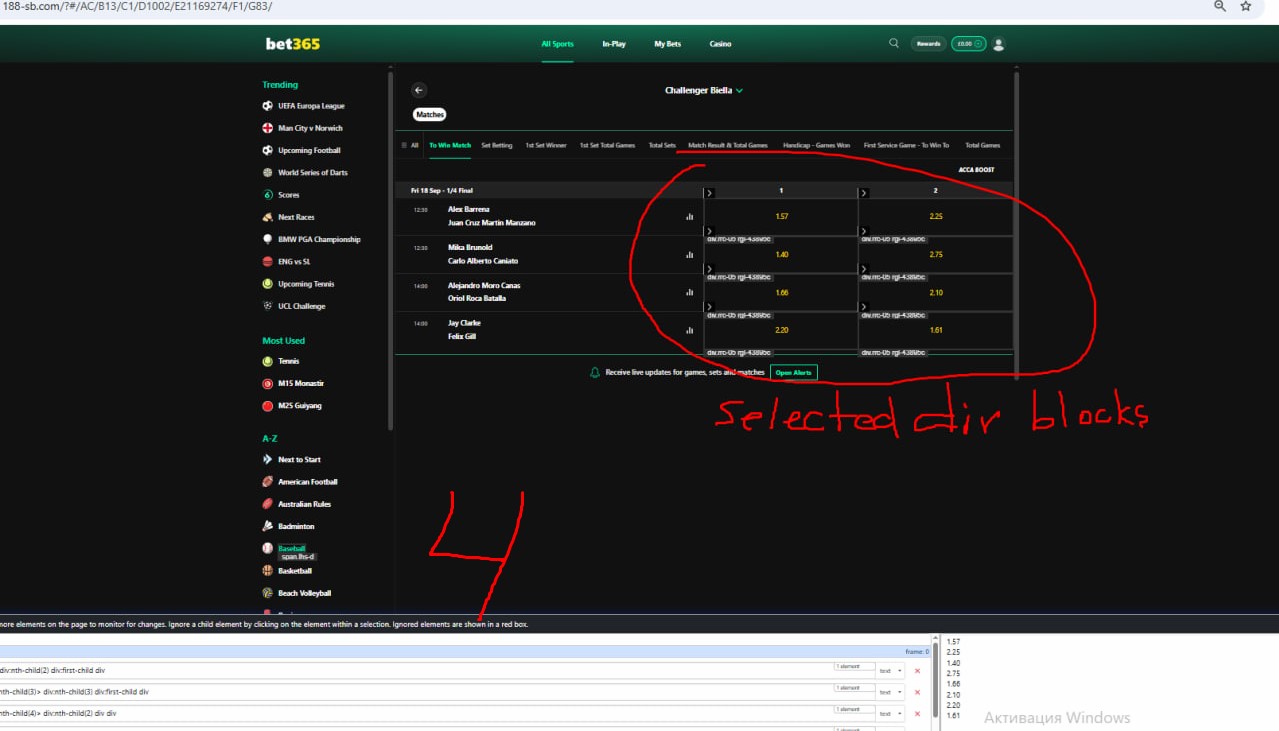
1: When I capture <span> blocks from which I only need the numerical values they are sometimes displayed correctly, but at other times, the output is completely wrong. Sometimes, the process works fine for 5–10 minutes, then misidentifies a block, only to return the correct data on the next check all without me changing anything. In short, different checks shows different results, usually incorrect ones.
https://www.188-sb.com/?#/AC/B13/C1/D1002/E21169468/F1/G83/
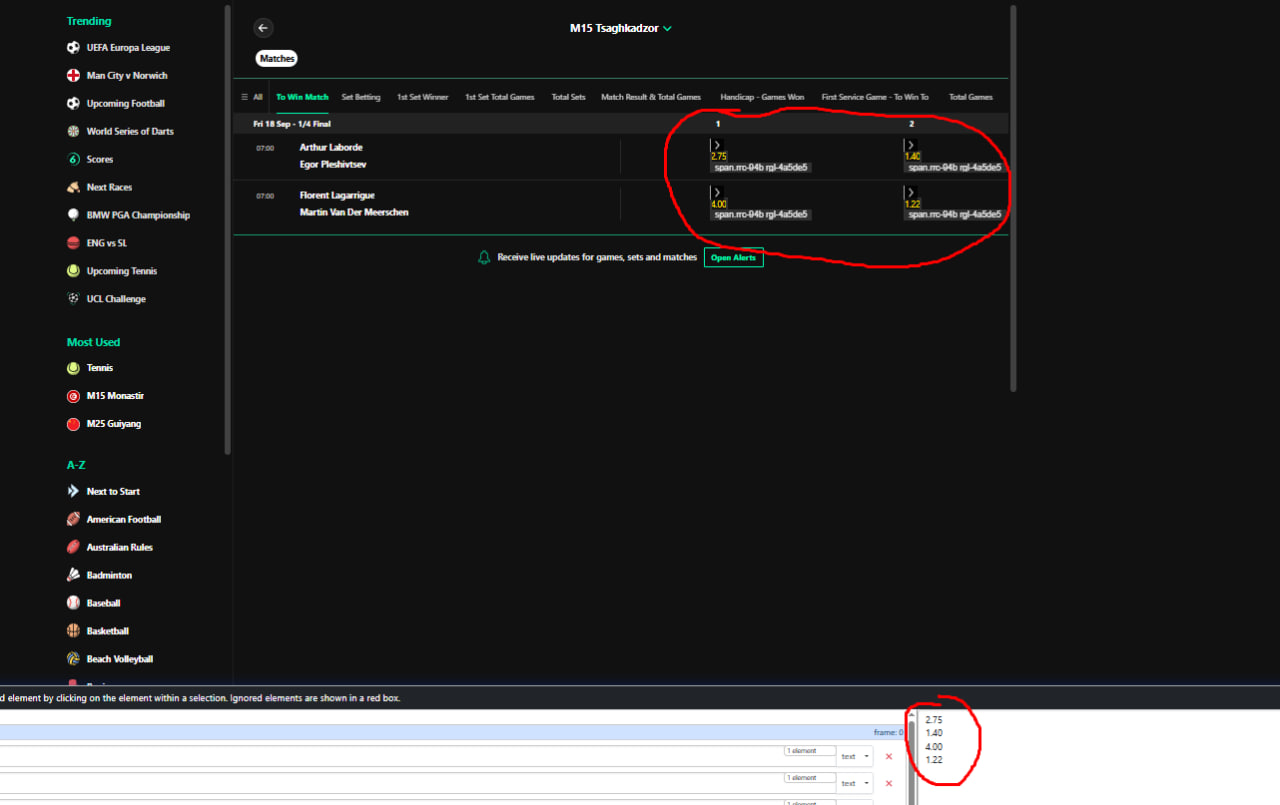
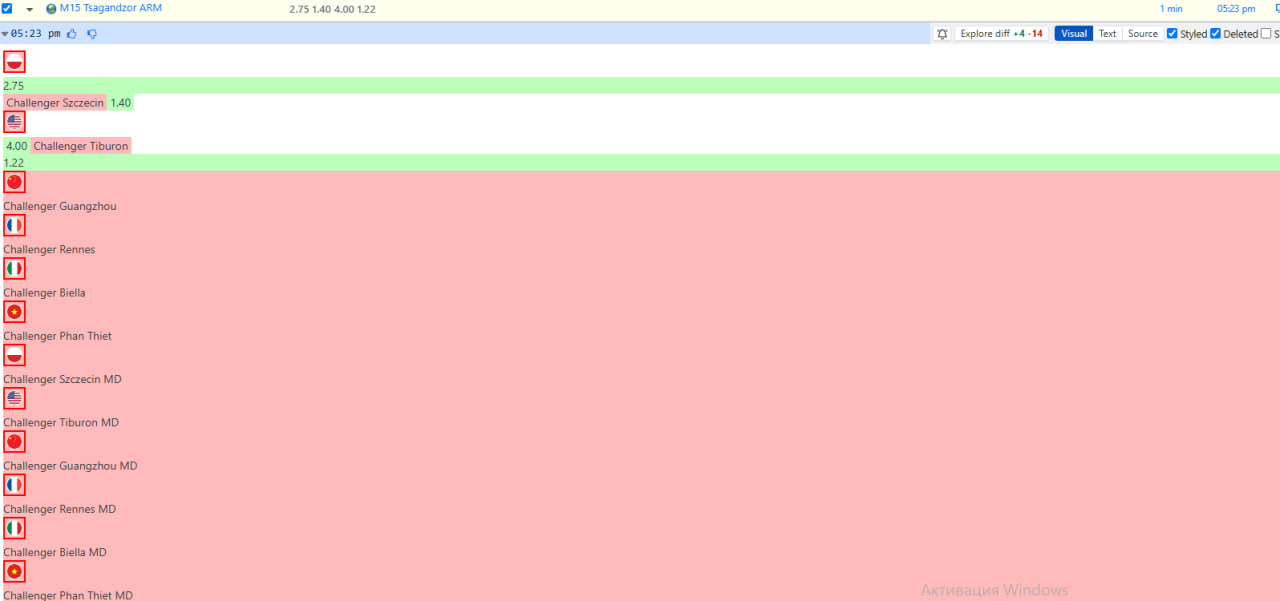
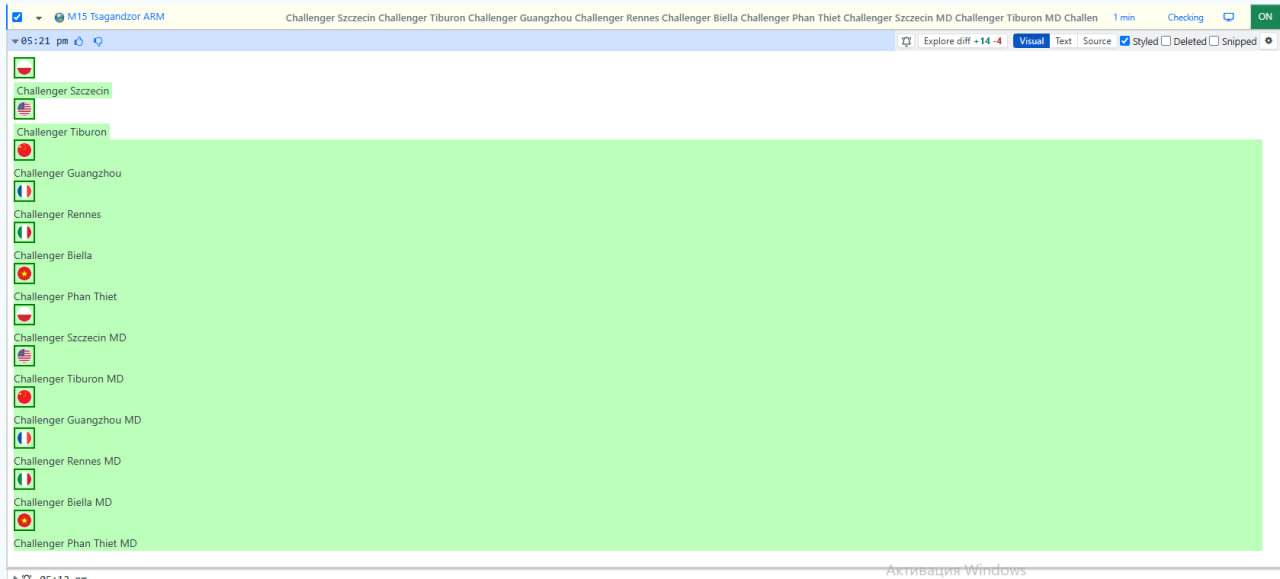
This page is just for example
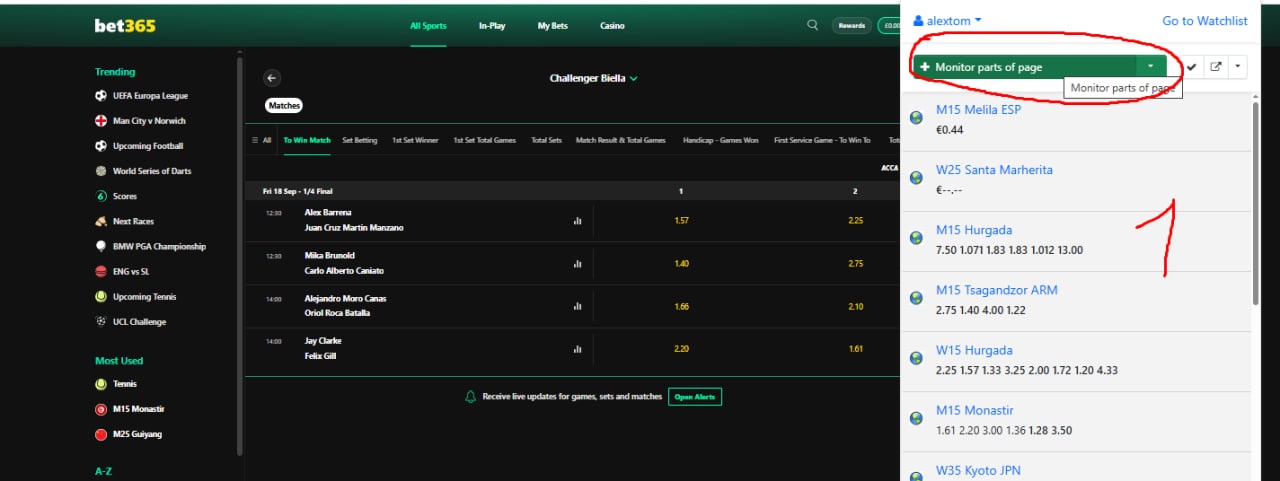
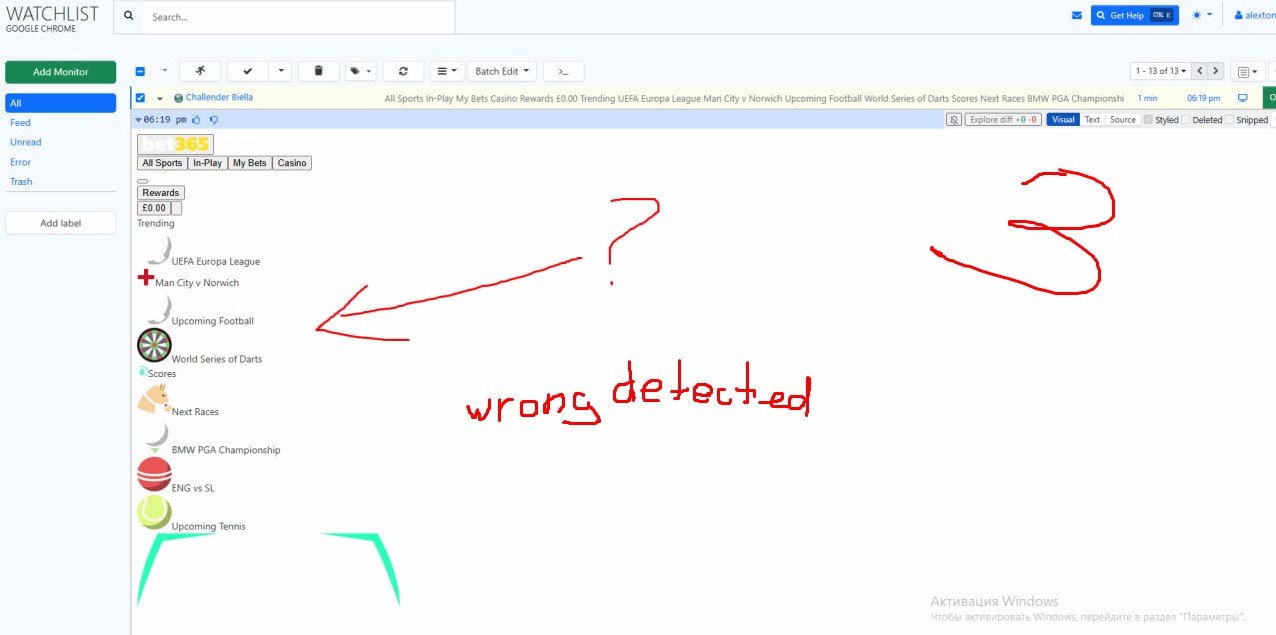
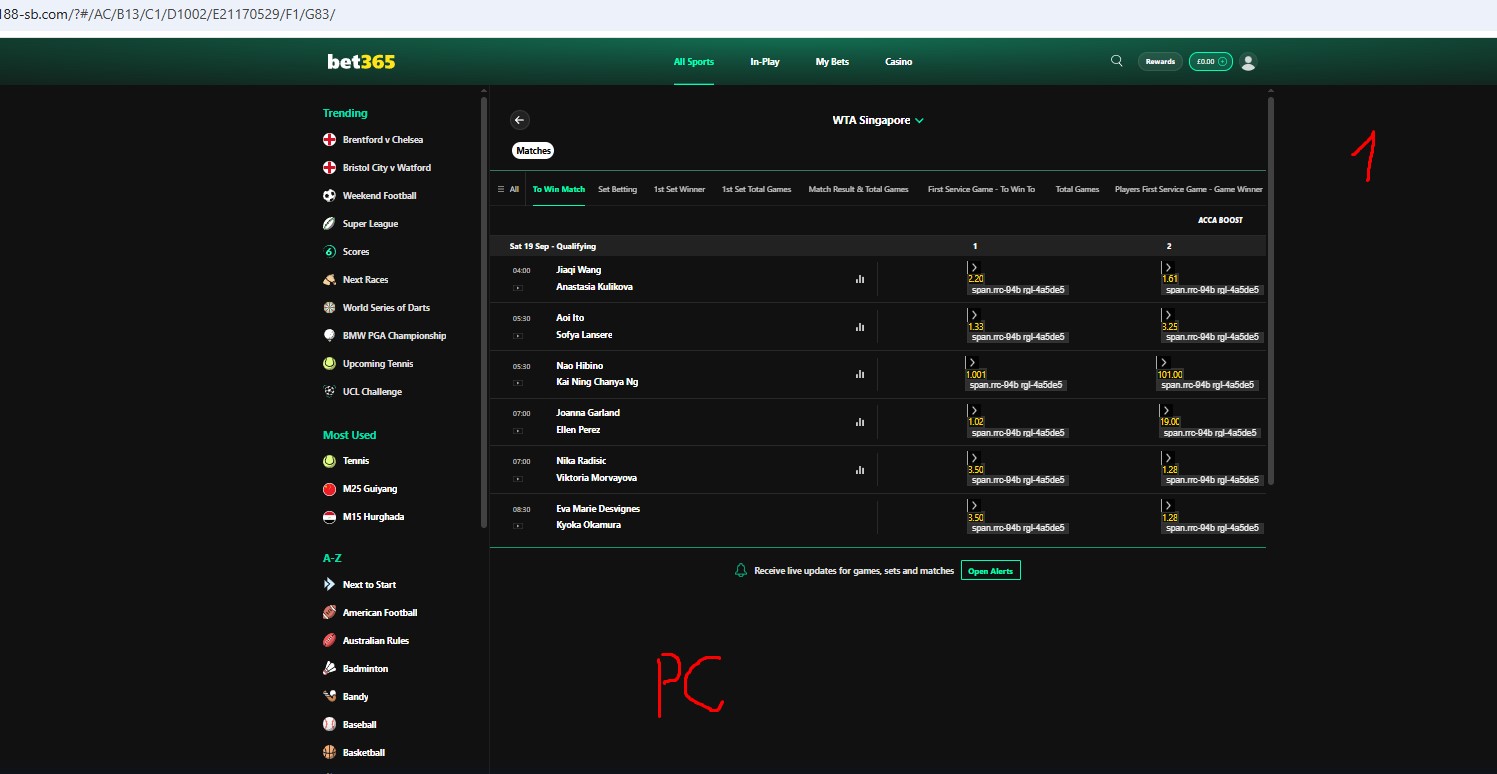
2: On the same website and the same page, I select the same blocks for monitoring. When the check runs on local computer, it returns one set of data; when I run it in Chrome on another computer, it shows different, incorrect data. Both computers are using Google Chrome, and the code for the <div> and <span> blocks matches in both cases. Essentially, I can only successfully select the target area and run the check on the local device; if I try to run it on another device, it returns either incorrect data or even an error. This all started happening two days ago; prior to that, everything worked correctly.



@alextom This may be happening because the page’s dynamic content has not finished loading when Distill captures the selected elements.
Please try increasing the delay:
- Click the caret icon beside the monitor.
- Select Edit Options.
- Click the gear icon next to Open Webpage Selector.
- Under Configuration, increase Wait for Duration to 15–20 seconds.
- Save the monitor and run several test checks.
Let us know if this solves the issue.
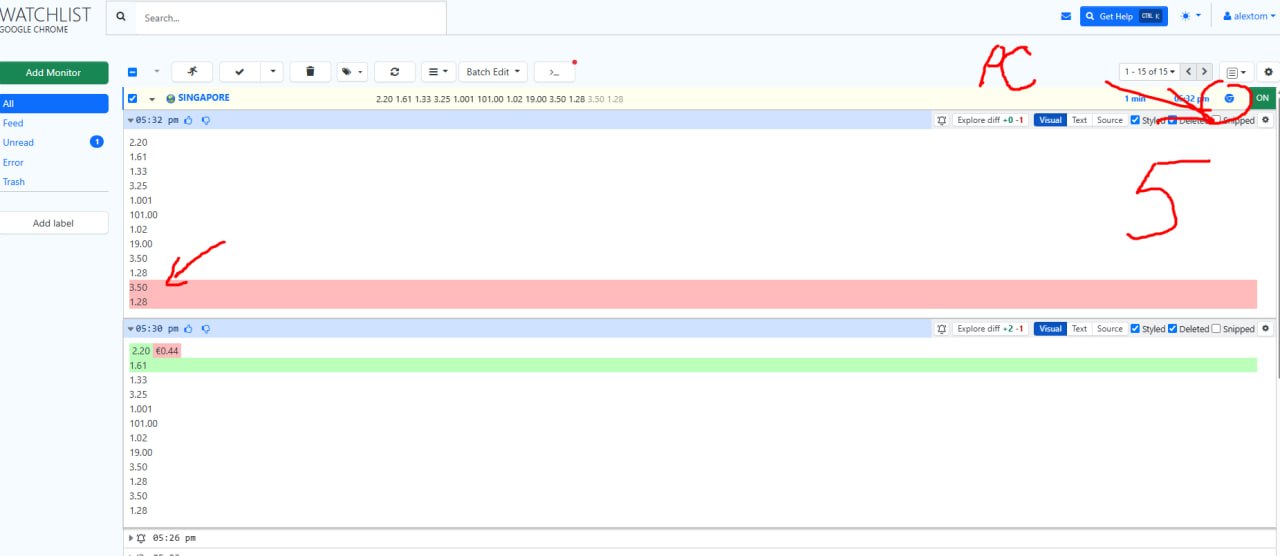
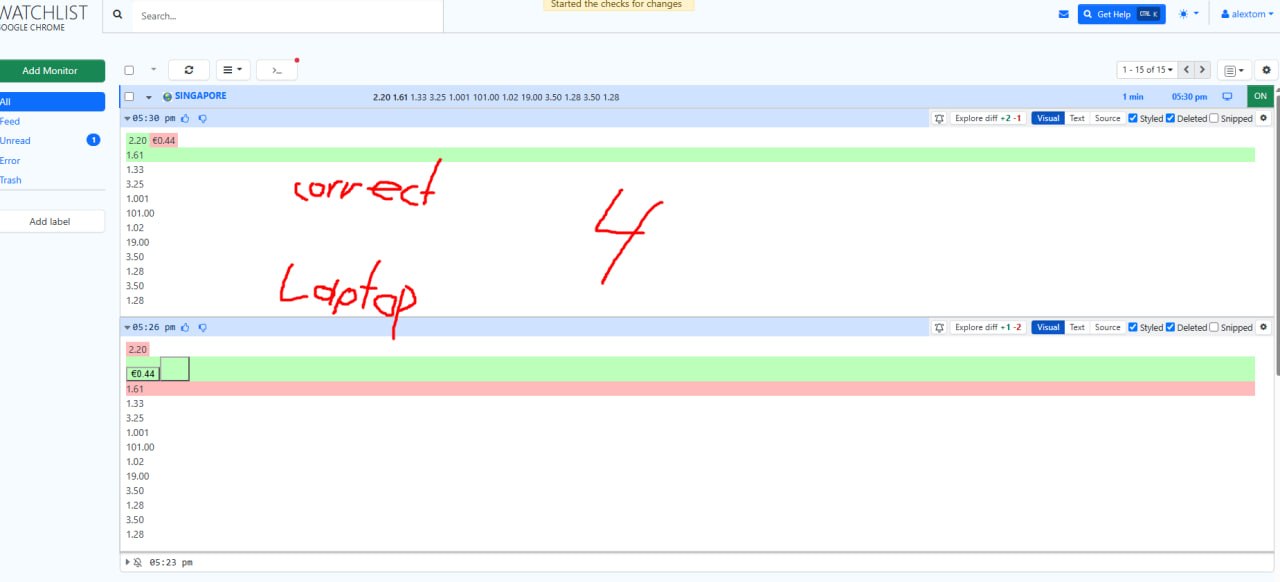
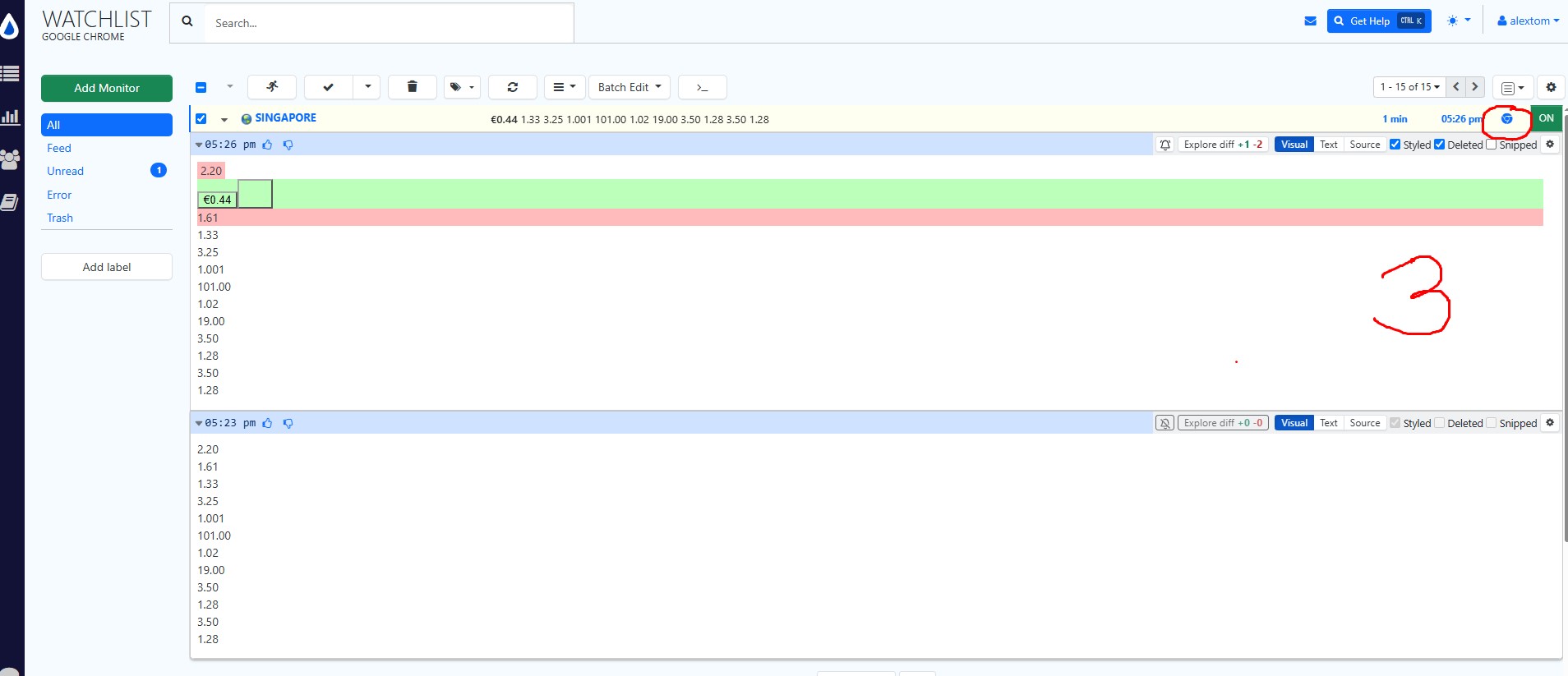
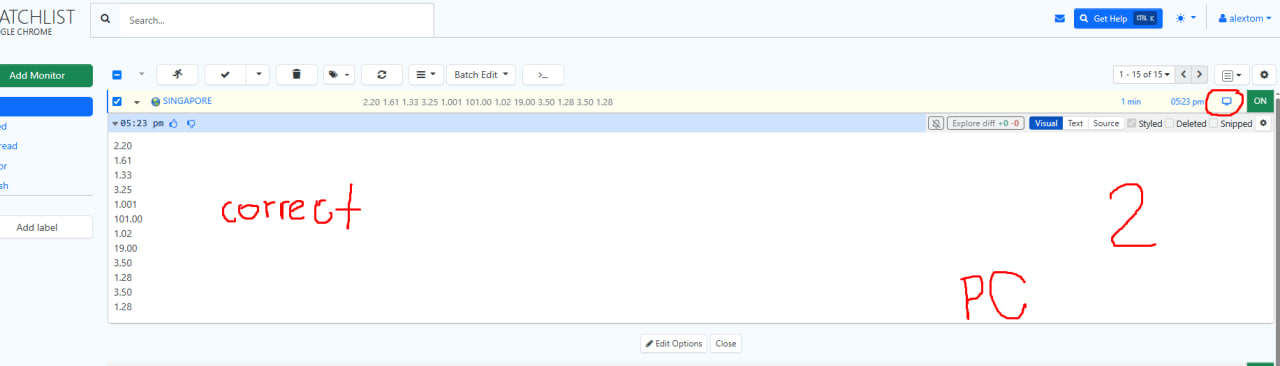
The first issue with the “span” blocks seems to be resolved by increasing the delay time ok. However, the second issue with span and div blocks still persists: when switching the device used to execute the task, the Distill incorrectly identifies certain objects. When I create a monitor on PC it shows correct and then switch task execution to another device (a laptop), it either fails to detect some objects or identifies incorrect ones instead. Conversely, if I create the same monitor on the laptop and switch the task to the PC, it also stops detecting certain objects. Both devices are running the same version of Chrome, and the encoding of the “span” and “div” blocks matches on both. Everything used to work correctly; these bugs only started a couple of days ago. (I am attaching screenshots for reference.)
@alextom note that the chrome extension’s last update was on may 4, 2026. that means that the core behavior of the software hasn’t changed. that leads to the question, “what could have changed”.
there are two common factors given that the monitor’s settings didn’t change:
- device’s or pc’s settings/behavior changed
- the website’s behavior changed or they load differently on the two devices
can you investigate along these lines and let us know what you think?
additionally, would you like to try the desktop app instead of the chrome extension to see if you are able to reproduce the same issue?