I just started using the program, and I like it. It works! However, the history of my monitor only shows the most recent three changes. Once I check a new alert, the oldest one is dropped.
I would like to have them all visible as a list, so I can see how frequently my website changes over time.
I haven’t found any setting where to visualize all events again. Do I have to sign up for a paid plan?
I am using the distill.io extension in Brave browser.
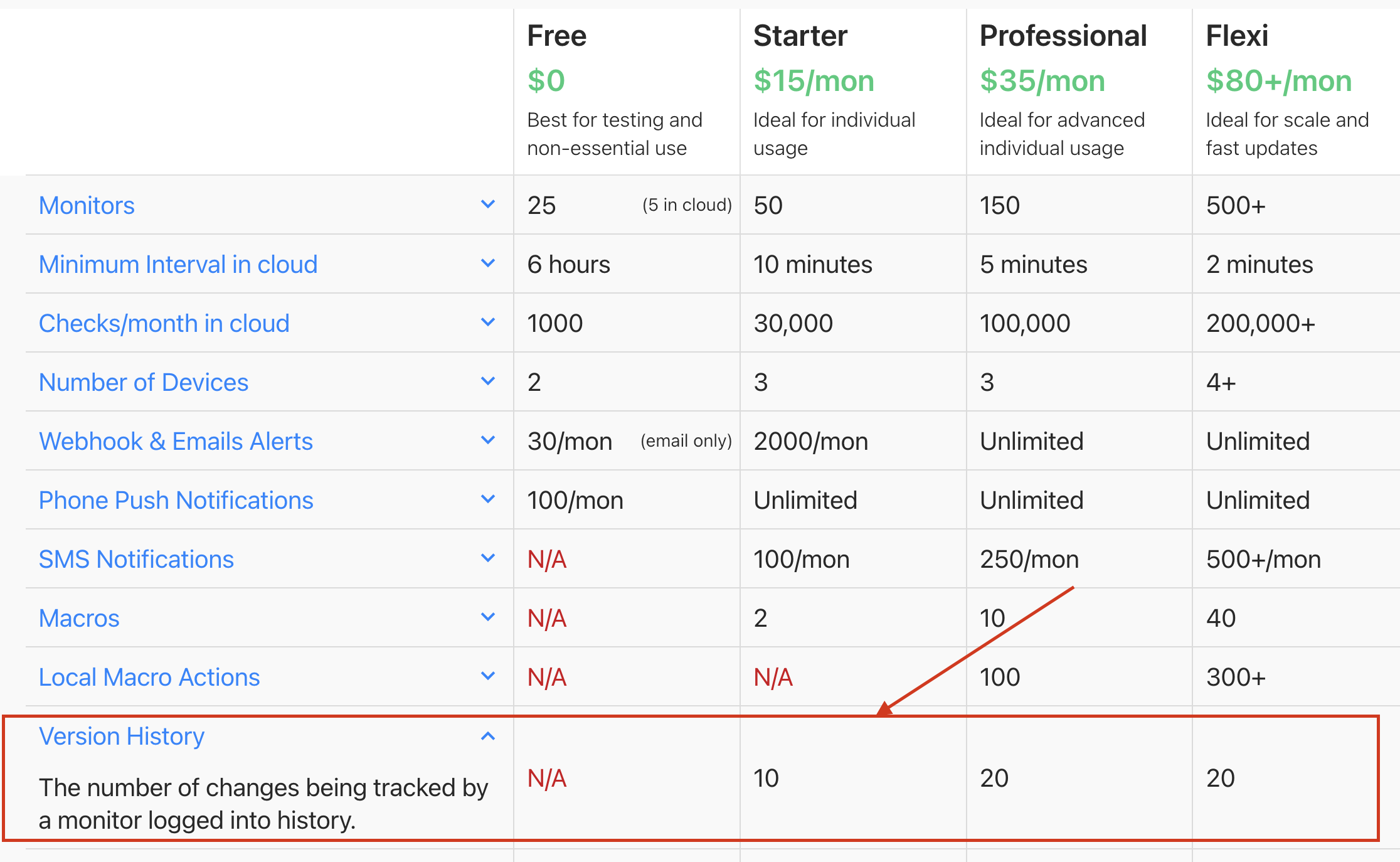
@flulrich When using the free plan, Distill stores only the last 3 versions of the change history for each monitor. You are absolutely right, to retain more versions you might consider upgrading to a paid plan.
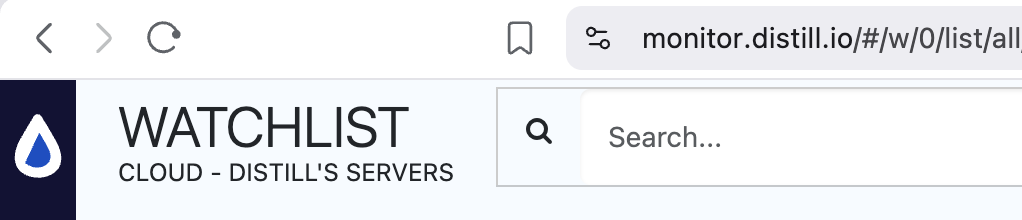
Local Watchlist (inside the browser extension):
For local monitors, the extension itself stores up to 10 change history versions, even on the free plan.
So if you’re currently checking the history from the cloud/web dashboard, it’s expected that you only see 3 changes.
If you instead open the Distill extension in Brave → Go to Watchlist → select the monitor → view history, you should be able to see up to 10 past changes there.
If you’d like longer-term history stored centrally in the cloud (and accessible across devices), that’s when upgrading to a paid plan becomes useful.