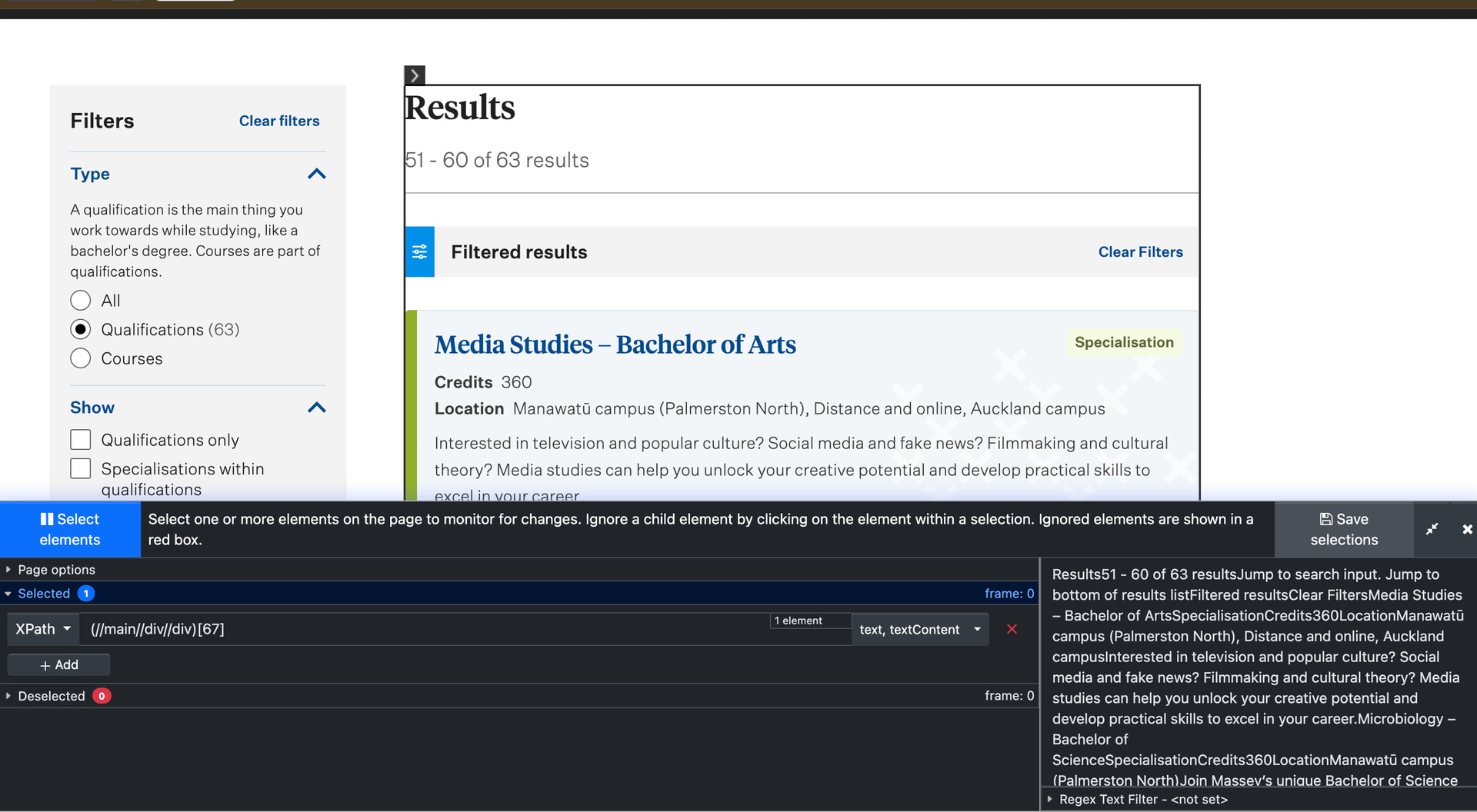
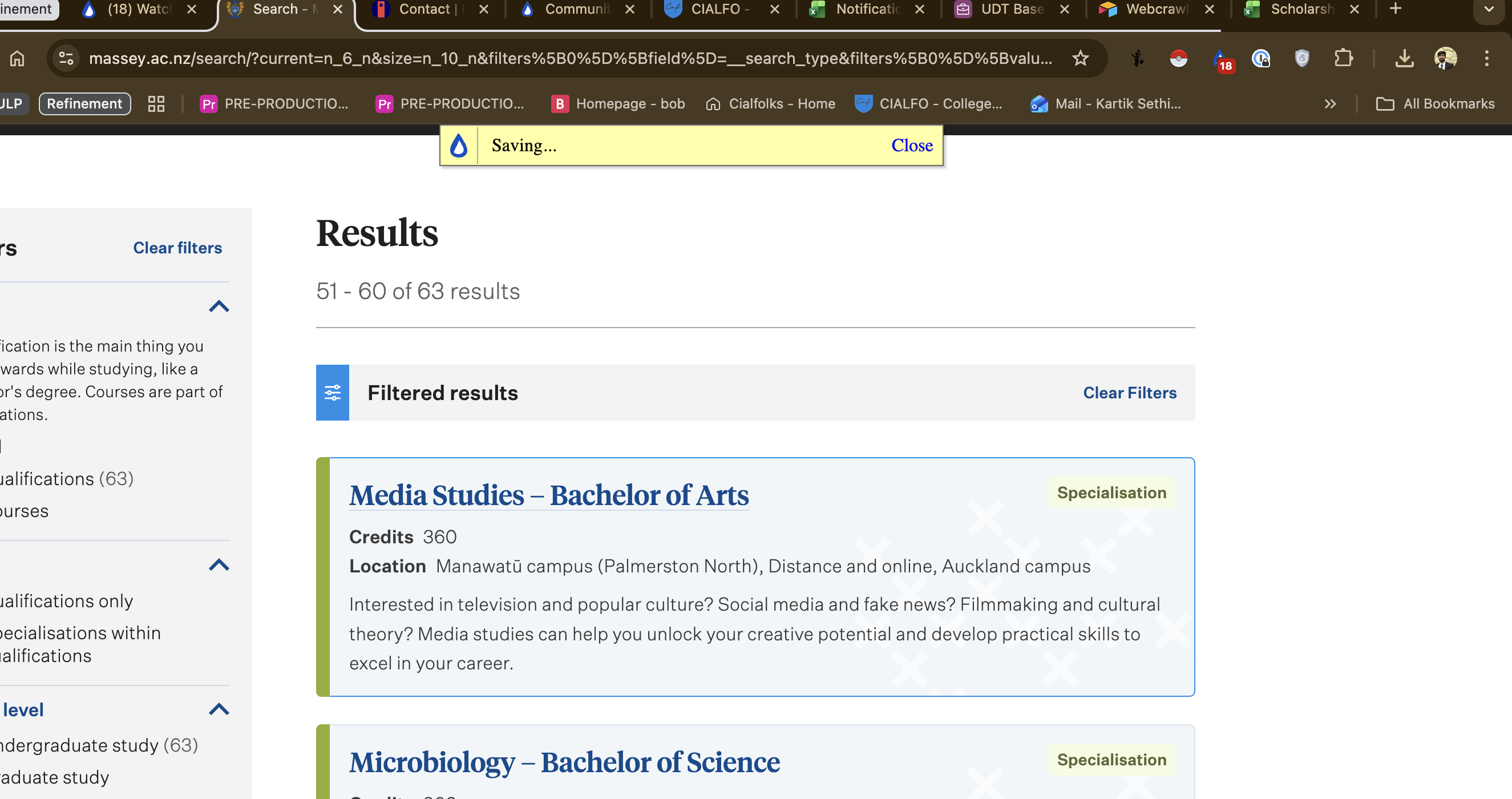
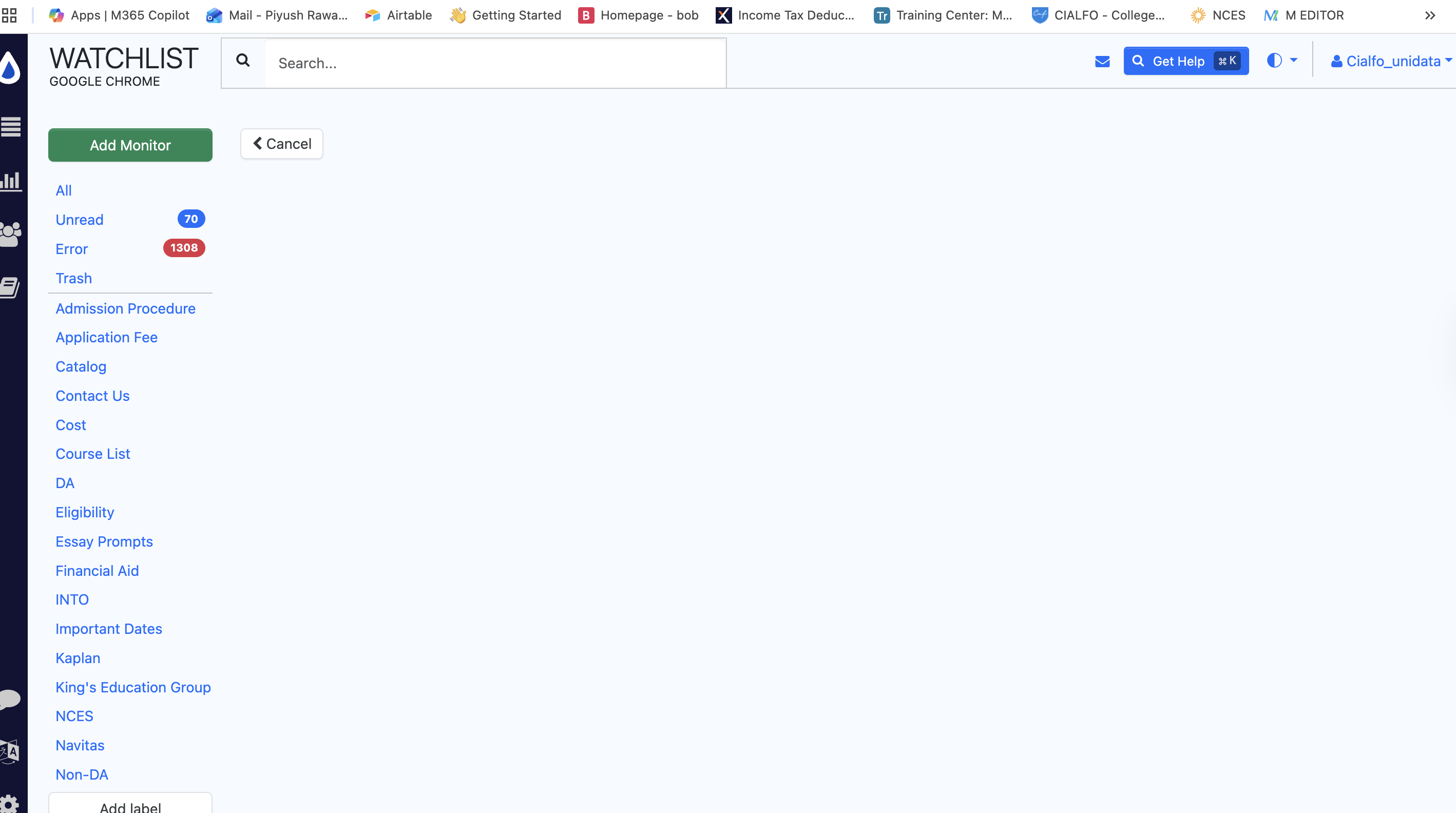
We are unable to apply Distill Crawler on any of the given website.
The Crawler selection toolbox does get open when we try to apply the Crawler, giving us the option to select the particular area we want to track and the format we want to track (Xpath, CSS selector, etc.), but while trying to save and shifting to the Name formating and other labels, settings, etc. window it simply fails to open after displaying that it is saving the content.
We’re aware that some users are currently running into issues when creating or saving new monitors — including the selector appearing to save and then not moving forward to the next configuration step, or monitors not showing up at all after clicking Save.
This is happening due to temporary degraded performance caused by high system load during an ongoing deployment. As a result, actions like creating new monitors, saving selections, or loading configuration screens may fail or appear unresponsive.
Our engineering team is actively investigating and working on stabilizing the system. There will be a few rolling fixes as part of this process, so things may feel a bit inconsistent until everything is fully resolved.
We’ll post an update here as soon as the fix is fully rolled out and things are stable again.
Thanks a lot for your patience, and sorry for the inconvenience this is causing.
@Cialfo_unidata@syrkaa it should be all good now. the request to save the monitor should take 5-10s and succeed as it normally used to. can you try again and let us know how it is working for you?
there is a race condition when loading the options page. you should try reloading the options page again. if it didn’t load automatically, it should be able to open it again on retry. do let us know what you find out.
if the reload does help, it indicates the connection to distill isn’t working properly. please share what you see in the log console in case the reload doesn’t help. the button to open it is shown below:
note that you can upgrade to the latest version of the extension on edge (4.0.0) that resolves the timing issue. the latest version of the chrome extension is currently under review and should be available for download in 2-3 days once it is approved on the chrome web store. the chrome extension’s latest version has been released.
Hi, we are unable to recognise the exact issue. Can you or someone from the Distill team help us over an on call support asap, this is causing a blocker to our work. The issue is still persisting from past 3 days.
@Cialfo_unidata we found a bug which could prevent the chrome extension from loading the options page for some users. we have deployed a fix that should work without an upgrade. feel free to send an email to support@distill.io if you face any issue or need to connect with the support team.