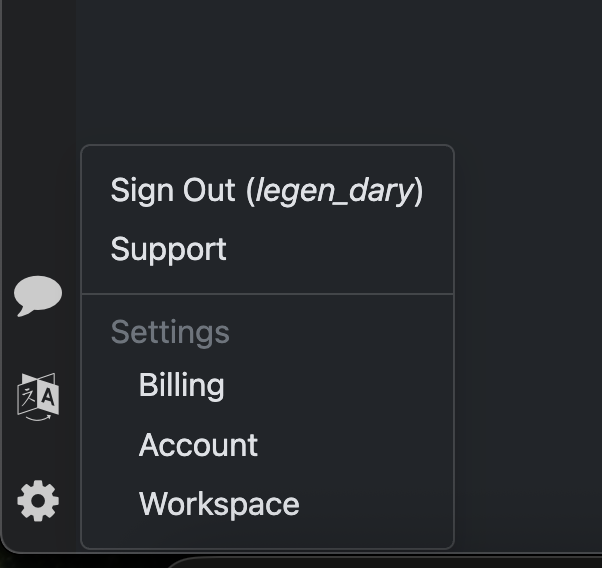
Hi everyone,
I’m trying to change the number of concurrent workers for local monitors as described in the documentation here:
https://distill.io/docs/web-monitor/cloud-local-monitors/
The docs mention that the setting should be available under:
Settings → Advanced → Concurrent Workers
However, I don’t see this option anywhere in my Distill settings.
I’m currently using:
-
Browser: Chrome
-
OS: macOS
I’m mainly using local monitors and wanted to reduce system load by lowering the concurrent workers count.
Has this setting been moved, removed, or restricted to certain plans/apps?
Would appreciate any clarification.