Hi, I’m following the steps to add a monitor to a macro but just open googles when I click add monitor. Screenshots attached, thanks.
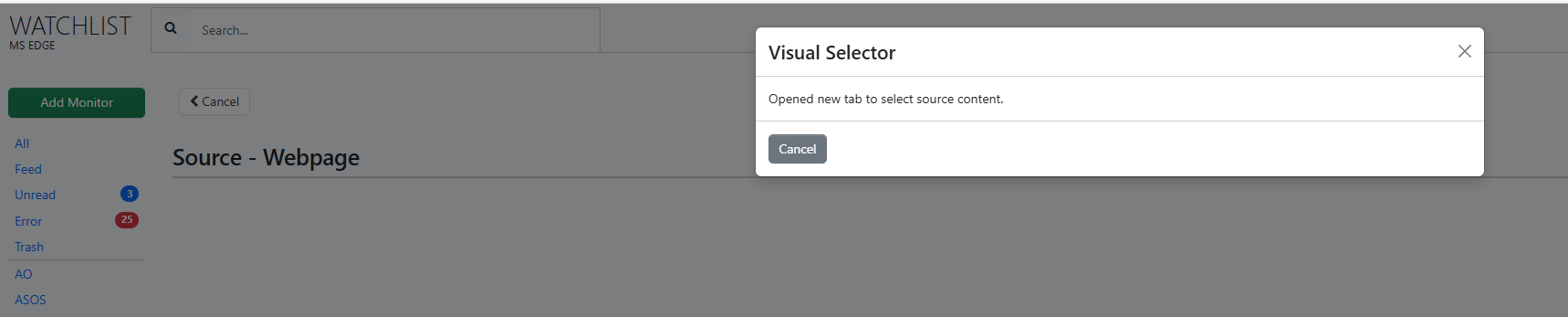
@petercodes It looks like you’re currently on the Edge extension Watchlist dashboard (as shown in your screenshot). You would have to switch to the Cloud Watchlist dashboard.
Please try the following:
-
Open the Cloud Watchlist dashboard: https://monitor.distill.io
-
Create the monitor there.
-
Attach the macro during the monitor setup.
Thanks, now I’m unable to see the use macro option for the monitor? any ideas? pic attached of what i get after i add the URL to the monitor.

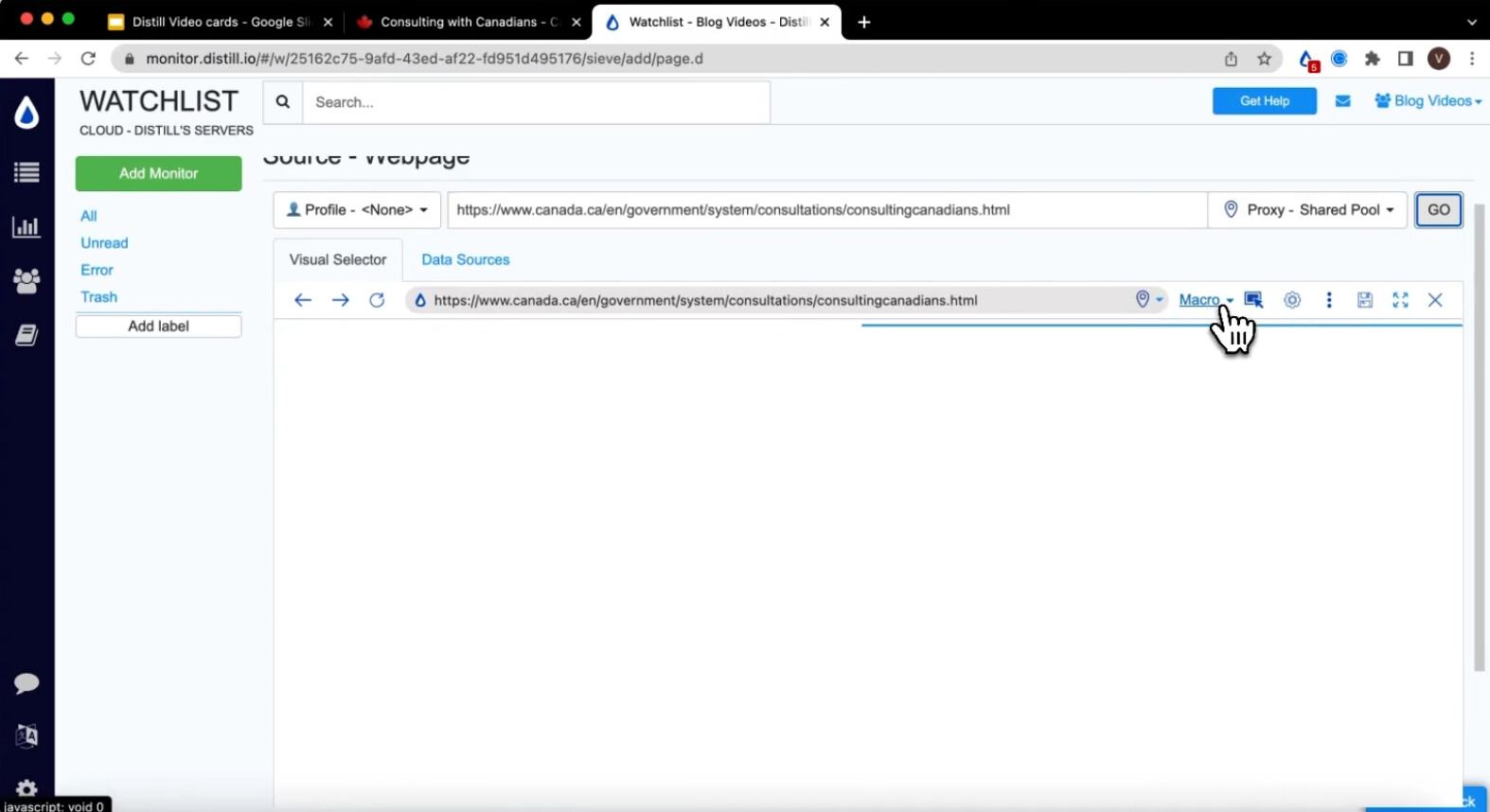
@petercodes Hi, we have recently our upgraded our interface so the Options will look different. You will have to click on the Monitor Parts of page to continue, where a Customer Browser loads and then you will have the option to attach the Macro and run it.
Here’s a video you can refer to:
https://www.loom.com/share/be0eb87b111d4dcbabe25bce60c09dc7
I have the same issue can you help?
@stamp123 check out the loom video shared by sri and let us know what you observe when you follow it along.