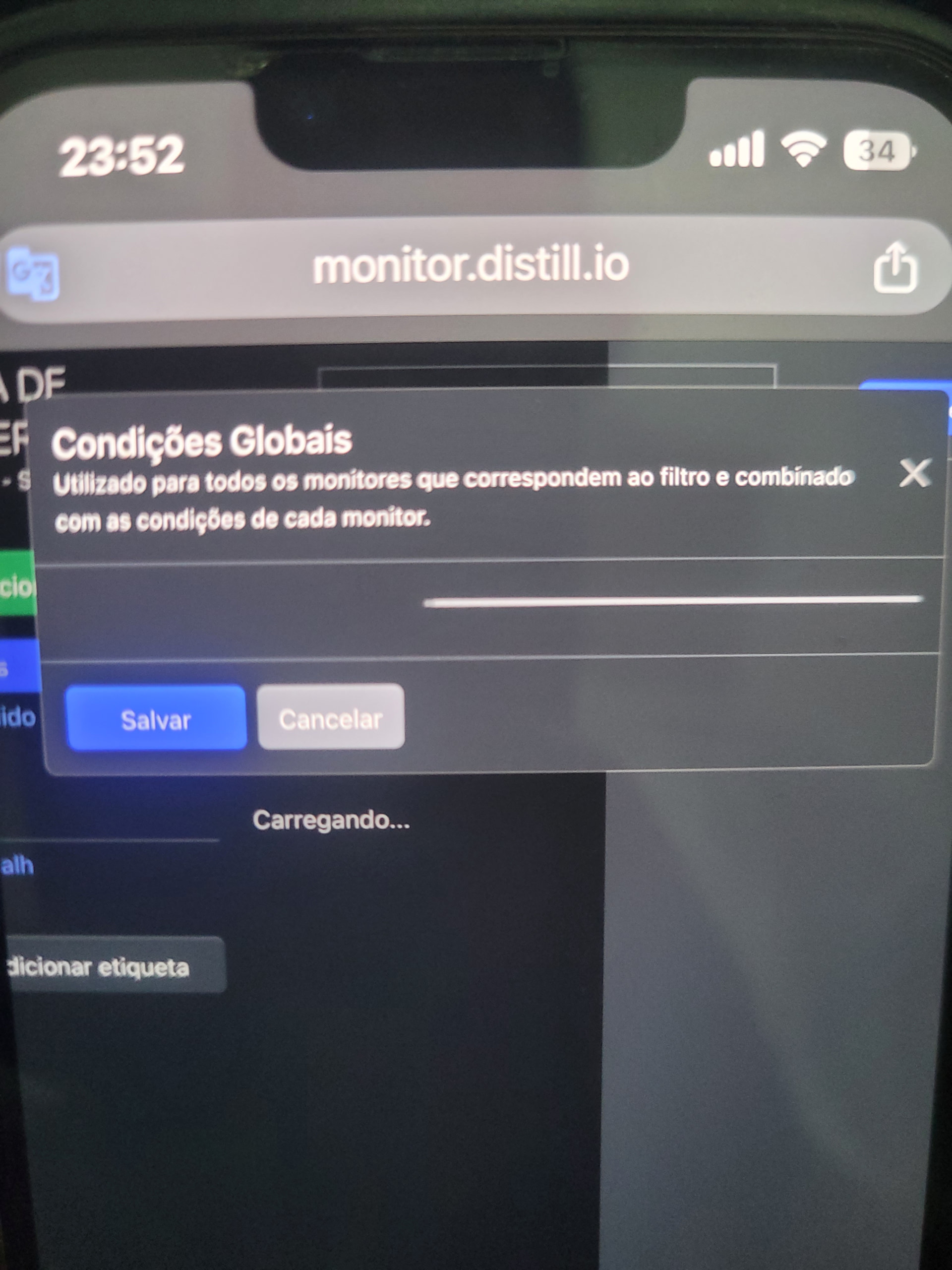
I’m trying to configure the conditions on the website, but it keeps loading and doesn’t show the configuration options. And when I configure it on my phone, I configure and apply the conditions, but it doesn’t work
I’m writing from Brazil, speaking Portuguese, blurred
thanks for reporting the issue @juniorfernandes. did it not working from the start or did it stop loading after a change?
edit: the global condition contained an invalid entry causing the user interface to error out. it has now been reset and you should be able to load it now. any insight into how the global condition was last edited will be very helpful.
It stopped loading after I made changes. Whether on the website or desktop, it stays on the screen I sent earlier, as if it were still loading. I created another account to see if the problem was with my login method, but on this new free account, the settings appear normally. However, I pay for a plan here. The last change was yesterday through the iOS app.
Hi @juniorfernandes
In the conversation you told you changed the global conditions from iOS app, can you help me with the iOS app version you are using? Thanks in advance.