When that message disappears, it means the item is back in stock.
However, Distill doesn’t trigger a notification in that case —
sometimes it even shows an error instead of recognizing the change.
I would like Distill to send a notification when this text disappears.
Is there any way to make Distill treat text removal as a change?
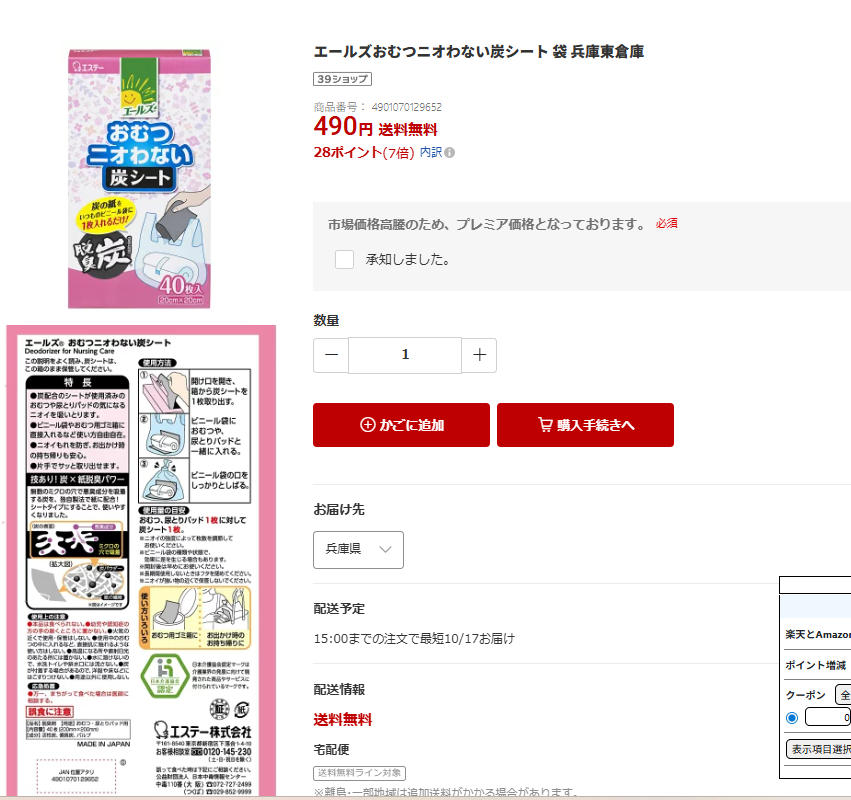
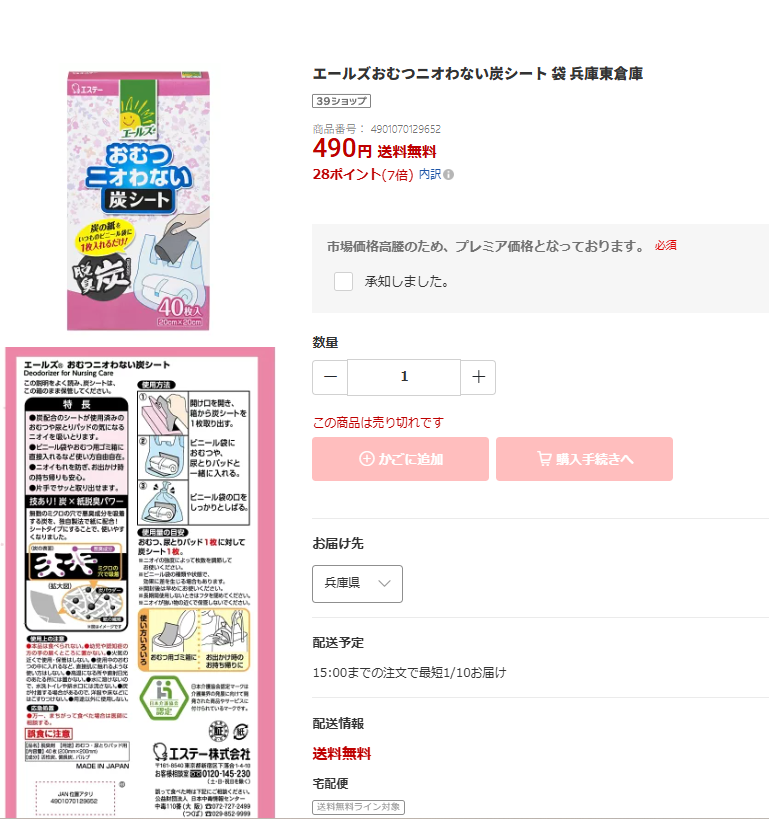
I’ve attached screenshots below to show the situation:
Out-of-stock page (message displayed)
The specific text element
Page when the item is restocked (message disappears)
@daku_daku the simple way to make the monitor work is to include one more element in the selection that is present in both cases. an element like the product title is a good candidate because it won’t change (won’t trigger alert) and should always be present on the page (no selection_empty error).
You are a genius, my friend.
I’ve been struggling with this issue for days and couldn’t figure out the cause.
Your explanation completely solved it — thank you so much from the bottom of my heart!