Not able to create macro

Hi I created macro for this sites and those are not working. i want full table to be captured.

  1. - Montana State Legislature
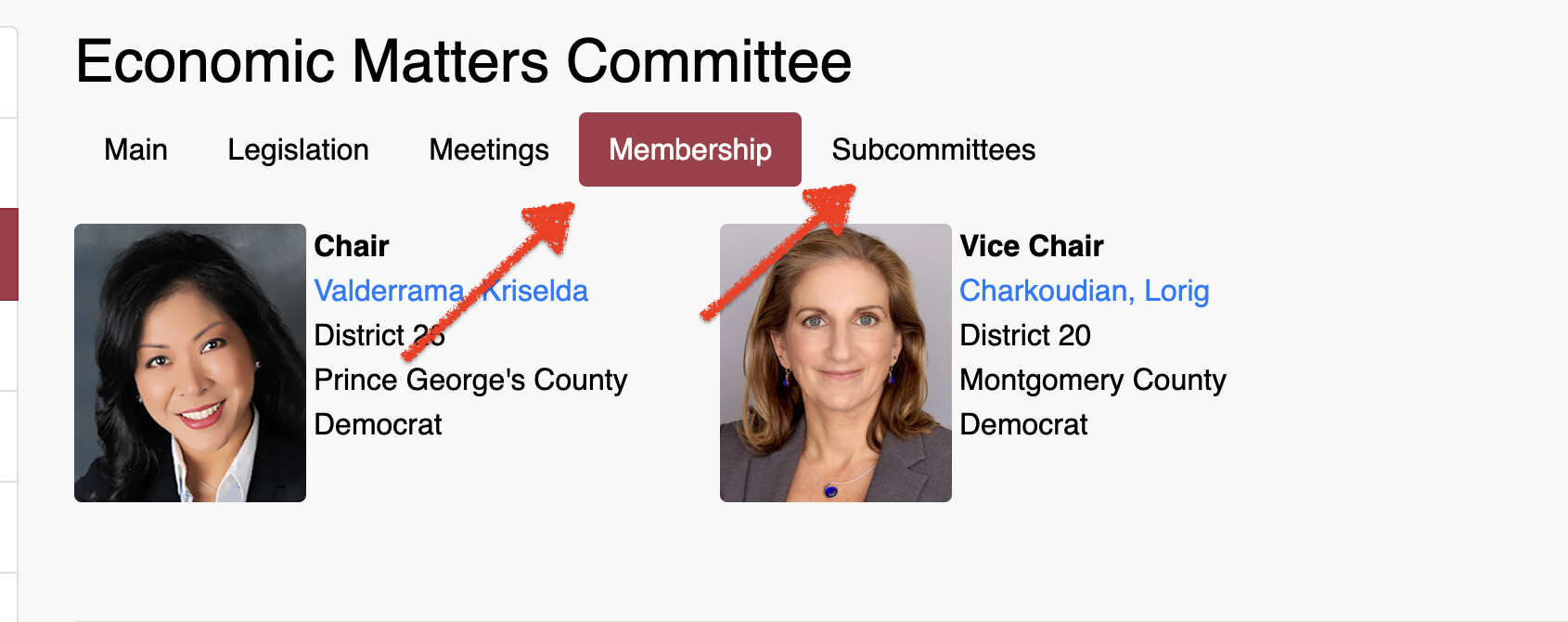
  2. for this site - https://mgaleg.maryland.gov/mgawebsite/Committees/Details?cmte=ecm#divMembership i need to capture details under
  3. can we capture details in this pdf - https://billstatus.ls.state.ms.us/htms/h_cmte.pdf

@srimathi.venkatachal 1.For the Montana State Legislature page, the simplest option is to create a webpage monitor using the CSV version:
https://archive.legmt.gov/legislator-information/csv

Alternatively, to monitor the tables on the webpage:

  1. Create a Macro that changes Show entries to 100.
  2. Create a monitor that captures the full table on page 1 and attach this Macro.
  3. Create a second Macro that changes Show entries to 100 and navigates to page 2.
  4. Create another monitor for the table on page 2 and attach the second Macro.

2.For the Maryland General Assembly page, could you share a screenshot or clarify the exact section and details you want to monitor?

3.We are reviewing the best way to monitor the Mississippi Legislature PDF and will get back to you.

for maryland i want to capture details under both Membership and Subcommittees tab

@srimathi.venkatachal I’ve attached the monitor and macro configuration files for both tabs:

Membership

Subcommittees

Please import these files into your Distill Watchlist and let us know if the monitors work as expected.

@srimathi.venkatachal Regarding the Mississippi Legislature PDF:

https://billstatus.ls.state.ms.us/htms/h_cmte.pdf

The PDF contains scanned images rather than selectable text, so Distill cannot currently capture and monitor its contents. We are working on OCR support for scanned PDFs and expect to support this type of document in a future update.

@srijith Thanks! Can we create distills for these committes? Only when we click we can see the pops information. can that be captured? Alabama Legislature

@srimathi.venkatachal Yes, the committee information shown in the pop-up can be monitored.

Create a Macro that clicks the required committee to open its pop-up. Then create a monitor, select the member information inside the pop-up, and attach the Macro to that monitor.

If you want to track multiple committees, create a separate Macro and monitor for each committee.