No push notifications on any of my monitors which have been set up and running perfectly for months. Now nothing at all. I’m missing many alerts and opportunities while paying for nothing. This seems to have been caused by the new iOS app design. Please help.
@appchasers thanks for reporting the issue. couple of quick questions as requested in the other thread:
- are you receiving notifications using other channels? if you haven’t configured email alerts, you can add the email action for a quick test.
- can you also share screenshots of the following:
- the change history. it shows if notifications were triggered for a change
- the account settings screen displaying the push notification setting’s status. id displays the push notification setting’s status.
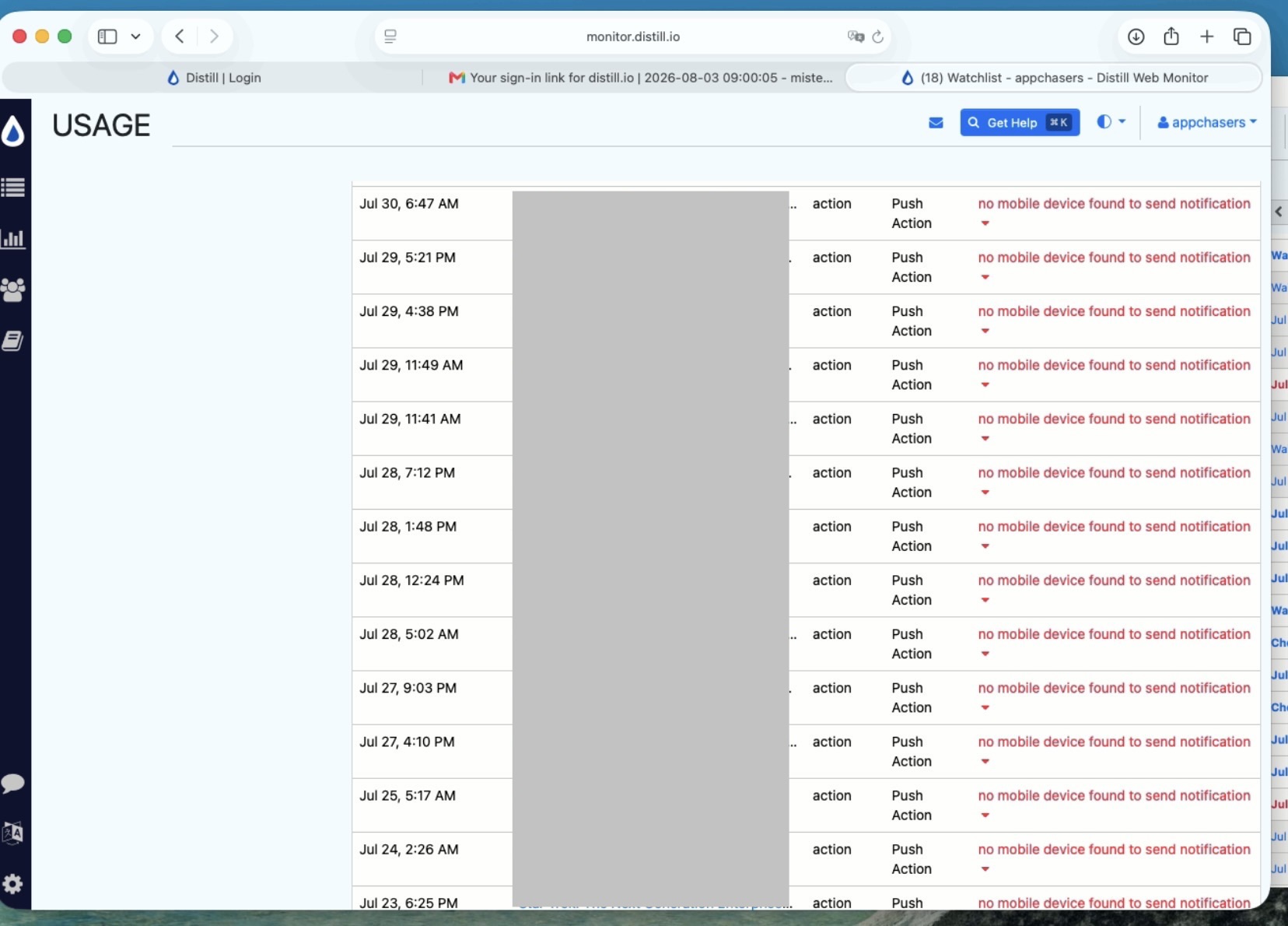
Thanks for the reply. Here is my change log. Interestingly you can see it says there is no mobile device to send the push notifications to. But the second image is from my iPhone Air that I currently have the distill.io iOS app installed on and with push notifications enabled. I’m also logged into the same account and can see my watchlist on the iOS app.
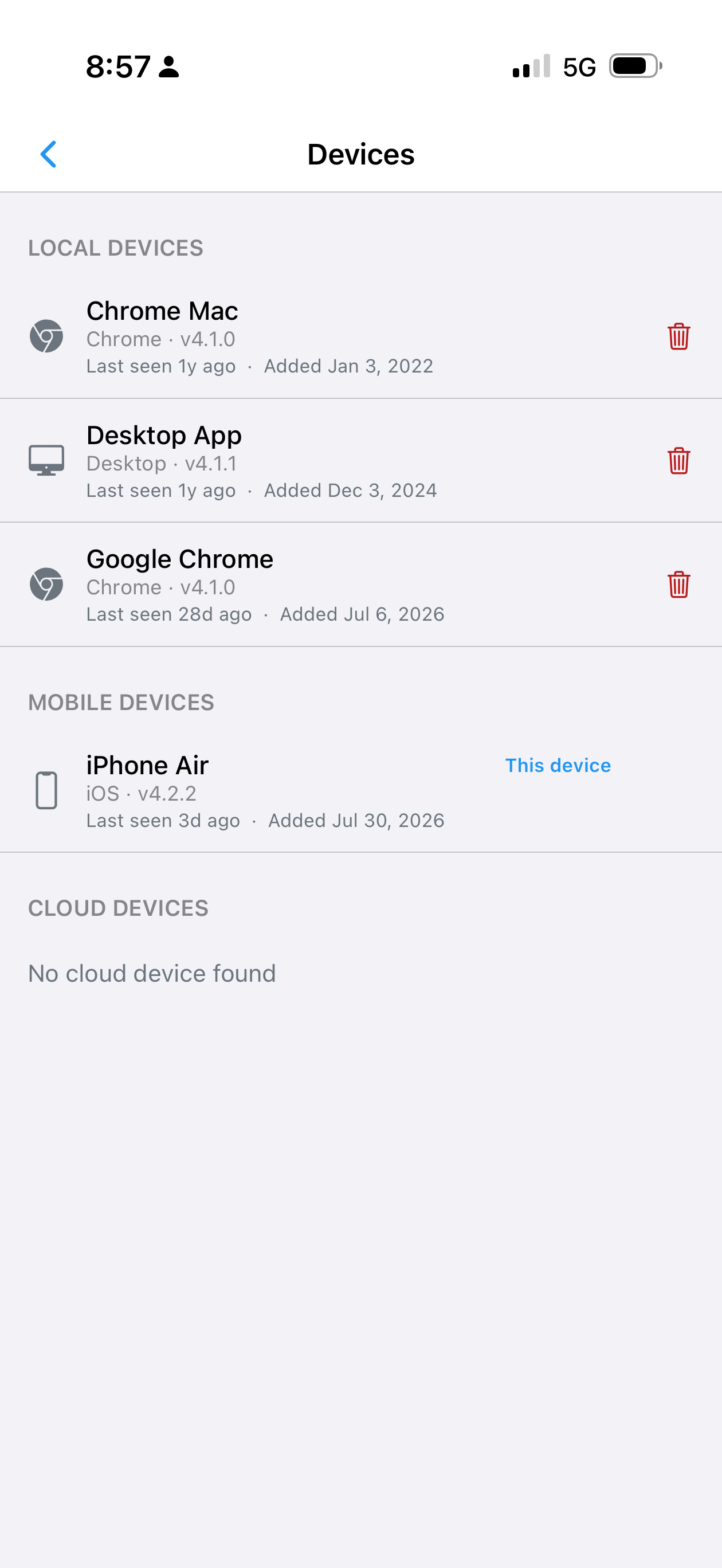
thanks for the screenshots. it looks like the ios app failed to register itself. can you share a screenshot of the ios app’s “Account” screen that lists the push notification settings too?
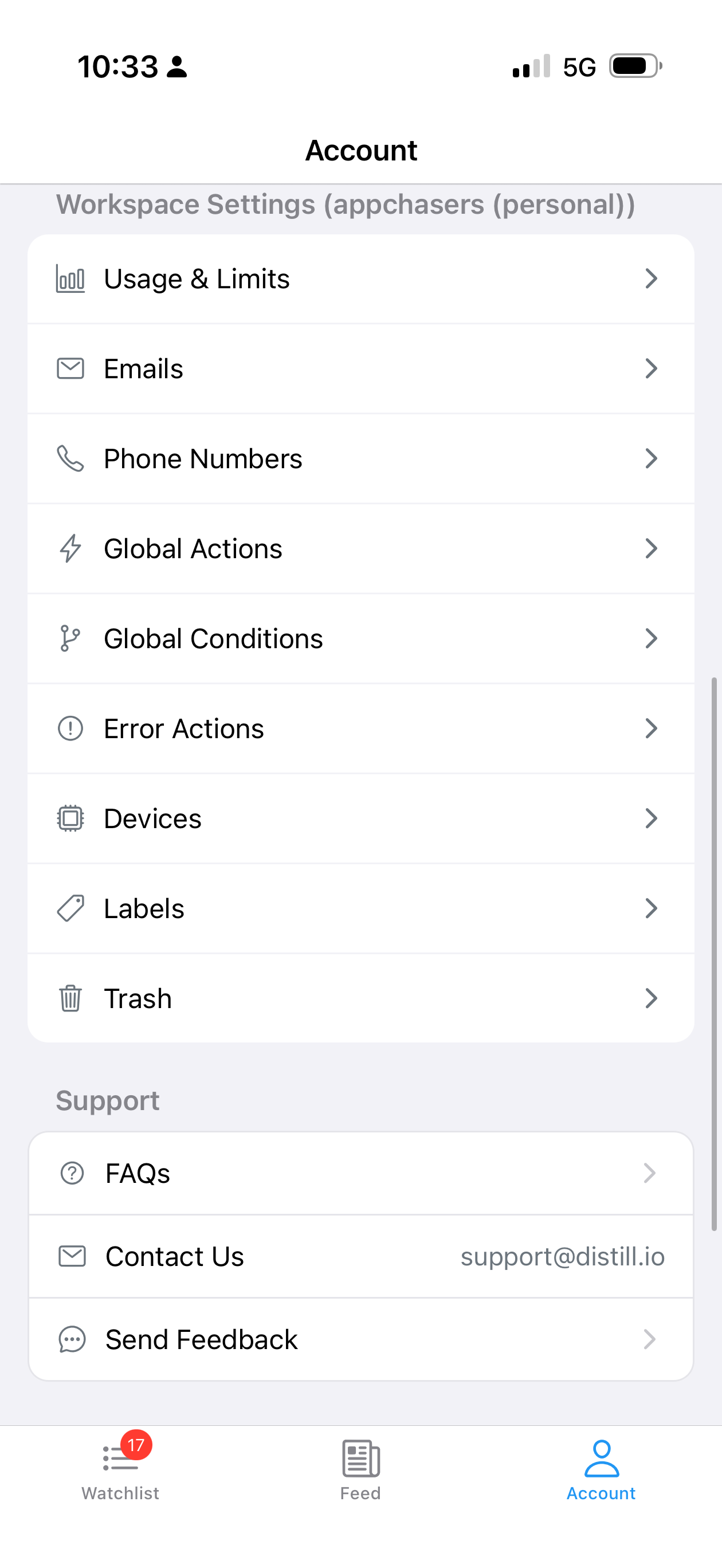
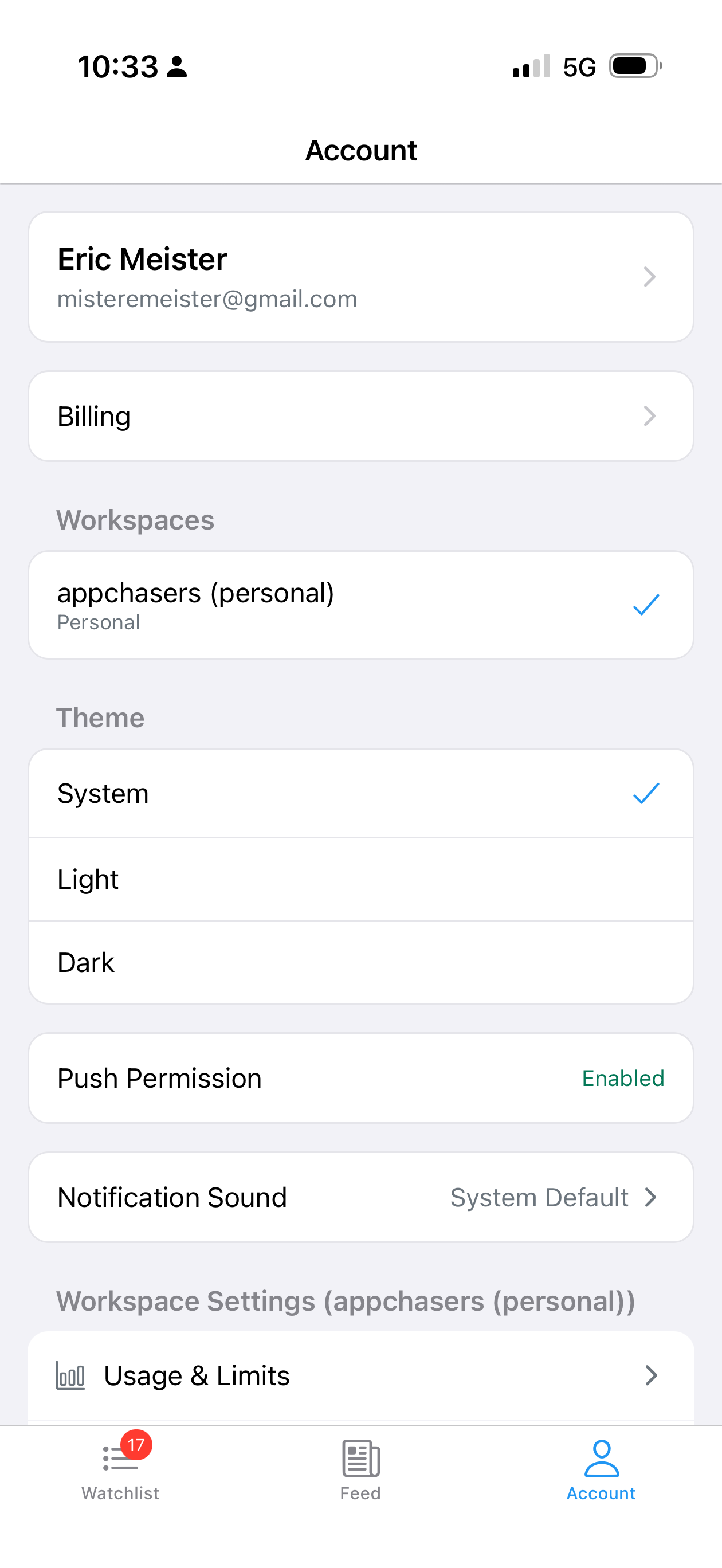
thanks. do you have newer action logs that are logged on of after 31st july? the reason i am asking if because the app’s update seems to be have been registered on the 30th.
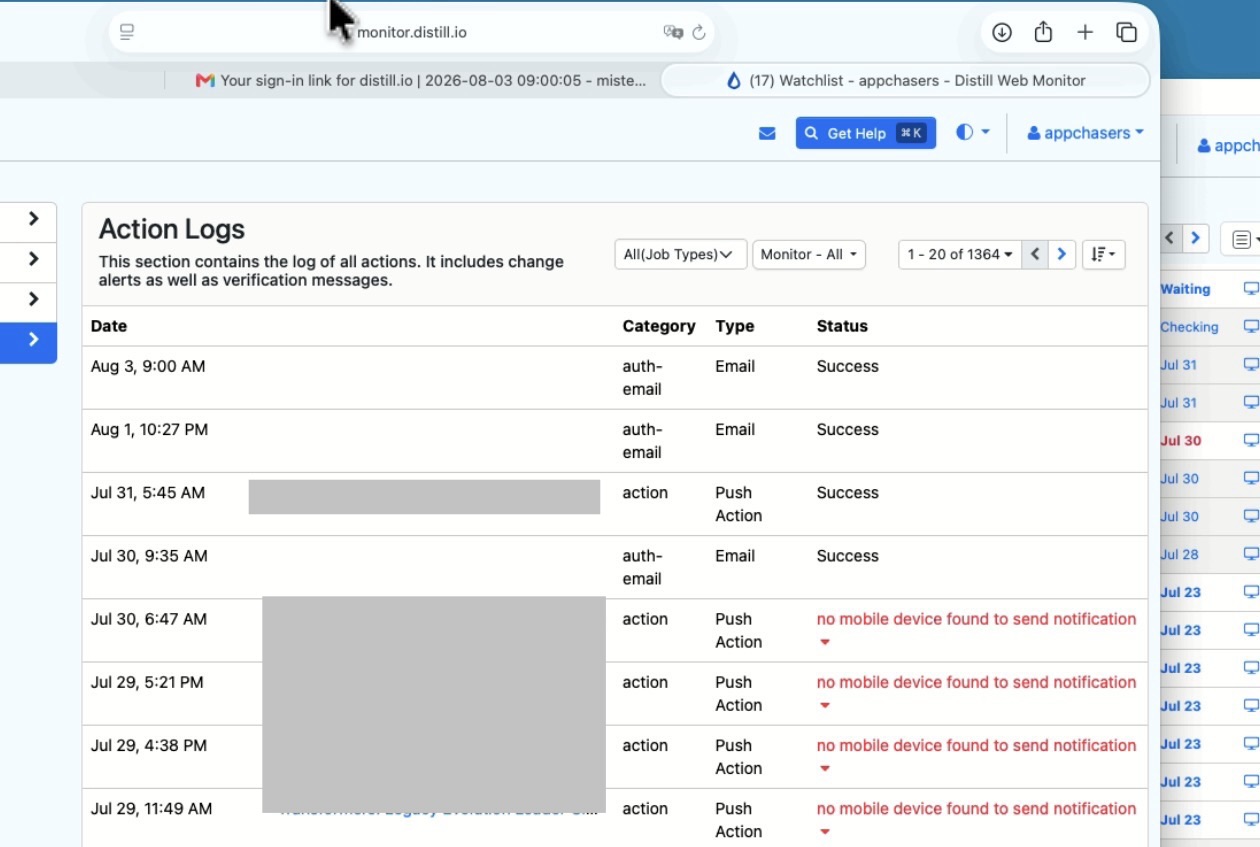
the one sent on the 31st with success status should have received. do you recall getting one?
can you create a test monitor for https://www.timeanddate.com/ to test the notifications? i will recommend adding one more notification channel like email to complement it for the test. let me know what you find out. thanks!
Thanks for the idea. I created the timeanddate monitor with push, email, and sms notifications. It’s checking fine but not sending any notifications. Still nothing from any of my monitors.
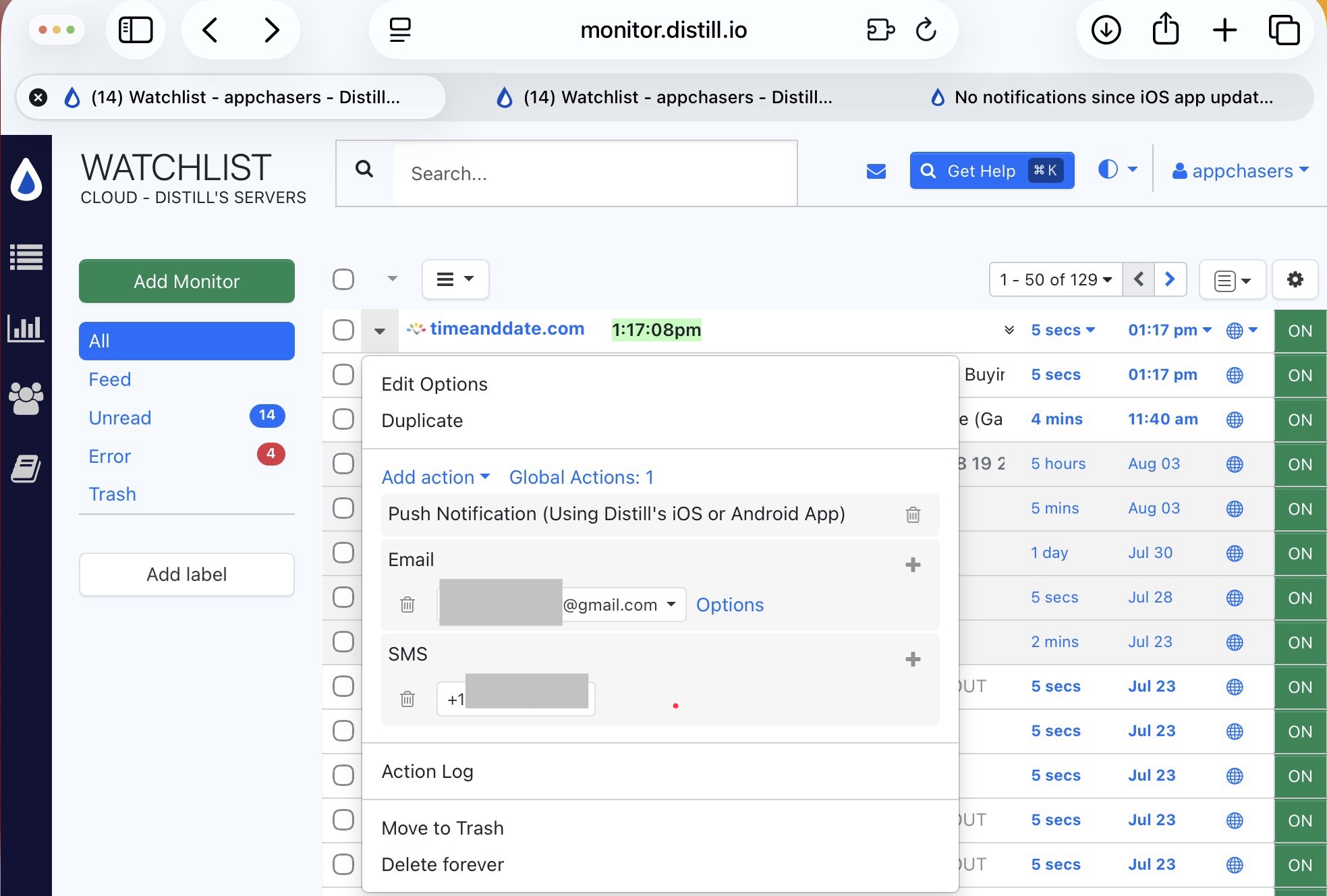
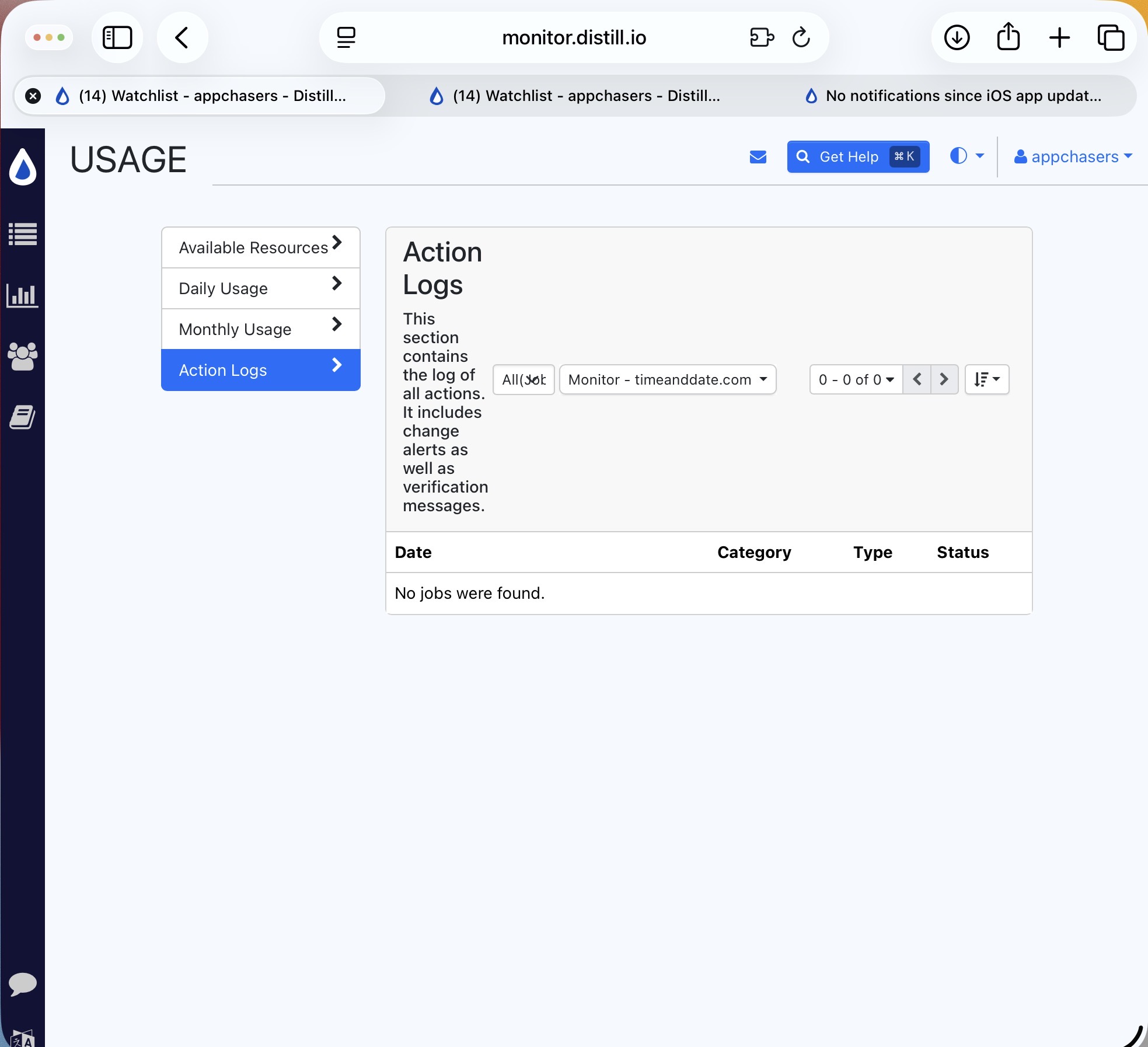
thanks for the screenshots. it indicates that the local device that is performing the checks didn’t trigger any of the actions despite the changes and no condition being set on the monitors.
as a quick test, can you switch the timeanddate monitor to cloud and see if that triggers the change? if it the local device is the source of the problem, our support team may need to connect with you to help debug this.
Hello, thanks for the idea. The local monitor which is the Distill app on my Mac seems to be the problem. The cloud notifications are working great as indicated in this screenshot.
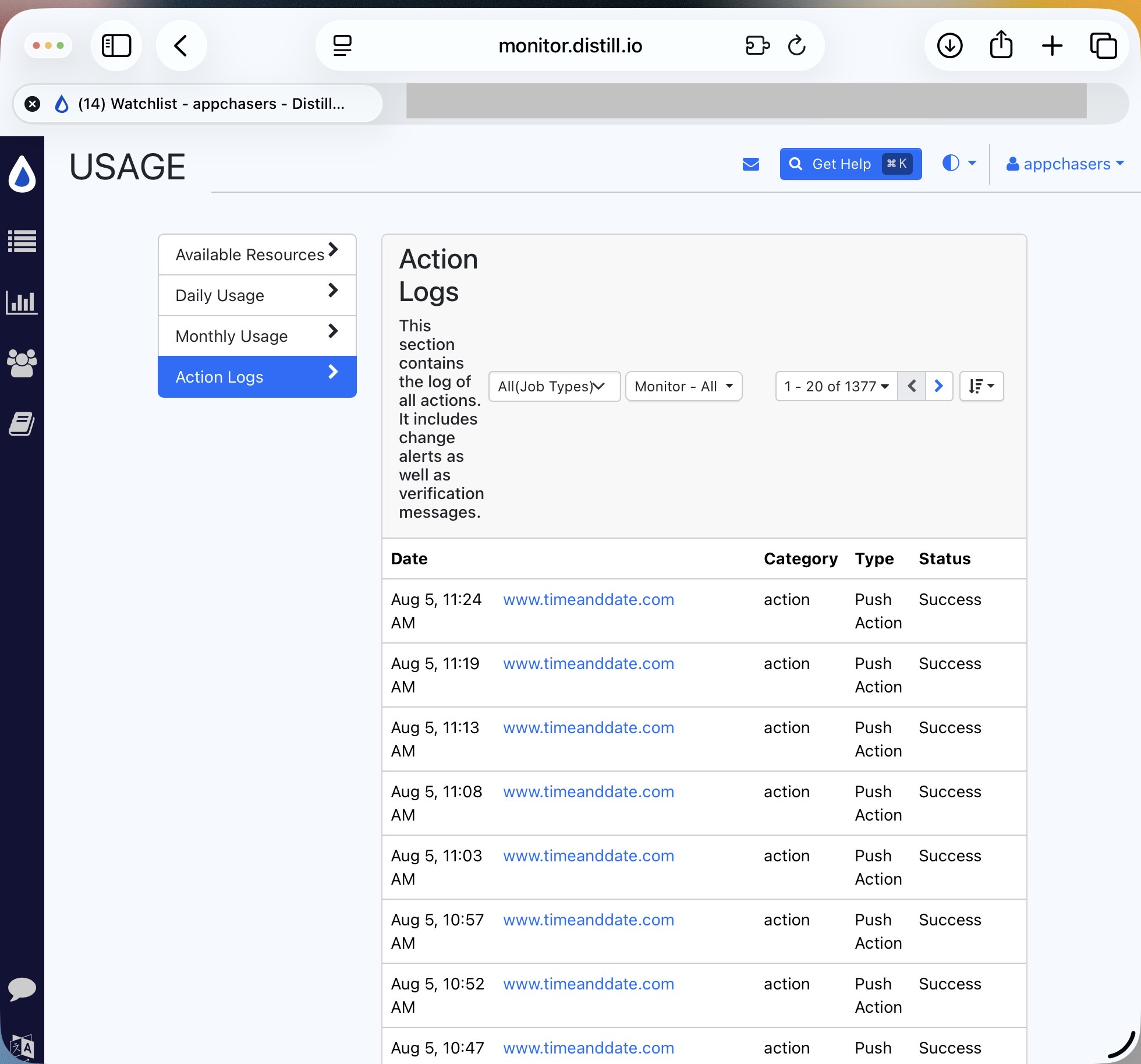
I’m currently running Distill 4.1.1-beta on my Mac.
@appchasers Thanks for testing this.
Could you please reach out to us by email at support@distill.io? We’d like to connect with you directly and debug the local device issue further.