I wish to monitor the page beyond this one, I can’t copy paste the link with the over 12 already selected as it’s the same url.Any guidance would be appreciated, preferably in laymans terms. I’d be happy to pay for distill if needed.
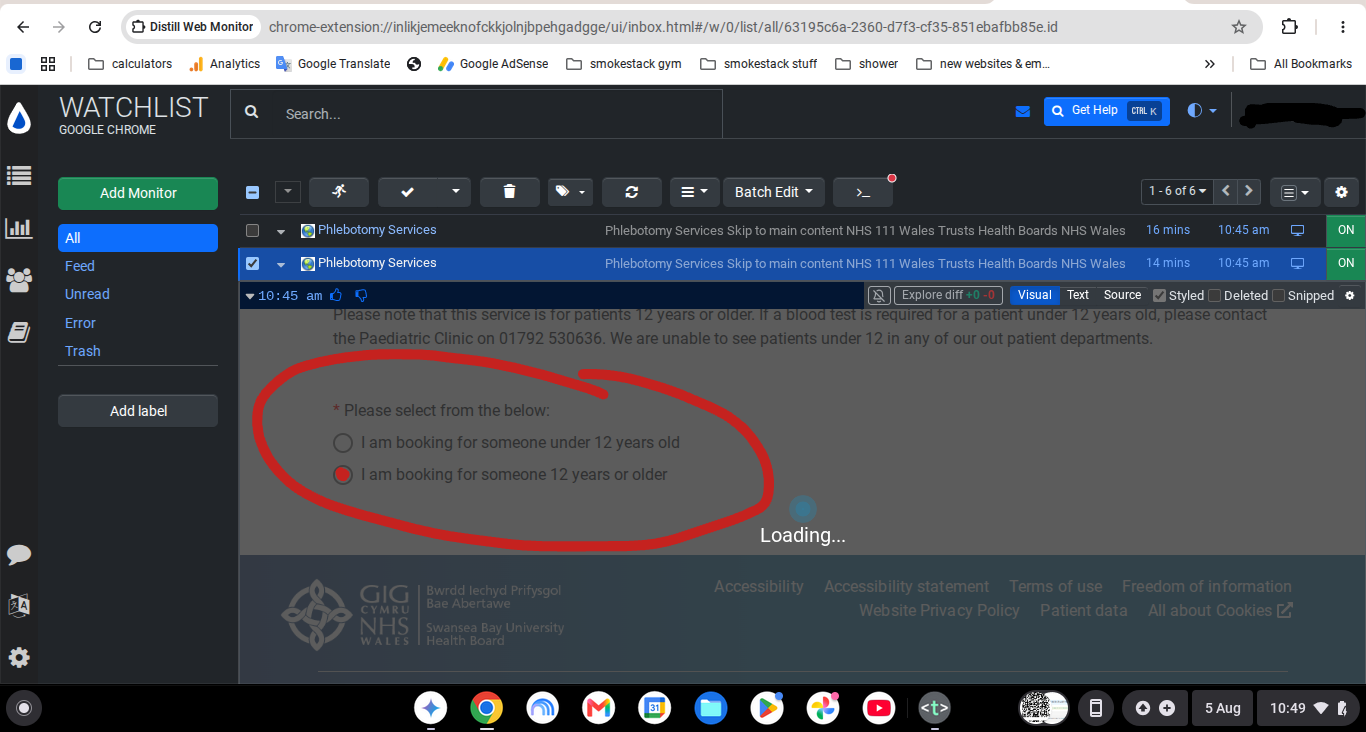
@foreman.ma do you need to fill that form on the page before monitoring its content?
Thanks, yes the selection needs to be made, then click on ‘book’. There is then a calendar which I assume is embedded in the same page. That is what I wish to monitor for appointments.
@foreman.ma In this case you would need to use a Macro.
In simple terms, a Macro lets Distill “repeat” the steps you normally do manually before reaching the page you want to monitor. For example:
-
Open the starting page.
-
Select the required options in the form.
-
Click Book.
-
Wait for the calendar or appointment page to load.
You can follow this guide to create a Macro:
https://distill.io/docs/web-monitor/macro-to-record-replay-actions/
After creating the Macro, you can use it while creating the monitor. Distill will replay those steps first, take you to the calendar page, and then you can choose the part of the page you want to track.
Please note that Macros are available on paid plans.
If you’re not able to figure it out, please email us at support@distill.io and we can guide you further with the Macro and monitor setup.