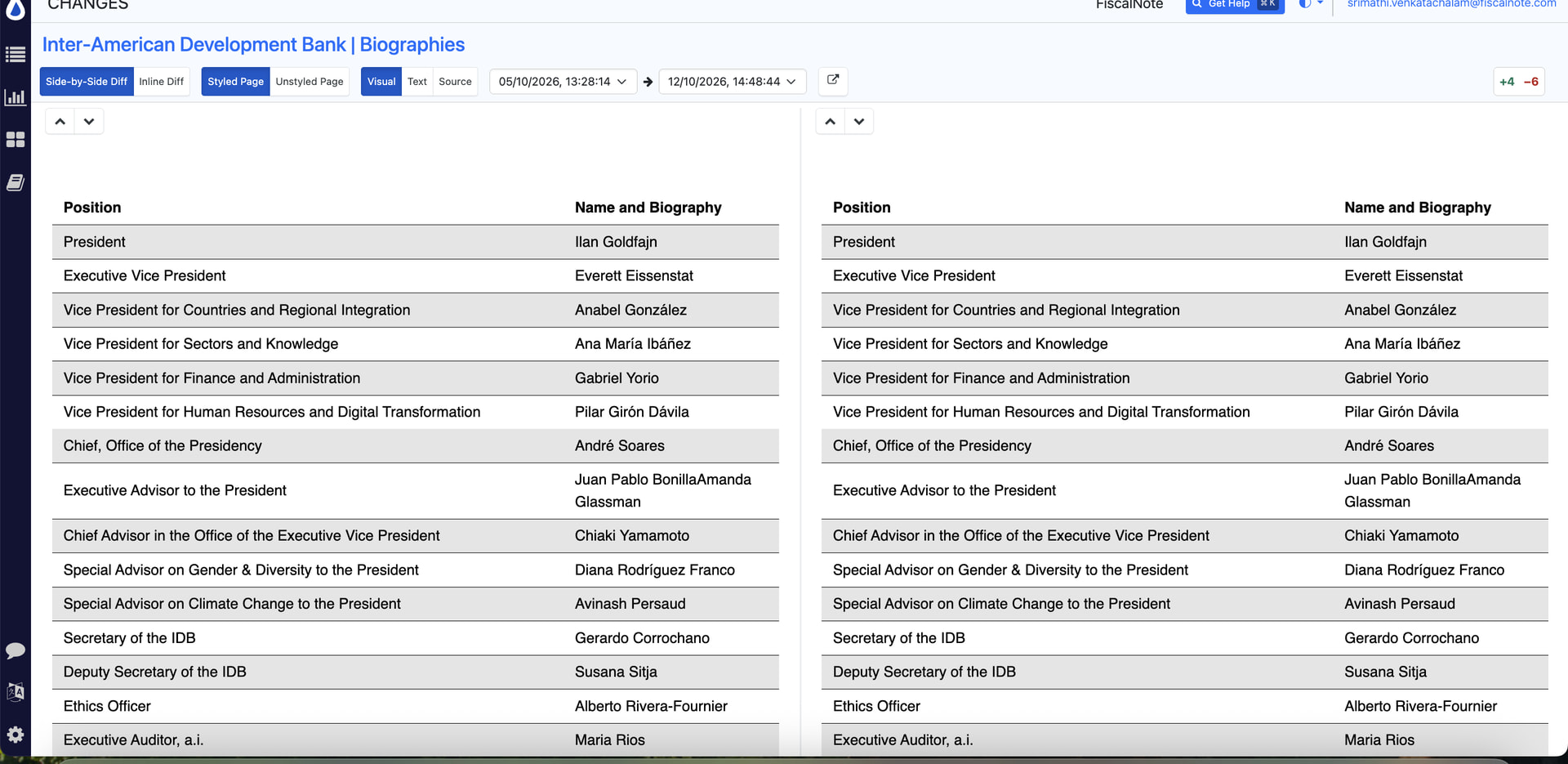
Monitor only showing text differences instead of visual changes

I noticed that the monitor is only detecting text-based diffs for this site, but it is not picking up or displaying the visual. I want this full table to be visually captured is there any way? Text difference is a bit messy.

site: https://www.iadb.org/en/who-we-are/how-we-are-organized/management-biographies

@srimathi.venkatachal Yes, we are aware of this issue. The table is rendered inside a Shadow DOM, which is why Distill can detect its text but cannot currently display the complete table in the visual comparison.

Our team is working on improving visual capture for these elements. We’ll update you once the fix is available.

@srimathi.venkatachal We’ve released a fix for this issue.

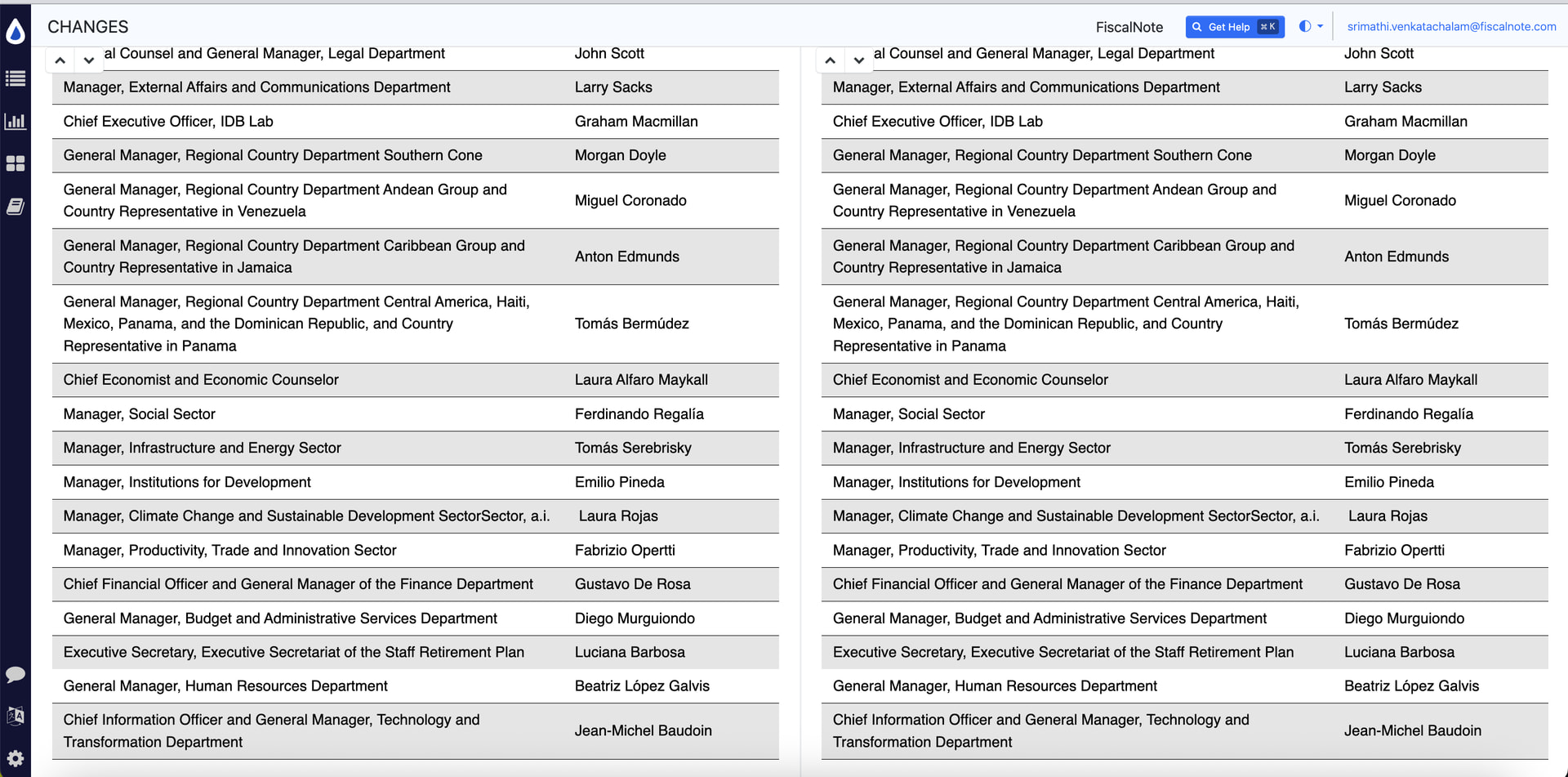
Could you please try creating a new monitor for the webpage and selecting the full table again? The table should now be captured and displayed correctly in the Visual Diff.

Please give it a try and let us know if you still experience any issues.

Created new distill for this website. Now we can see the visual difference. thanks!

1 Like

We got changes alert but there is not changes shown in visual. We can see the changes in text only.

Please check this link aswell. Table content is not getting captured - Find MLA by Constituency | Legislative Assembly of BC

@srimathi.venkatachal Thank you for reporting the issue with changes not appearing in the visual diff. Our team is investigating it.

For the following page:
https://www.leg.bc.ca/members/find-mla-by-constituency

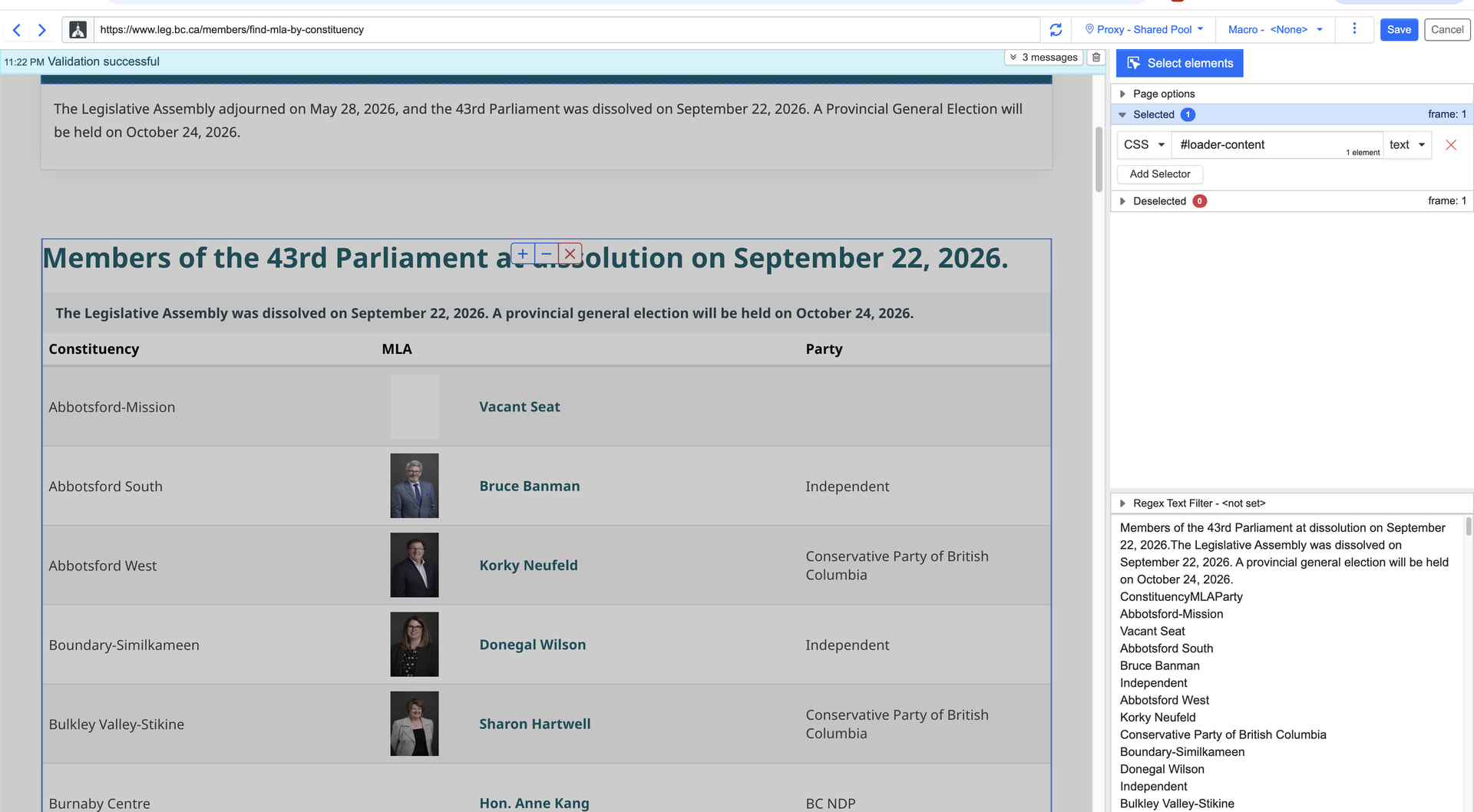
Could you please create a monitor using this CSS selector?

#loader-content

Please let us know whether this captures the table content correctly.

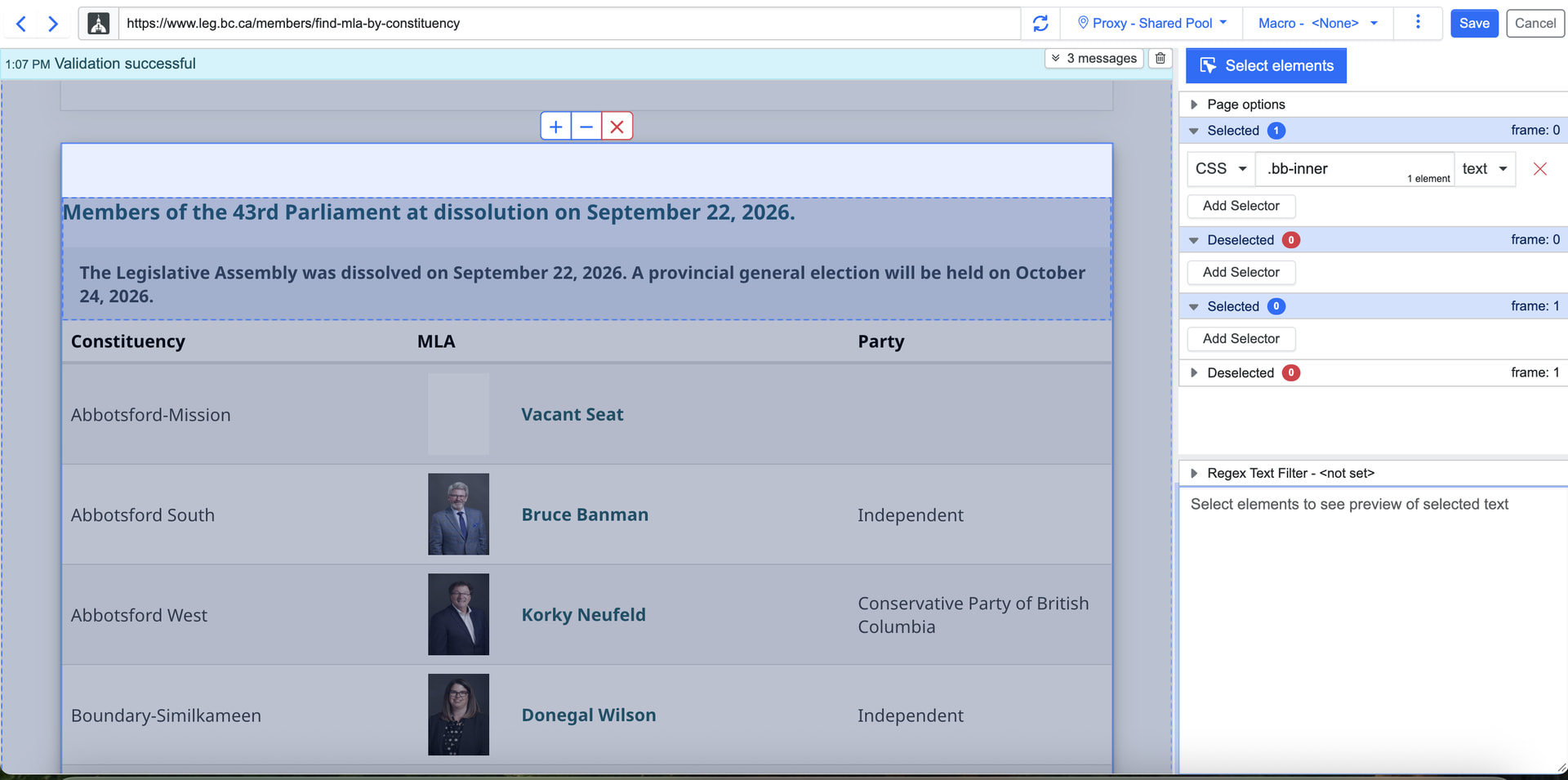
already tried it no elements in the table are getting selected

@srimathi.venkatachal The table is loaded inside an iframe, which is why its elements cannot be selected from the main page frame.

I’ve attached a screenshot showing the table content selected within the iframe, along with the monitor configuration file,

export - 11-25_2026-10-14.json (744 Bytes)

Please download the JSON file, import it into your Distill Watchlist, and let me know if it works.

After importing the json file, new distill distill has been created and that captured table content. Thanks!

1 Like