As my question states, I would like to create a macro that allows me to do the same steps no matter which URL is monitoring.
So far Ive struggle to achieve this, since the macro requires either the URL at the header of the Macro or with macro command “open”, which limits me to use a macro per monitor.
Simple as, I want to run the same macro on all the pages im monitoring.
@ezkape thanks for reaching out. usually, macros are specific to a website because of how the selectors are. can you share more details about your use case of creating a macro that can be used across multiple websites? we can consider adding an option to use macro across multiple websites if it makes sense. thanks!
Im using the tool to track prices on Amazon, Ebay and other local pages here in my country (Outside US) for specific products that are low on demand and restock randomly.
The tracking monitor URL is different on each page and each macro is assigned to this URL, so it’s a 1:1 relation. However the macro action itself is no different between each URL Domain. Currently I use 6 macros for my 6 monitors.
Selectors and macro config does not change at all. (I’ve tested the same macro only changing the URL and achieved the expected result any time I simulated)
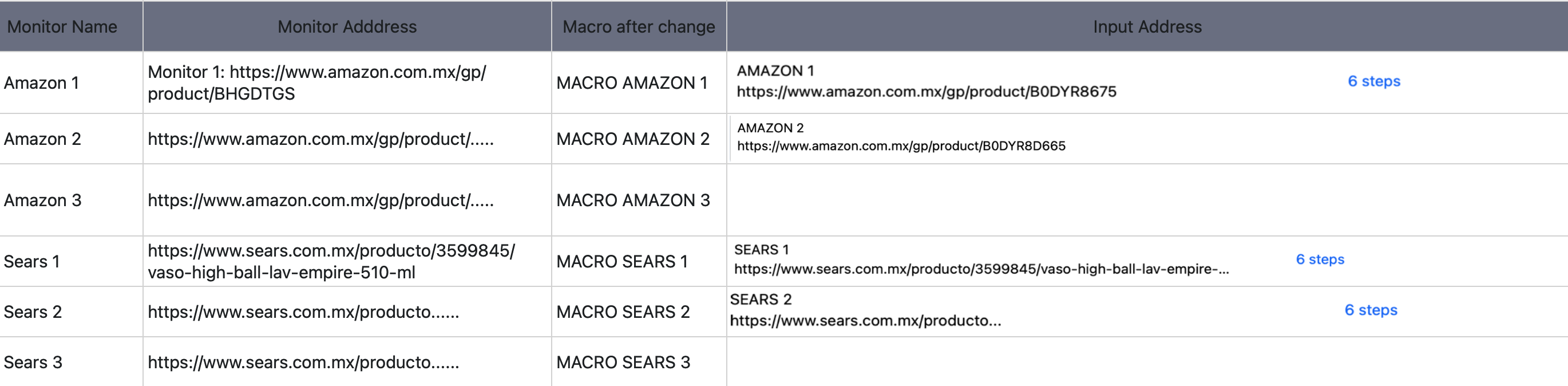
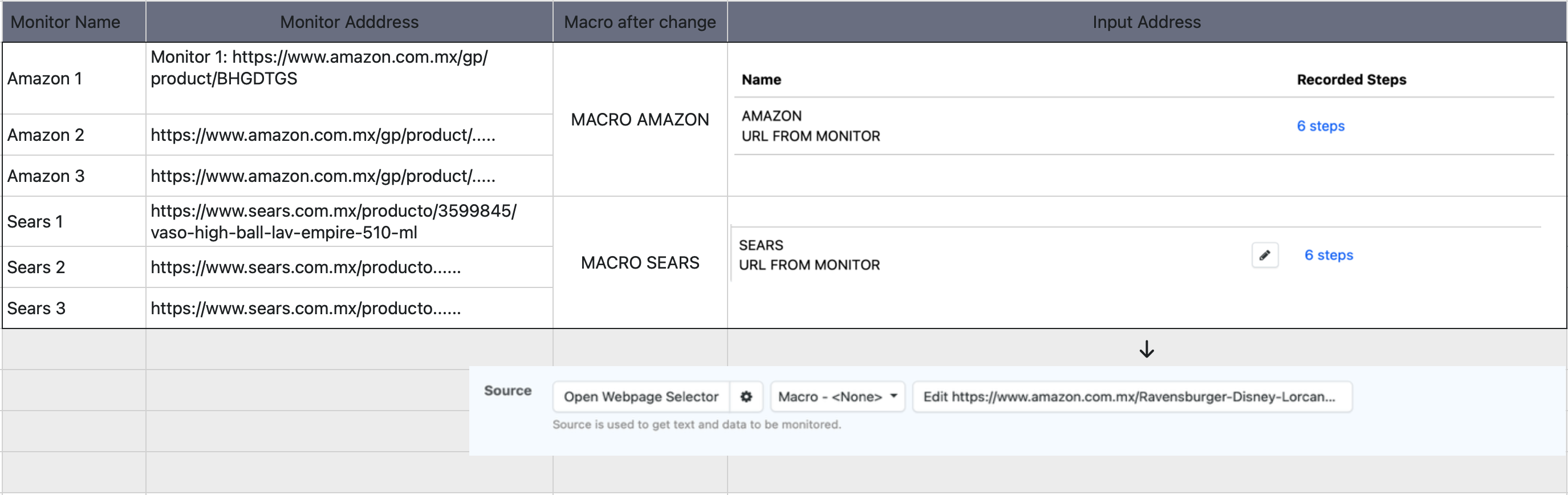
This is the current scenario according to what I learned in the past weeks.
This means that the macro itself its not linked to an specific URL and its taking the Monitoring URL as substitution.
On Macro, since the macro action is exactly the same for several of my monitors, only each URL is different.
Amazon macro action is one no matter the URL. This means that if I have 3 monitors in amazon, the Macro will work on any of them.
----- So if my macro is to add to cart and purchase, will do so in all the monitors that has this macro as ac action.
Sears macro action is one no matter the URL, same situation as amazon. Only one macro to do all actions the same in all the monitors.
----- So if my macro is to add to cart and purchase, will do so in all the monitors that has this macro as ac action.
In both cases selectors does not change at all as long as I use the Amazon macro on Amazon pages and Sears Macro on sears pages.
Macro reduction from 6 to 2 overall, allowing to create macros for specific tasks on the Open Webpage Selector. (Ex. applying macros to click “not spam buttons” or "im not a robot confirmations which in this pages requiere to do so).
I hope this is clear and it can be implemented. Such an amazing tool IMO and this could be an amazing push and no so complicated to implement (I hope!)
you can create 1 macro for sears and use that 1 macro for all pages from sears if all of them need the same set of steps. note that the macro is not linked to 1 specific url – it can be used with any monitor from the same domain.
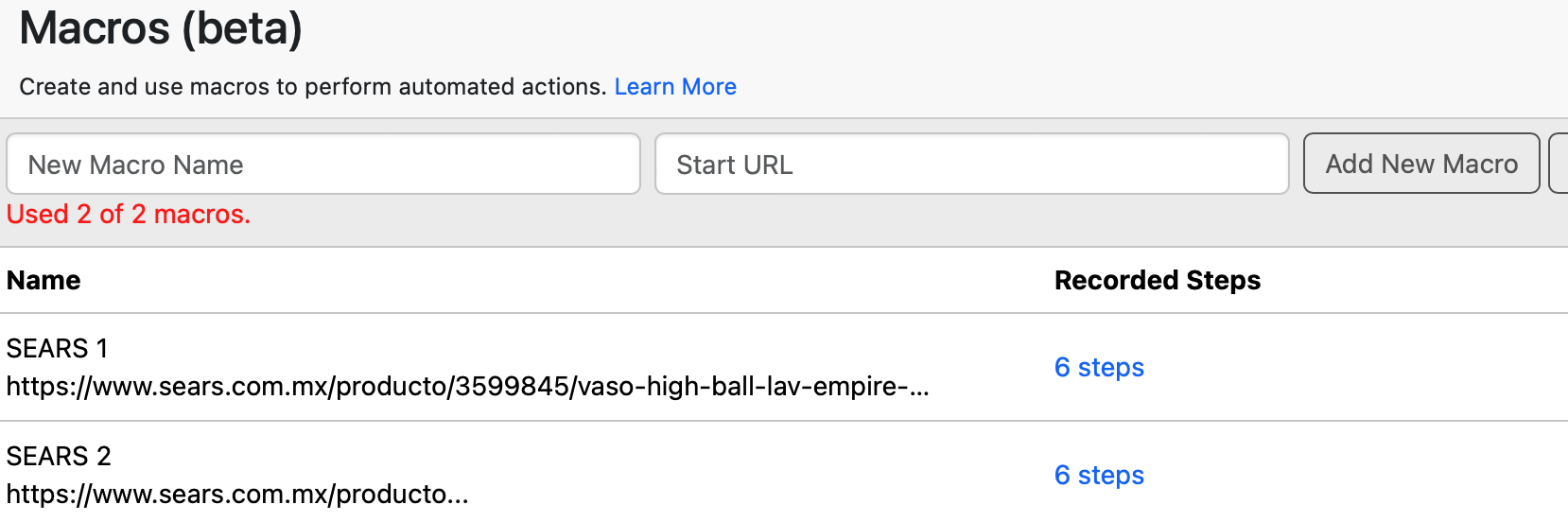
How how do I configure the macro so, this unique macro runs on any of the pages no matter which one triggers it? Macro itself from what I understand requires a Start URL
In this example the url domain (sears.com.mx) is only relevant to configure the macro steps, which will be the same in all monitors, however not for anything else since the full URL of the product is different and macro requires it as START URL.
otherwise does not open anything and since each monitor is a different url but in the same domain, that-s the reason for me to ask how can I request the macro to read the specific monitor url instead of the start url that it request or leaving it blank.
From what Ive tested:
If I leave the URL blank, does not open anything and macro fails.
If I leave the domain only it will got to that domain but not to the specific product and macro fails.
If I put in the macro the url of the product (lets call it product A) it works on what I need for that specific product ( product a) , but assigning the macro to product B will trigger the macro for the product A always due to the start URL which is fixed.
I hope this is more clear and any support is appreciated.
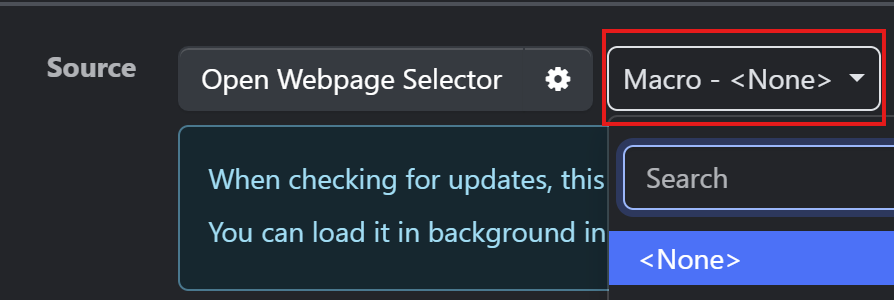
you can select the macro for the monitor on the monitor’s options page. notice the option to select the macro in the following screenshot from the options page:
the dropdown lists all macros created for the same domain. the “Start URL” is used only when creating the macro. that macro can be used for any other url belonging to the same domain.
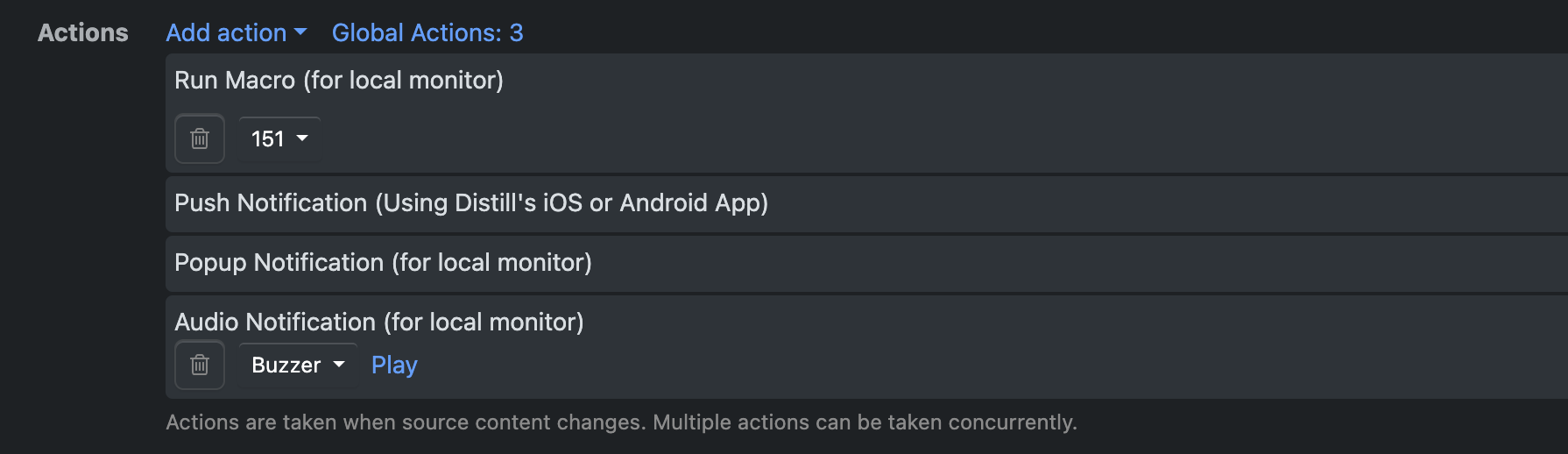
Ive tested and this is not what I need. I need the macro to run after a change is detected, not as part of the monitor. itself
The manual states:
In Distill, you can use Macros in two ways:
For monitoring the desired section of the webpage, where the content displays only after the web page actions (button click, scroll, etc) are performed.
As a Macro action after Distill checks the web page for changes. When Distill detects a change in your monitor, Macro will replay the actions on the web page
As far as I read in the Macro guide, and even in the tutorials it states that the macro is configured as an action when a change is detected and it’s not part of the general action. And since I need the macro after distill detects the change, the URL is a must and will not take the monitor URL, I’ll take the URL configured.
Im still in need that the URL that the macro takes AFTER the change is the one in the monitor, no the one provided in the macro.
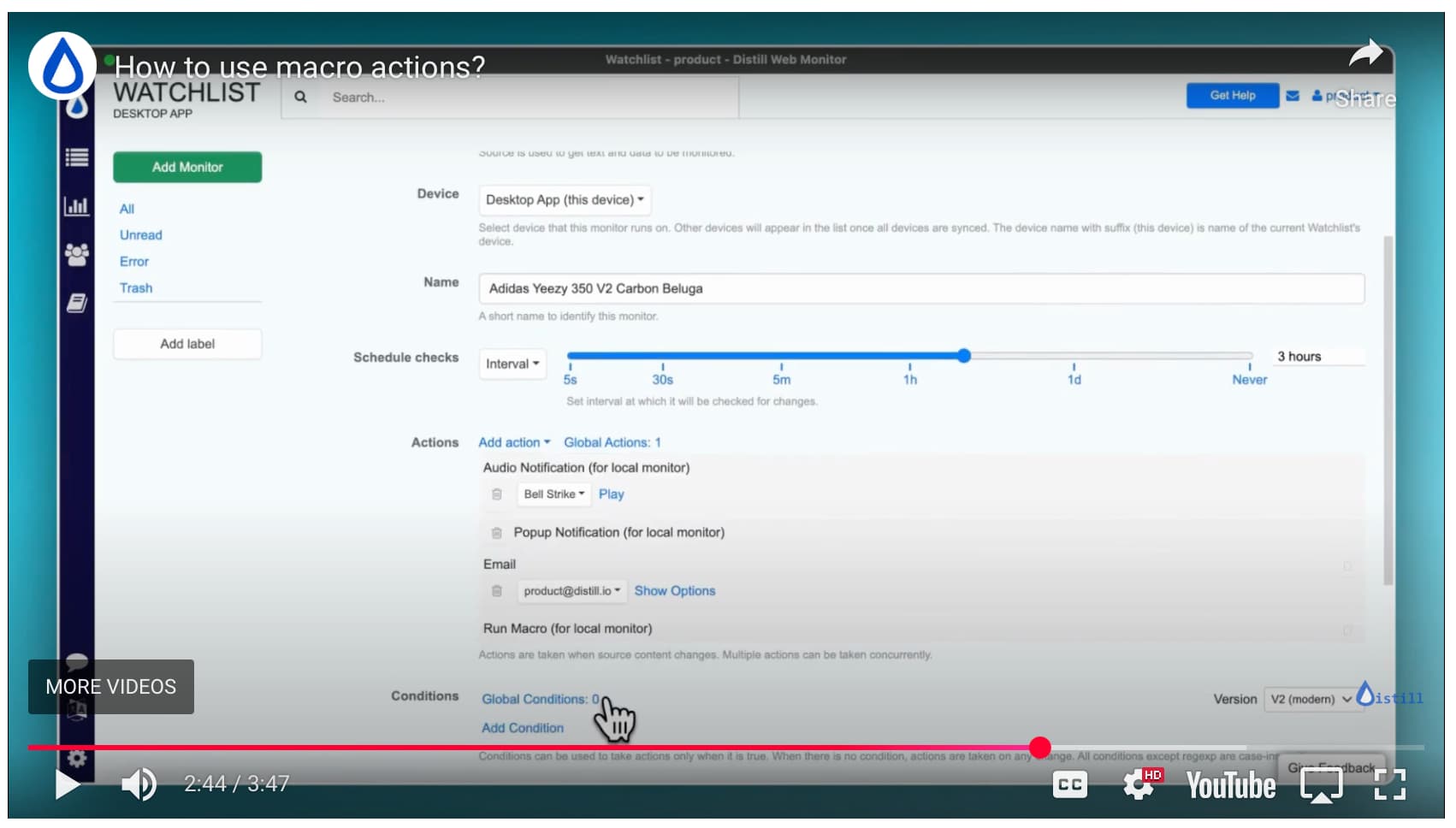
If im doing something wrong I would appreciate a step by step guide, since im not achieving expected result nor finding a way to do so even with the provided documentation.
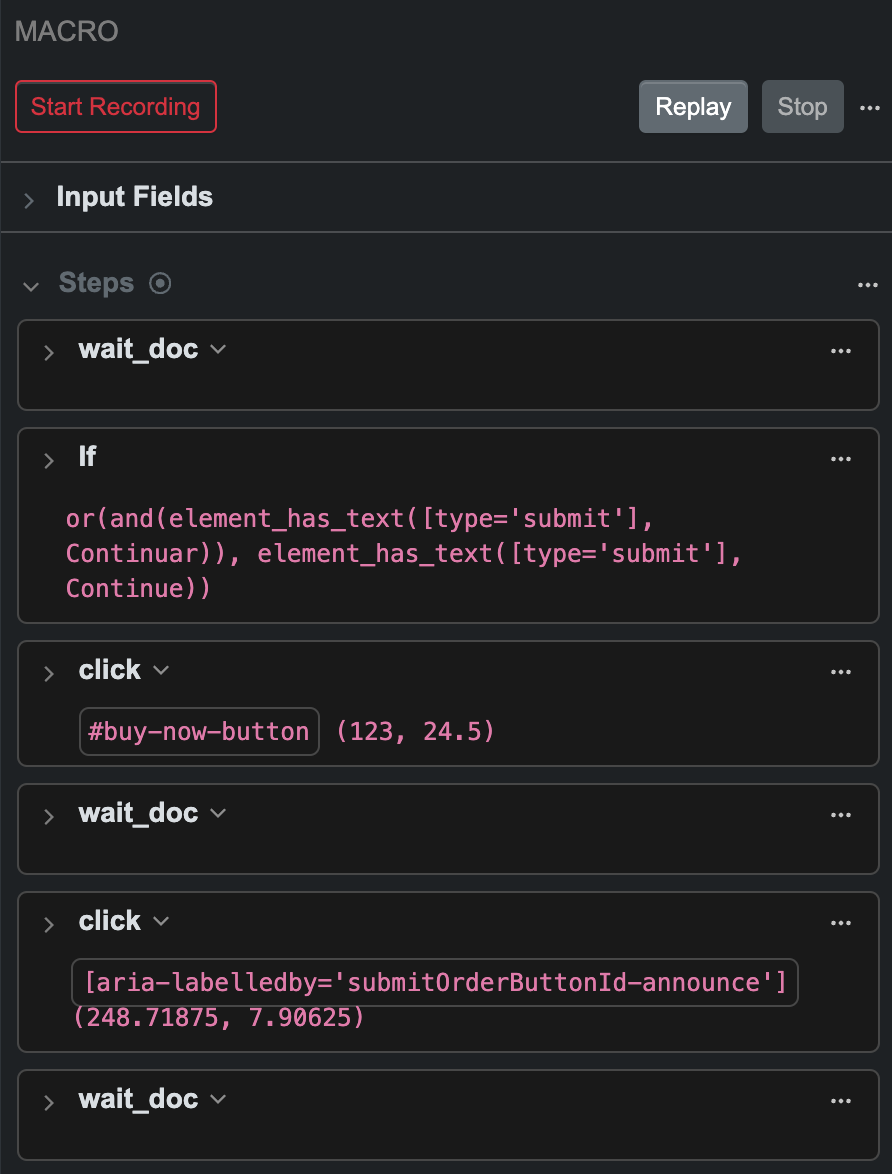
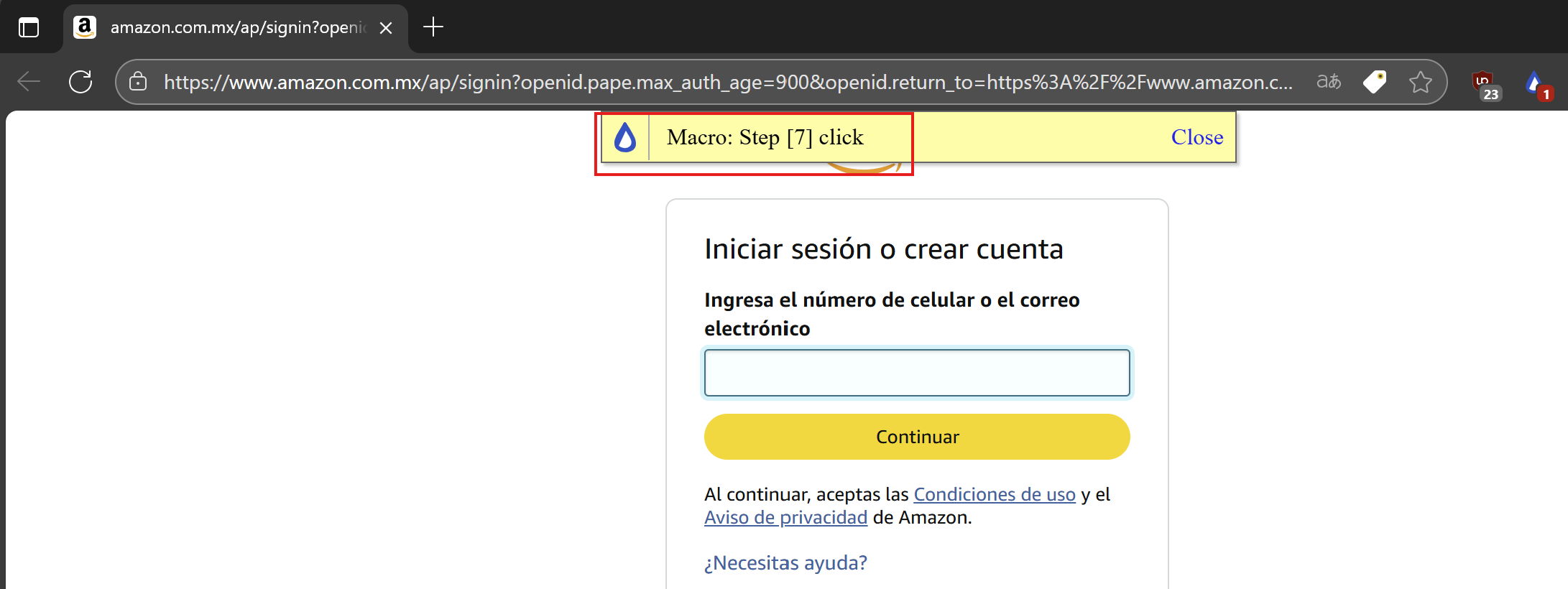
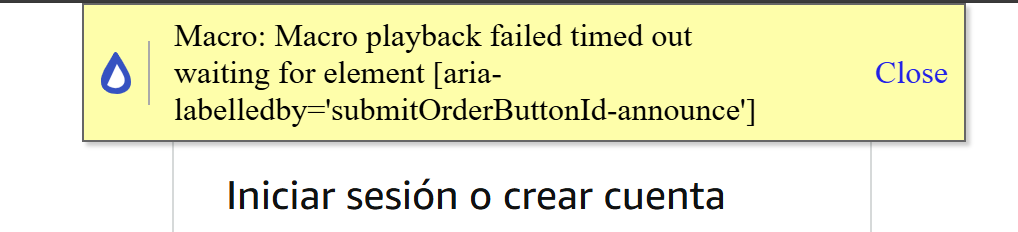
In this case the macro crashes as soon as the window opens in real scenario. However on testing this does not happens. The if is created because sometimes the webpage thinks i m a bot so its opening a different url, as soon as the button is clicked it redirects to the url of the monitor. This is not a pop up or a different window.
Additional information, this crash occurs when the windows that opens does not have the validation button (if section)
The error itself is generated as soon as the desktop app opens the window. It simply doesn’t run at all.
Ive tested removing the “IF" section on the chrome extension and it works fine (macro fails because last button is not found as you mentions, but on Desktop app it simply does not start at all.
Ive tried to change the wait_for for a wait for element but still it doesnt matter. On desktop app does not run at all.
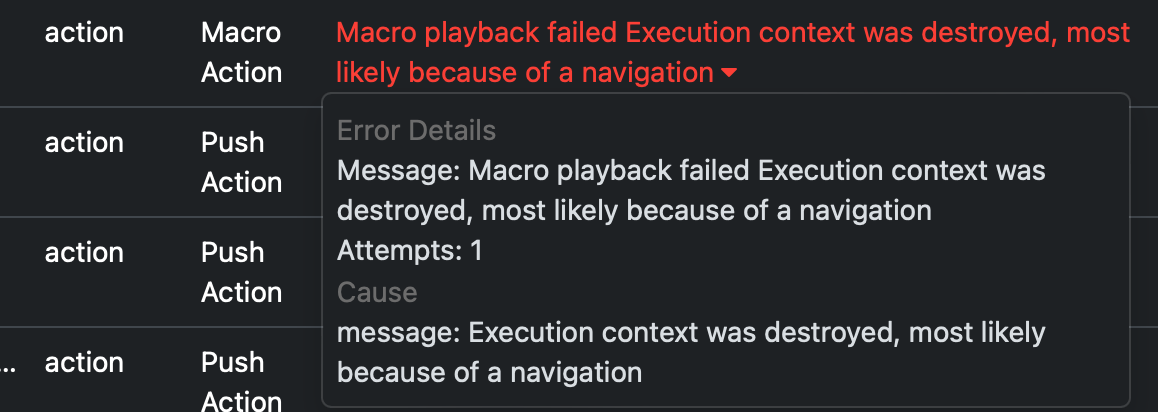
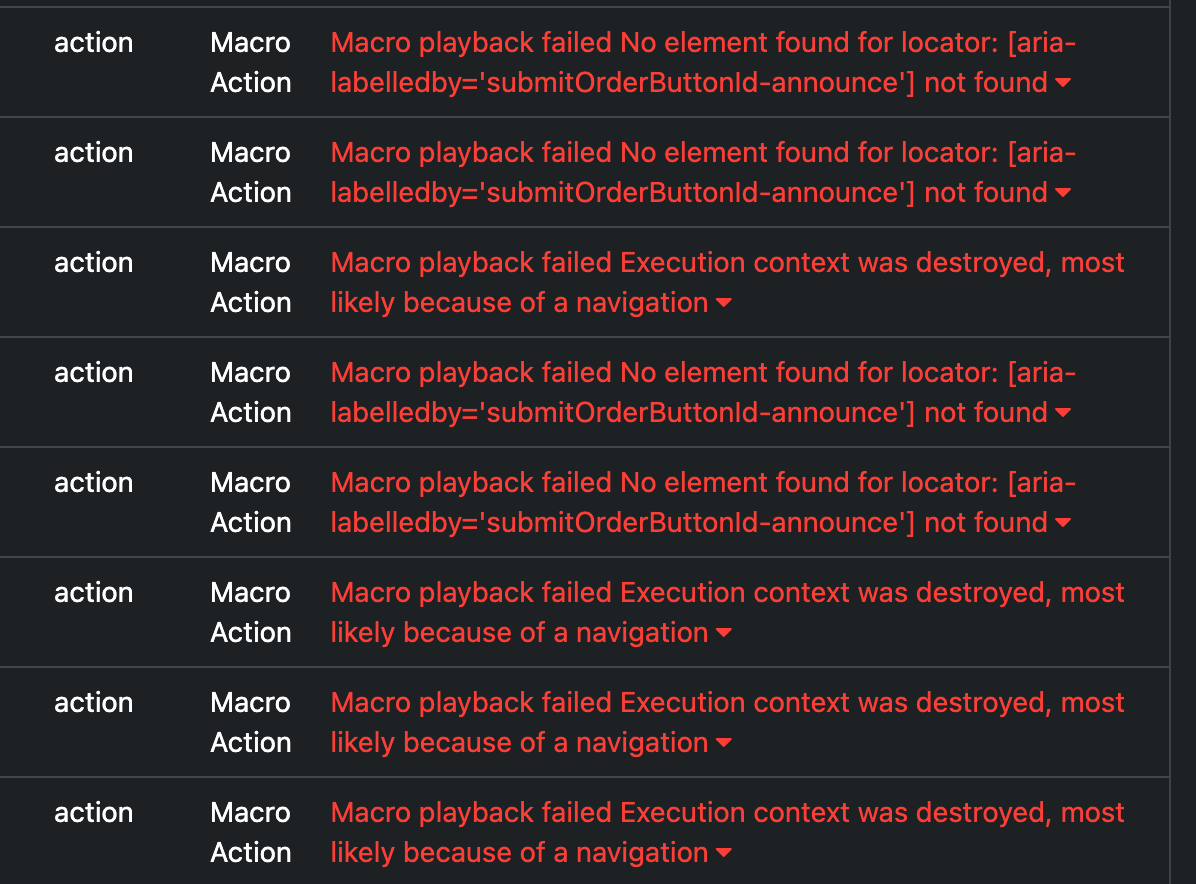
BTW, any way to recover all those fails attempt due to context destroyed? I now that the button not found is because someone else is using a faster bot, but the other ones are simply consuming my. quota.
the messages where the element was not found are logged after the macro ran successfully but failed to find the element in the second last step.
i will recommend using the extension for this page as it is well tested. the desktop is currently in beta. it may take a year to get a stable release.
sorry, it is not possible to reset usage. please note that macro actions aren’t available in the starter plan – https://distill.io/pricing/ but it may occasionally be offered to users in the starter plan to help test the feature out.
I don’t paying the professional plan, however seeing the macro errors, will need to analyze if its worth, considering as you said, usage is not possible to reset. I need to be sure macro do works without any error other than missing element due to bot speed.

 nor finding a way to do so even with the provided documentation.