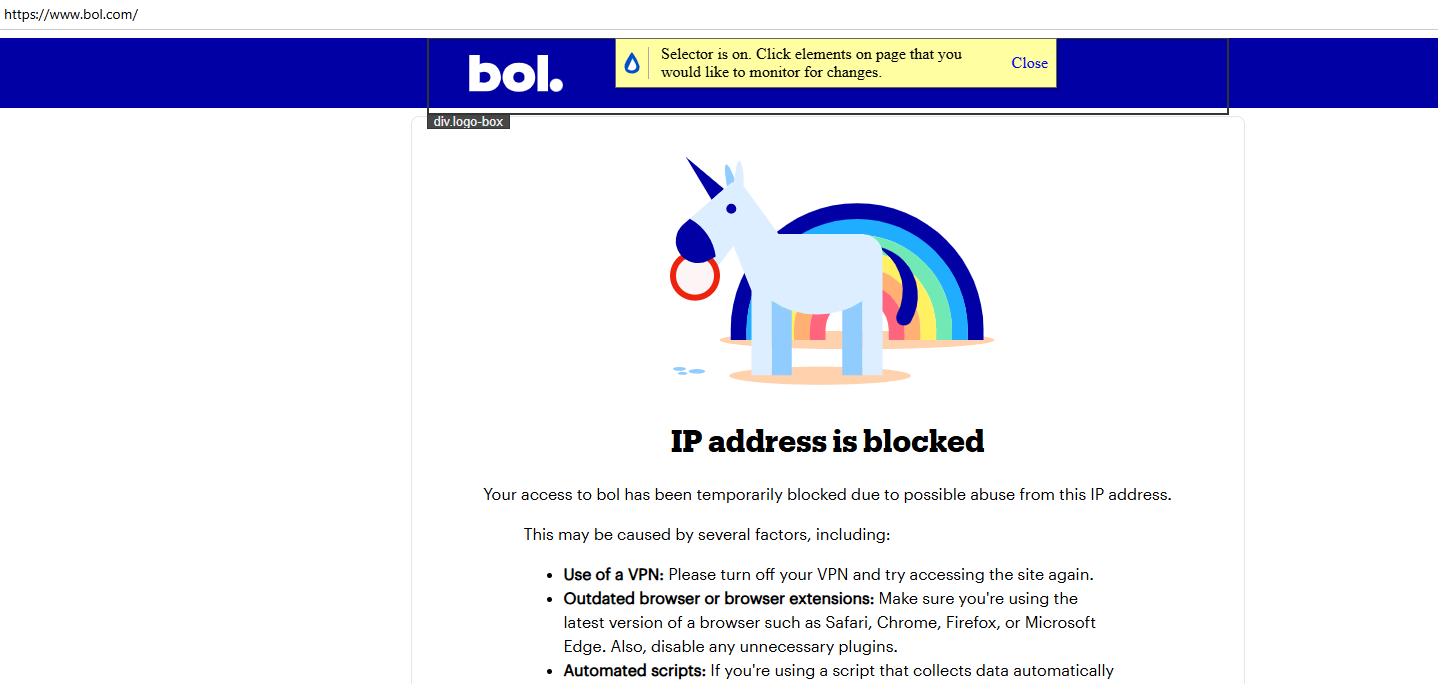
When I access a website through the Distill app, I get a message saying that my IP address has been blocked. However, when I visit the exact same website directly in my browser, it works without any issues.
I checked the public IP address in both cases, and it is exactly the same.
Could the website be detecting or blocking something specific to the Distill app rather than my actual IP address? Is there anything I can change in Distill to resolve this?
@ahmetaga Could you please confirm whether you are trying to monitor the website through Cloud Monitoring or locally using the Distill Desktop App or browser extension?
Hi, I’m so sorry. When i use the local Distill Desktop App it’s working. It’s not working when i choose Cloud - Distill’s servers. The website I’m monitoring is: https://www.bol.com/nl/nl/
@ahmetagaBol.com is blocking requests from Distill’s cloud-server IP addresses because it identifies them as automated or suspicious traffic. Local Monitoring works because the checks run from your own device and internet connection instead.
For now, please continue monitoring the website through the Distill Desktop App. Our team is working on solutions to improve Cloud Monitoring for websites that apply these types of restrictions, with improvements planned over the coming months.