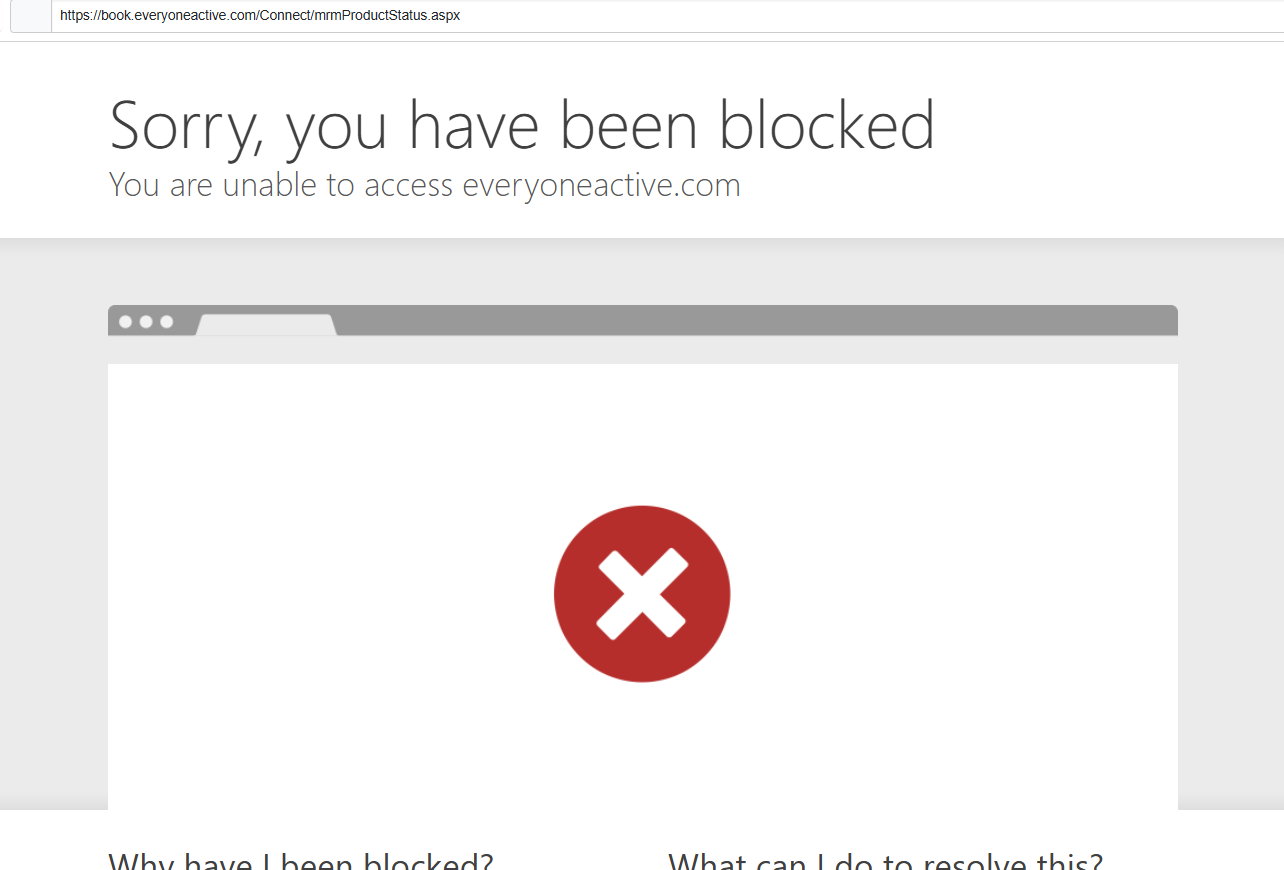
Hi - I have set up my first Distill. It is to notify me when a tennis court slot becomes available to book. It all looks set up cleanly, and I did receive my first successful ping, which was great!
However, despite having set the monitoring interval to 5 minutes, when I go back to my Distill item (and click on it) after (let’s say) 10 mins, it directs me back to the login page of the website for which I’m monitoring. So, it doesn’t keep the session active. I have already logged in several times and have the tab open separately in the same Chrome window.
@zudecke1 Yes, that makes sense—and you can definitely test this before committing. We provide a 7-day free trial when you sign up, during which you can try out features like Macros and verify if they work for your specific site.
How it would work in your case
You would first record a Macro that:
Logs into the website
Navigates to the page where the tennis court slots appear
Then, while creating the monitor:
Attach the Macro
Run the Macro so it lands on the correct page
Use the Visual Selector to select the slot availability section
After setup:
Every time the monitor runs, the Macro will execute first (login + navigation)
Then Distill will check the selected element for changes
This setup is commonly used for sites with login/session timeouts like yours, so it should work well. You can try it during the trial and confirm it fits your use case.
Thanks for the informative reply, and I am keen to try this. However, according to your Pricing page, I don’t see any mention or option to opt-in to any form of “trial”. Could you kindly provide the link or instructions?
@zudecke1 The free trial is offered during the sign-up process. If an account has already been created without selecting the trial option, it won’t be possible to enable the trial afterward on the same account.
In that case, to access the trial, you would need to:
Create a new account using a different email address
During sign-up, choose the option to start the free trial
Another option is to use the App Store using an iOS device. You can get a 7-day free trial for the Sarter plan if you haven’t availed it already.
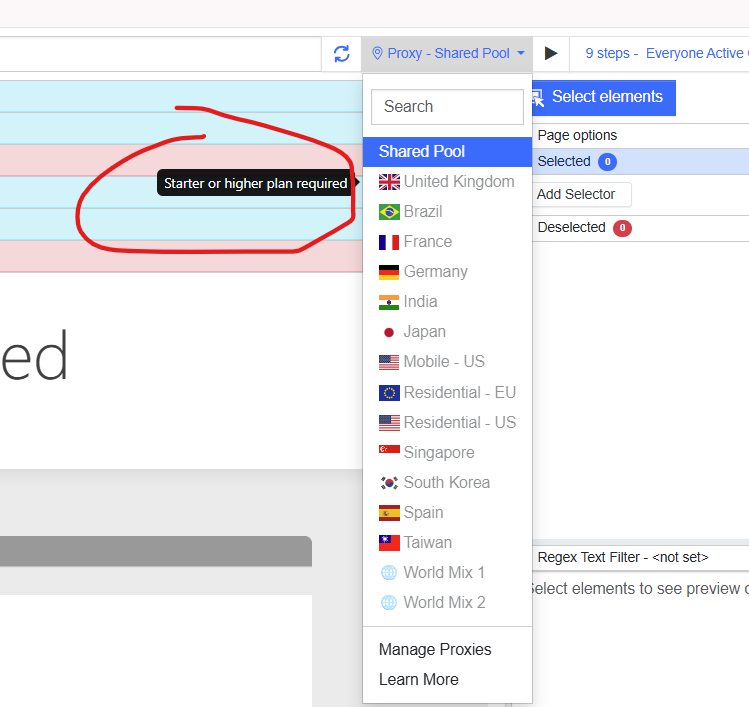
I am guessing because, even though I am supposedly in a “ trial” mode, I cannot specify the proxy (“United Kingdom”), thus, I am unable to actually test that this works.
@zudecke1 you can also send an email to support@distill.io with details of your use case. we can then test it for you and let you know if it will work.