I have Distill on desktop Windows 11 Chrome and also have Distill on iPhone.
I checked my iPhone and desktop Distill settings - push and mobile push are unselected or not added as an action.
How do I stop the automatic push when Distill desktop detects a change?
I want manual control on when a monitor pushes or not.
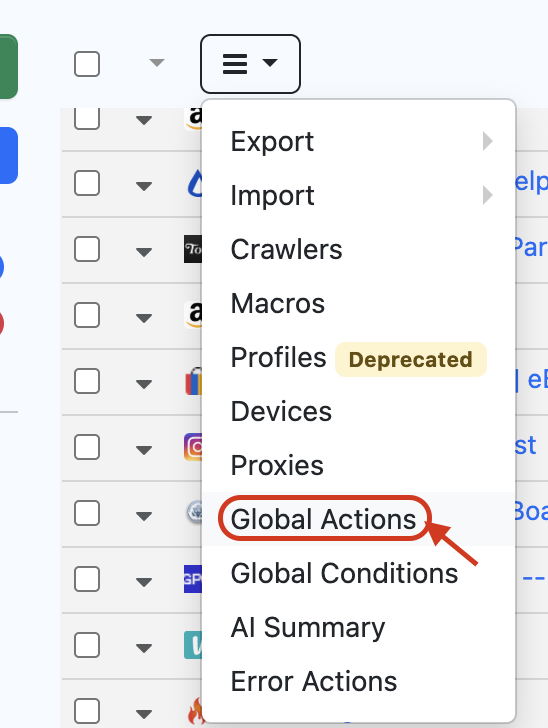
@trikats Can you check the Global Actions and see if the Push Notification has been added over there as Action and delete it. For doing this, on the Watchlist Dashboard, click on the Hamburger Icon and Select Global Actions
Kind of late, but thank you that worked!