Sometimes it works, sometime it didn’t, when I didn’t work , I can’t find the option for it…HELP
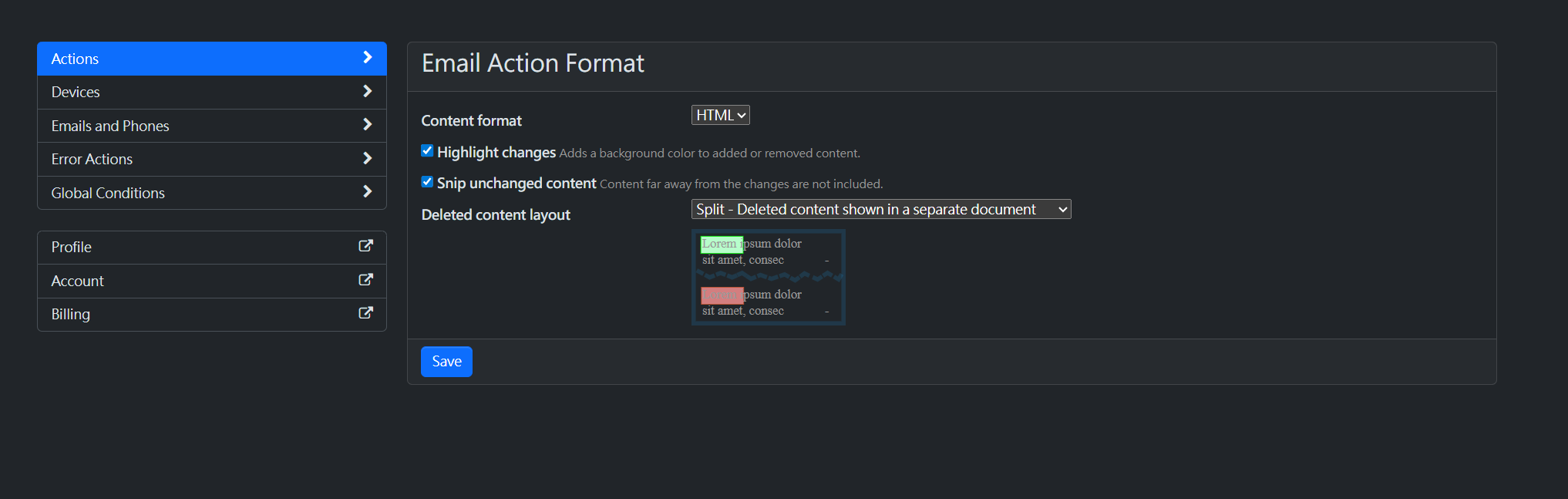
The option to configure local Actions is available from the local Watchlist.
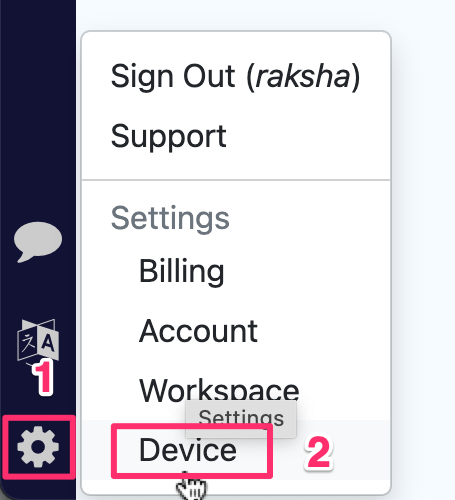
Open your local Watchlist, click the Settings icon → select Device → go to the Actions tab → Tones.
For detailed steps, see: Audio Notifications for Local Monitors