Hello, I am Japanese. Please forgive my poor English.
I installed Distill on my Windows PC and upgraded to the Starter plan to monitor a certain product on Amazon. I expected it to notify me on my iPhone when the item was restocked. However, when I checked my computer again a day later, it showed “SELECTION_EMPTY,” and the notification was not successfully sent to my iPhone.
Could you please tell me what settings and steps I need to follow to make such notifications work properly on Amazon? I’m really struggling with this, so I’d greatly appreciate your help.
Thank you for getting back to me! I tried it, but it didn’t work. I think the problem might be that the button I selected at the beginning isn’t the right one. So, could you please tell me which button (or area) on an Amazon product page that’s waiting for restock should be selected to make the notifications work properly? I’d really appreciate your help.
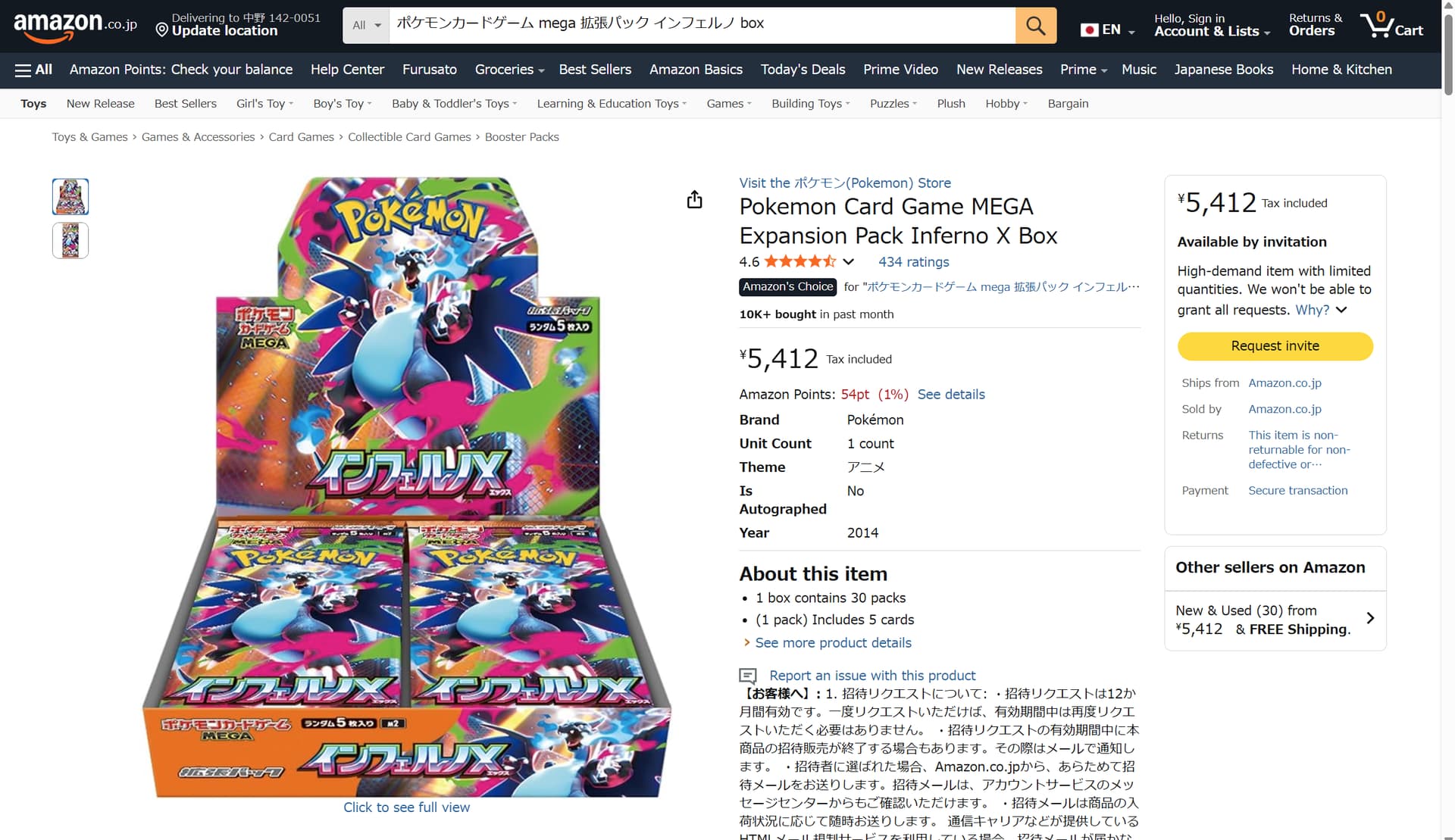
When the item is out of stock, the page looks like this.
Could you please tell me which part of this page I should monitor to make the notification work correctly? Thank you!
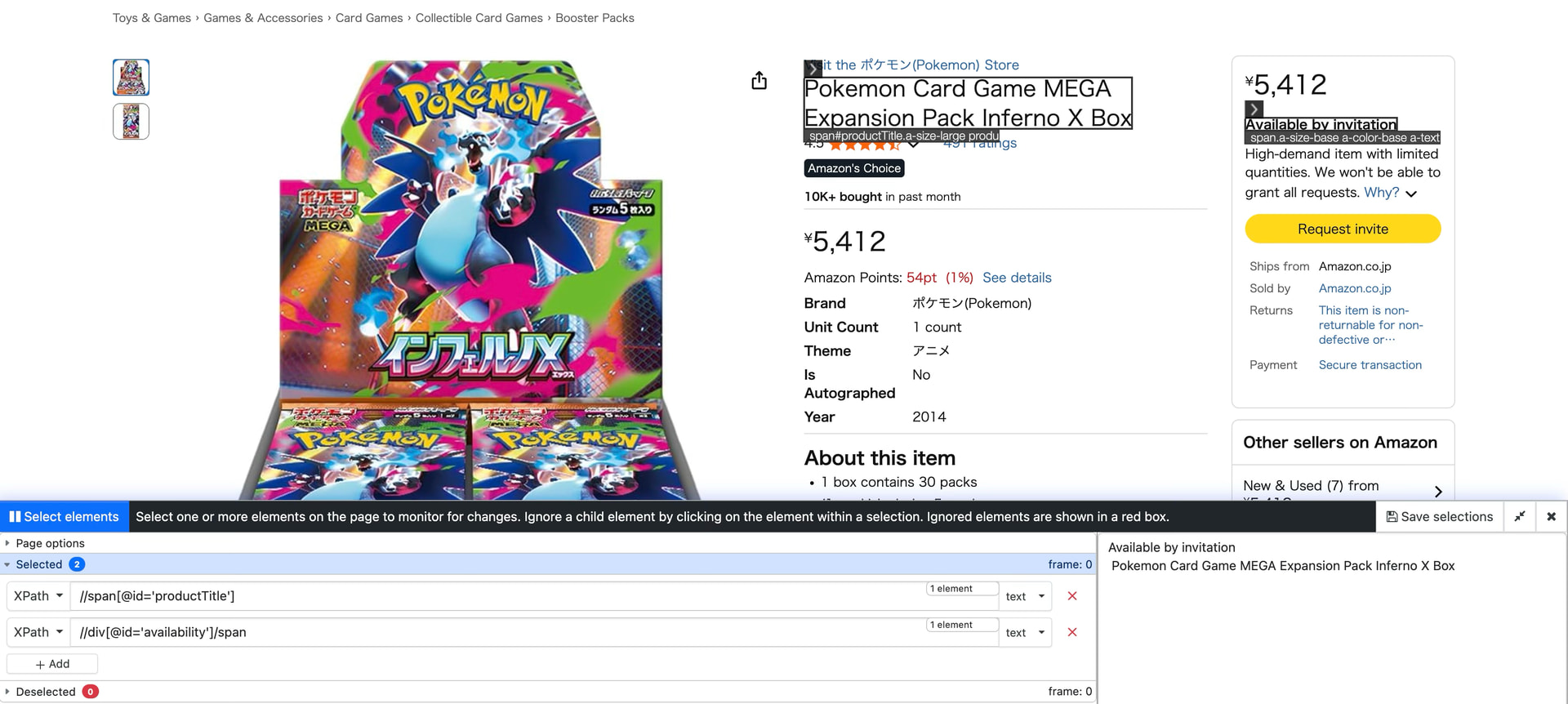
@tenhiro You can choose the two elements for monitoring — the Product Title “Pokemon Card Game MEGA Expansion Pack Inferno X Box” and “Available by Invitation” elements using the visual selector. This should help you monitor and let you know when the item will be available for purchase.
You can refer to the screenshot below: