I’m relatively new to Distill and still learning… and this is what I’ve been searching for, for years!
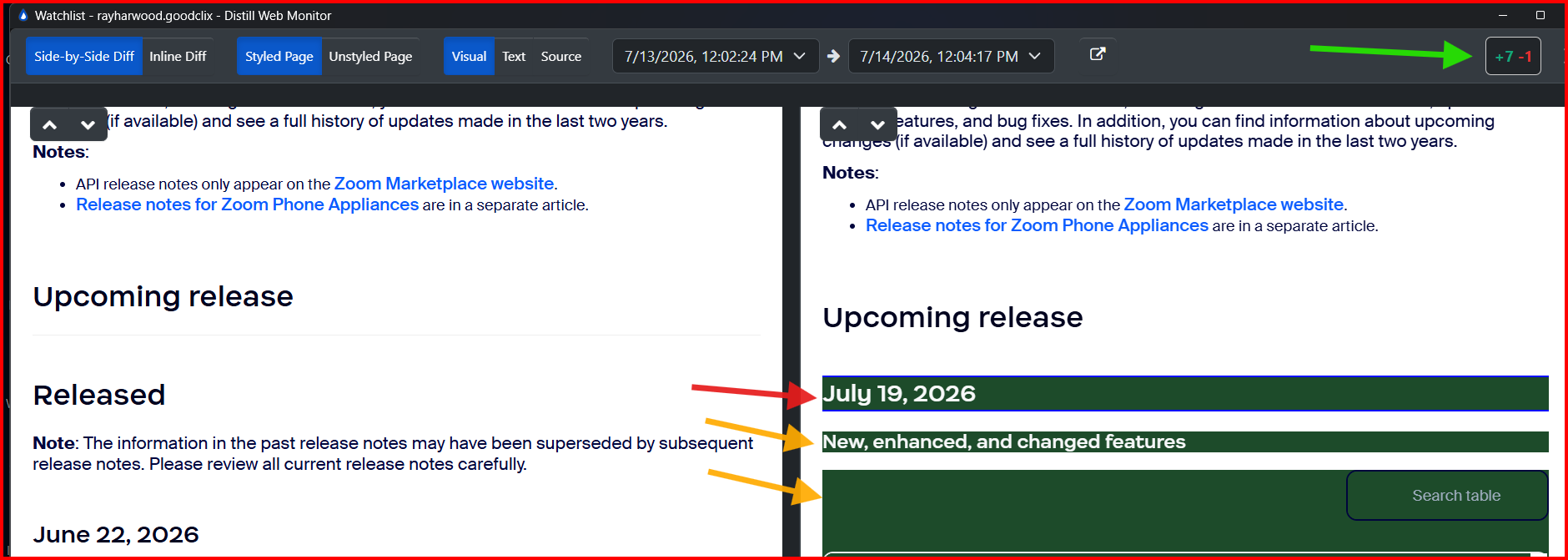
When I’m viewing a Side-by-Side Diff, Styled, Visual view of a web page (in most cases, Zoom Release Notes), as I click the up & down arrows, I see the number of adds and deletes in the upper right (green arrow), all of the added material (dark green background), and the current change item (very thin blue border - pointed to by the red arrow). As I move through the changes (pointed to by the yellow arrow):
Would be nice if I could change the border around the “current item” to something more contrasting, wider, dashed/dotted, or something more visually discernable (Seems like this might exist somewhere and I just haven’t yet found out how to modify the highlighting)
Would be nice to see that I’m on #4 of 7 adds, and have the “this many of” number change as I click down; same for the deletes.
The screen shot is from the Windows app running on Windows 11… installed this morning!
@rayharwood.goodclix First of all, welcome to Distill! We’re glad to hear you’re finding it useful.
Your suggestions make perfect sense, and I agree that both of these enhancements would make navigating changes much easier.
At the moment, there isn’t a setting to customize the highlight for the currently selected change (such as changing the border color, thickness, or style). I’ll share this feedback with our internal team so they can review it as a potential improvement.
Likewise, your second suggestion is a great one:
It would be helpful to display the current position while navigating changes (for example, 4 of 7 additions or 2 of 3 deletions) and update that counter as you move through the changes.
I’ll include this request as well, as I can see how it would improve the overall navigation experience, especially on pages with many changes.
Thank you for taking the time to share such thoughtful feedback, and for including the screenshots—they’re very helpful in illustrating the requested improvements. We really appreciate it.
My pleasure, Srijith. Been using Distill a few days now and really getting good results. I’ve noticed one or two minor display/UI quirks along the way (things that didn’t work the way I thought they would intuitively), but overall extremely clean and relatively easy to work with once I got the hang of it. I appreciate the extra capacity and shorter schedule intervals for the desktop app.
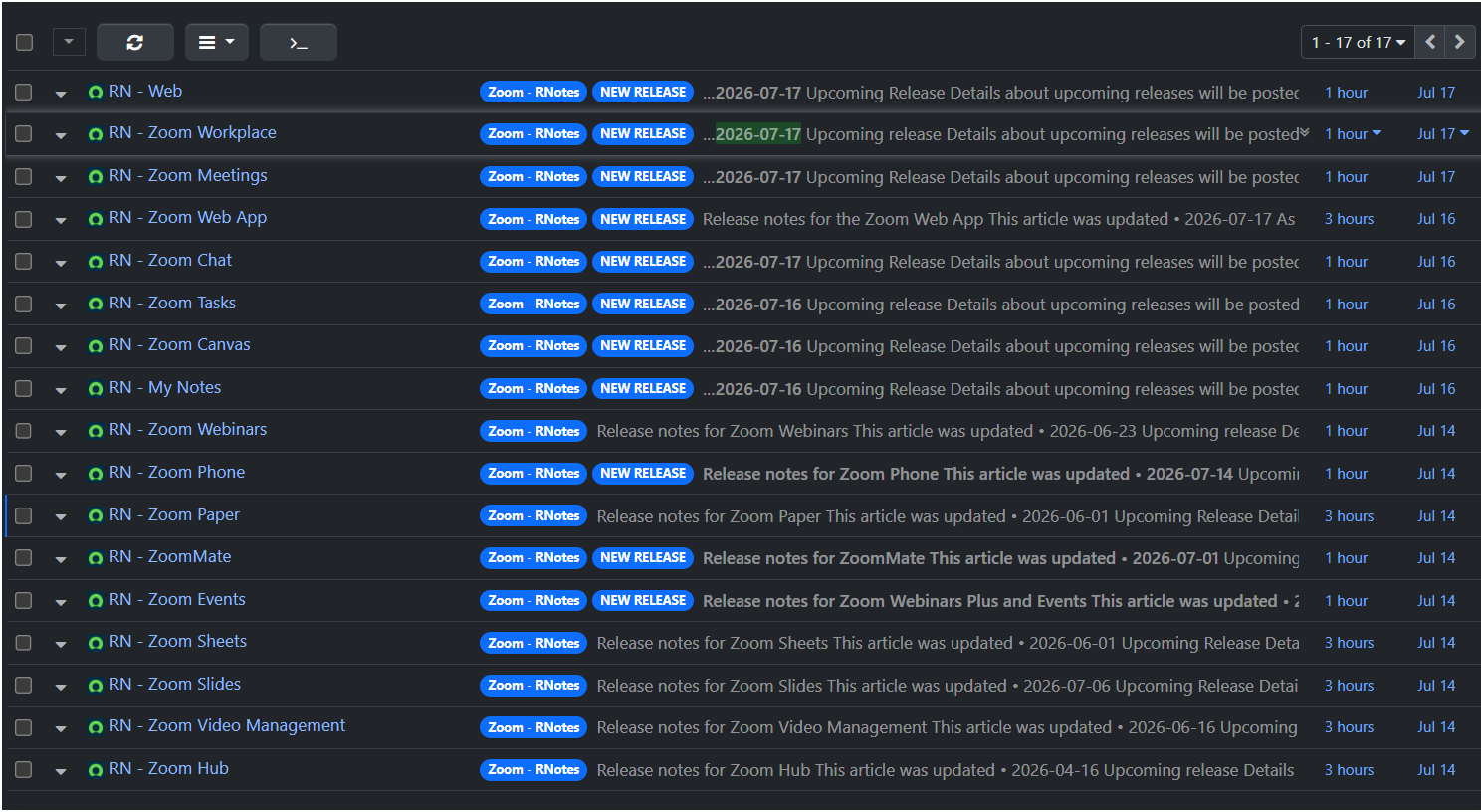
I’m monitoring a number of Zoom Release Notes for a newsletter I’ve started. I couldn’t have “manually tracked” these myself!
@rayharwood.goodclix Thank you, that’s great to hear. I’m glad Distill is helping with your Zoom Release Notes monitoring and saving you from having to track those manually.
If you run into any issues, UI quirks, or need help fine-tuning your monitors, please feel free to share the details with us. We’ll be happy to take a look and help.