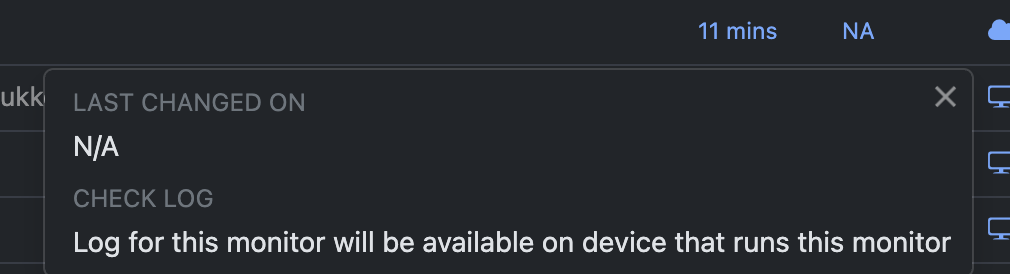
I’ve set up several webpage monitors and switched the device from “Google Chrome (this device)” to “Cloud”. They are set to check every 11 minutes, but even after waiting well beyond the scheduled interval, they still show “Preview will be available soon after this task is run” and N/A.
One monitor initially ran successfully when it was set to “Google Chrome (this device)”, but after switching to Cloud it also doesn’t seem to run.
I’m on the Starter plan. Is there something I need to change to get the cloud monitors to start running, or is this an issue with the cloud checks?
@linajunker Could you please click on the N/A shown for one of the affected monitors? This should open the Check Logs(How to view logs of checks?). Please share a screenshot of what is displayed there, including any errors if shown.
Also, please share:
The website URL you are trying to monitor.
A screenshot of the specific section or content you want to monitor on that page.
Once you share these details, I can review the monitor and help determine why the cloud checks are not running as expected.
@linajunker Thank you for sharing the URL and screenshots.
To monitor this website using Cloud checks, you’ll need to use the Residential - EU proxy. Without this proxy, the website times out causing the monitor to run into an error.