I am trying to monitor this page, see screenshot . I want an an alert when the text in the centre is gone. This is not working. the screenshot in Distill is not showing this page.. From the login page I have to click 3 times to get to the page I want to monitor and I am using a VPN. These 3 clicks all have the same URL. Also this forum is limiting me to 1 screenshot. How do I overcome this. Mike
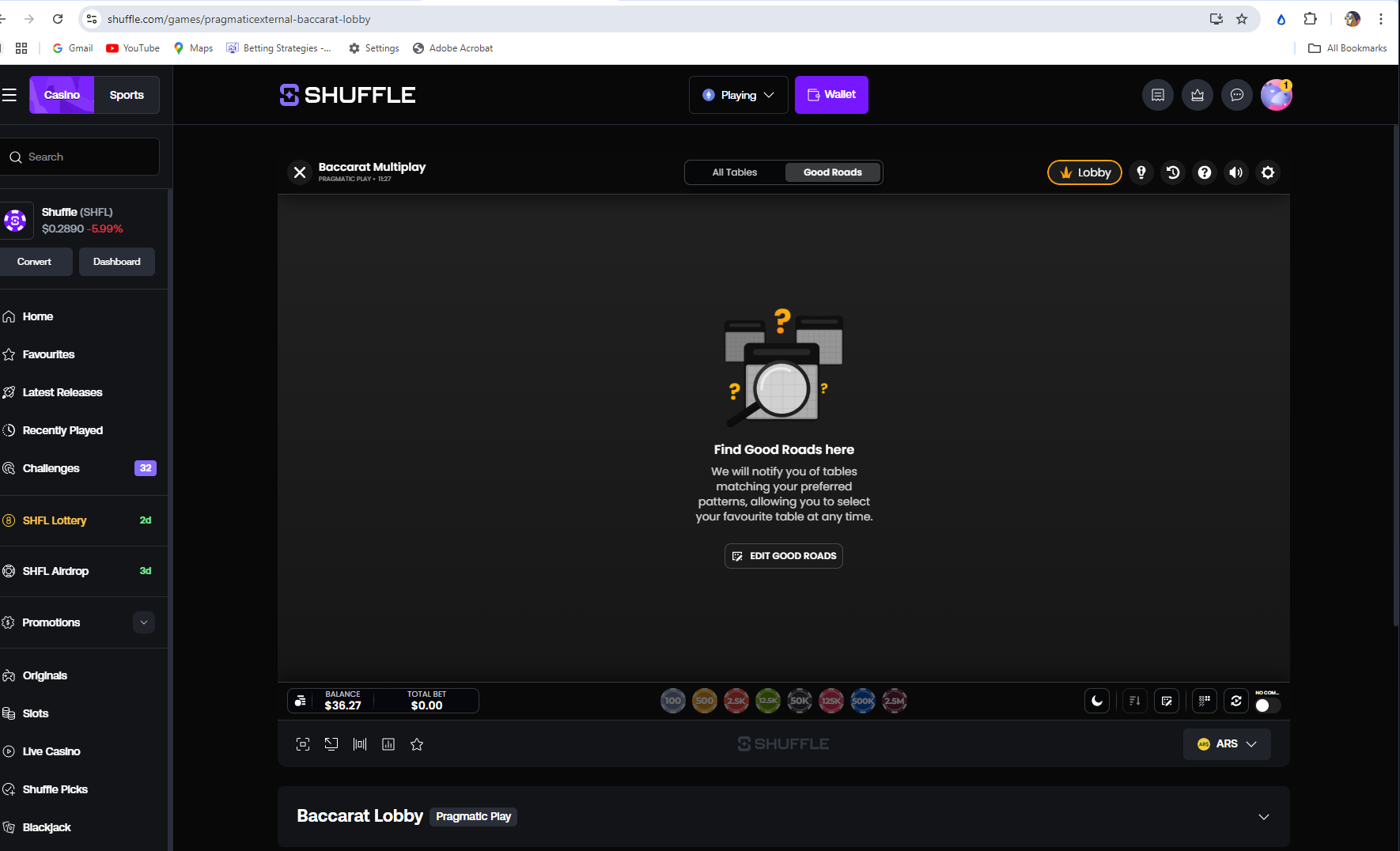
@woweee Thanks for the detailed explanation. The main issue here is that Distill (even in Local monitoring) will only monitor the page state that loads by default from the URL, not the page you reach after multiple clicks/navigation.
Since:
-
You need to click 3 times after landing on the page
-
All steps have the same URL
Distill cannot automatically reach that final state unless those actions are repeated each time.
What you need to do
You’ll need to use a Macro:
-
Record the steps:
- The 3 clicks to reach the final page
-
Attach this Macro to your monitor
Since you are using Local monitoring:
-
You usually only need to log in once manually
-
The session stays active, so login does not need to be part of the Macro
(If you switch to Cloud monitoring later, then you would need to include login steps in the Macro.)
For more details on Macro, you can refer to:
https://distill.io/docs/web-monitor/macro-to-record-replay-actions/
For your use case (text disappearing)
Once the Macro brings you to the correct page, select the center text and create the monitor.
About the screenshot issue on the forum
-
Try copying and pasting the image directly into the post
-
If that doesn’t work, you can:
-
Post with one image first
-
Then reply to your own post with additional images
-