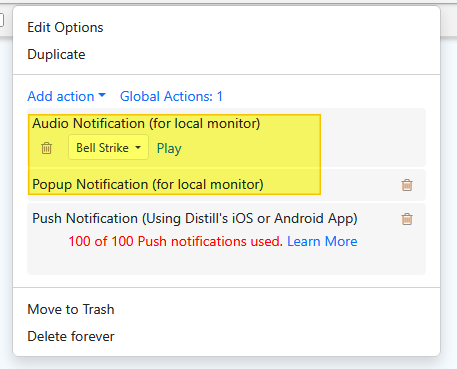
This must be either something new or something that I have not understood correctly. I had setup some monitoring via my desktop Chrome plug-in, I also have a mobile app.
I could see the bell ringer working on the desktop, not the notification though. But for the mobile app there was no indication of the change.
I was expecting, that the monitoring that is setup from desktop should also have some notification on the mobile app. Is that an incorrect understanding of the functionality?
@vaibhavgaikwad accounts in free plan can get 100 push notifications.
can you try to ensure that the app has the permission to display push notifications on the phone check out the option #2 in the following post to see if the permission to send notification has been enabled on android.
@ajitk thank you for the reply. I presume I have used any notifications as this was what happened since yesterday the day of installing the app. Also I have seen, only 10 updates on the web.
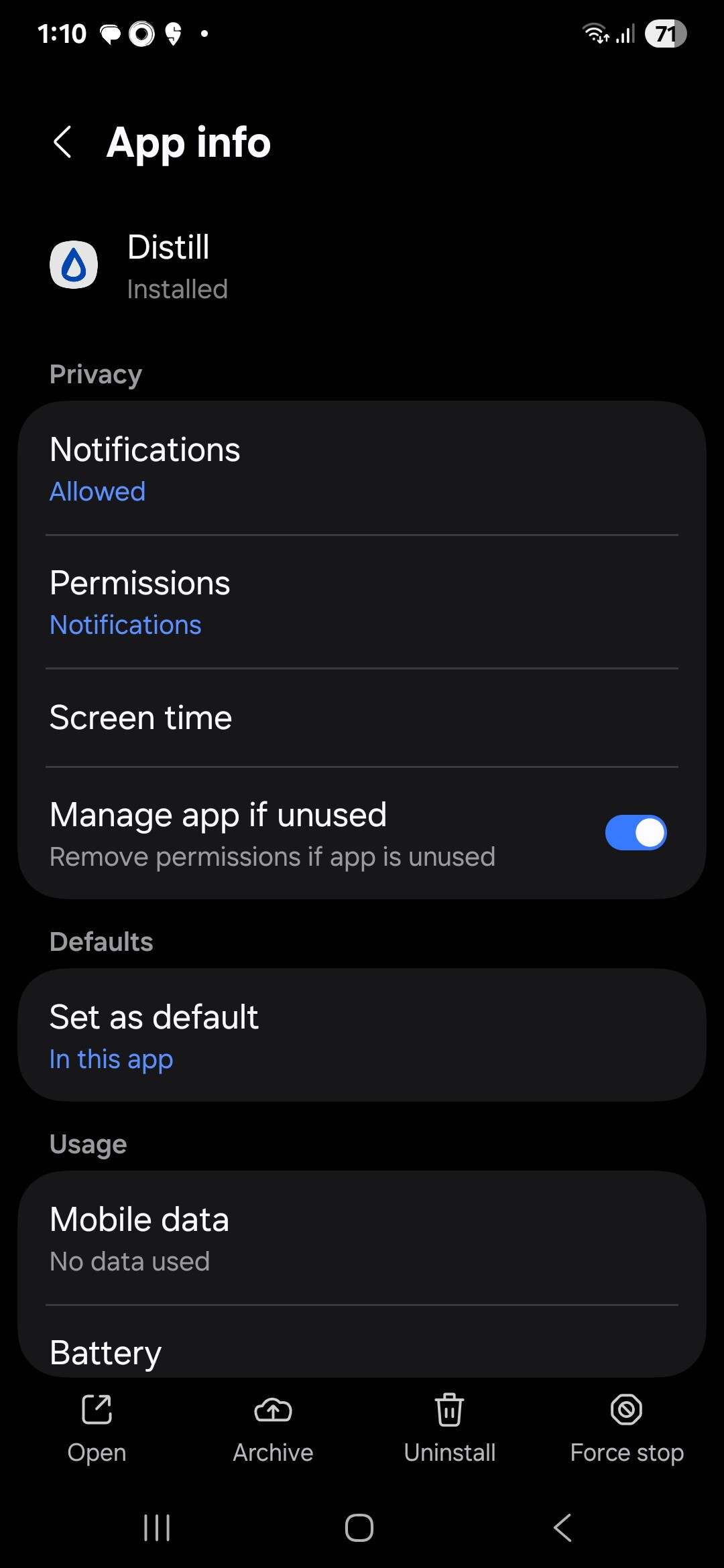
The notification settings and sound are ON as per the provided article. I am using Samsung Ultra S25.
Everything seems to be configured properly but I get the Desktop notifications and sound now, but the mobile notifications are still not working.
For reference: Attached the permissions screen for Distill app from my phone.
I did not see the option to test notification on my phone, also the logs indicated all success. But I was able to figure out the problem in my configuration. It is working now, and my assumption that the phone notification is added by default was wrong, so when I added the phone notification it started working as expected.