Due to the recent update, the font size for displaying changes has increased.
Because of this, the monitor that previously fit without scrolling no longer does, which is inconvenient.
Is it possible to change the preview font size?
(I’m using a translation tool, so I apologize if it sounds strange.)
@vine_check using the browser’s builtin feature to zoom pages in or out can help.
can you share a screenshot highlighting the portion of the watchlist where the font size appears to be unusually big?
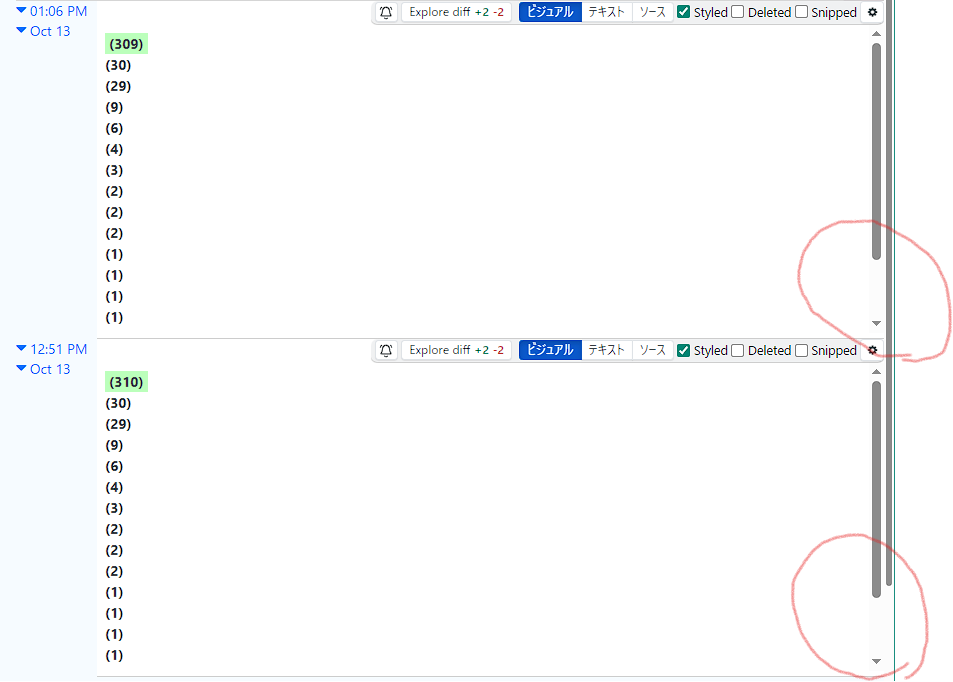
Thank you for your reply.
Using the browser’s zoom function scales the entire page, which defeats the purpose.
I want to eliminate the scroll area. (It wasn’t there before.)
thanks for the clarification. the scroll bar for smaller content is going away in the next release.