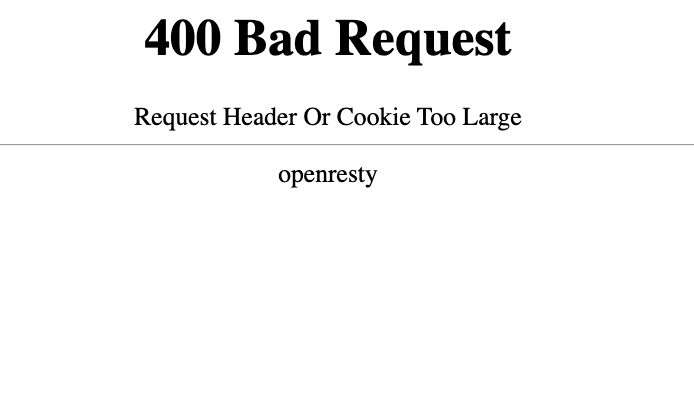
Hi. Just recently I’ve been encountering 400 Bad Request errors on a consistent basis while monitoring Depop for new listings. I haven’t encountered it in the past year or so of monitoring, and haven’t changed any settings. Clearing cookies has provided a temporary solution, though doing so requires a lengthy 2FA sign in each time, multiple times throughout the day (making monitoring more trouble than it’s worth).
Desktop app for Mac watchlist (i.e. WATCHLIST Desktop App), browser extension to run checks.
I initially ran checks via Chrome browser (and occasionally Desktop App (this device)), but was getting the error too often, so I just recently switched to Firefox as of yesterday. I still get the error, just significantly less often.
For Chrome/Desktop App, it was occurring ~3mins at 30 second intervals, then ~10mins when I extended the interval to 3mins (in an effort to delay the errors). As for Firefox, I’m getting the error maybe every hour or so of checking at 30 second intervals, so I’m sticking with it for now.
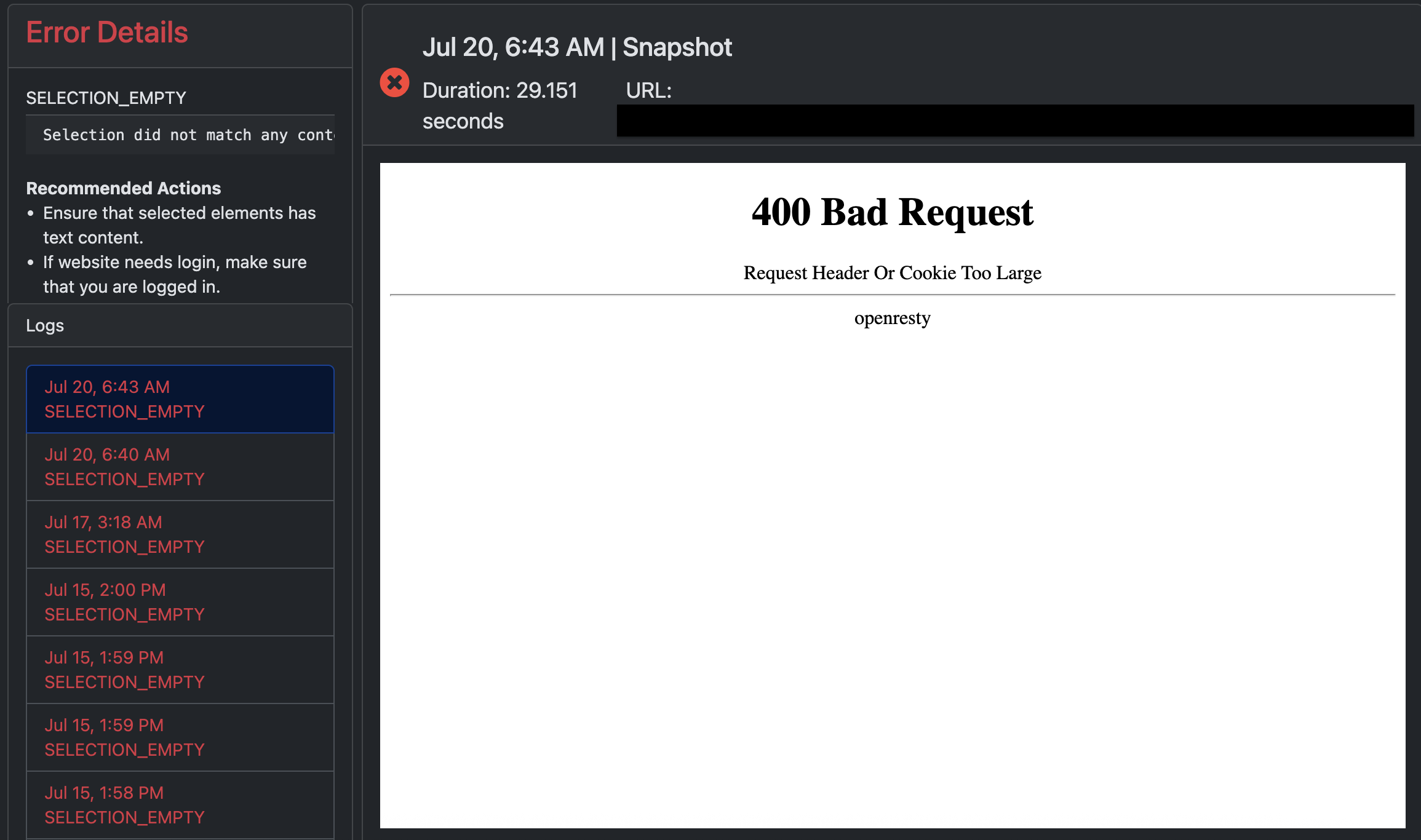
Yes, there’s a “SELECTION_EMPTY” error until I clear cookies and login again.
I suspect it’s a recent change on Depop’s part, because as I previously mentioned, I’ve never experienced the error in my years of monitoring the site until last week.
@webslayer Thanks for the details. Based on what you described, this looks like Depop is returning the 400 Bad Request page during checks, likely due to a recent change in how they handle sessions/cookies. When that happens, Distill cannot find the selected content on the page, which is why the Check Log shows SELECTION_EMPTY.
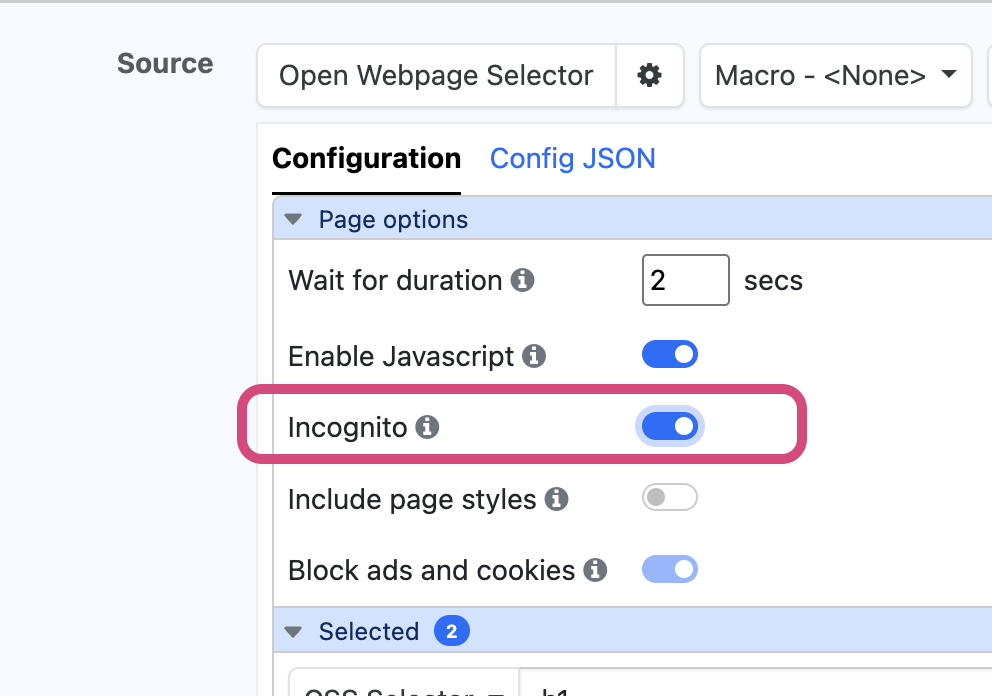
Since clearing cookies temporarily fixes it, one option is to run the monitor in Incognito mode in the Desktop App. You can enable this from the monitor configuration under Configuration >Page options > Incognito. This may help avoid the stale/corrupted cookie state that appears to be triggering the 400 errors.