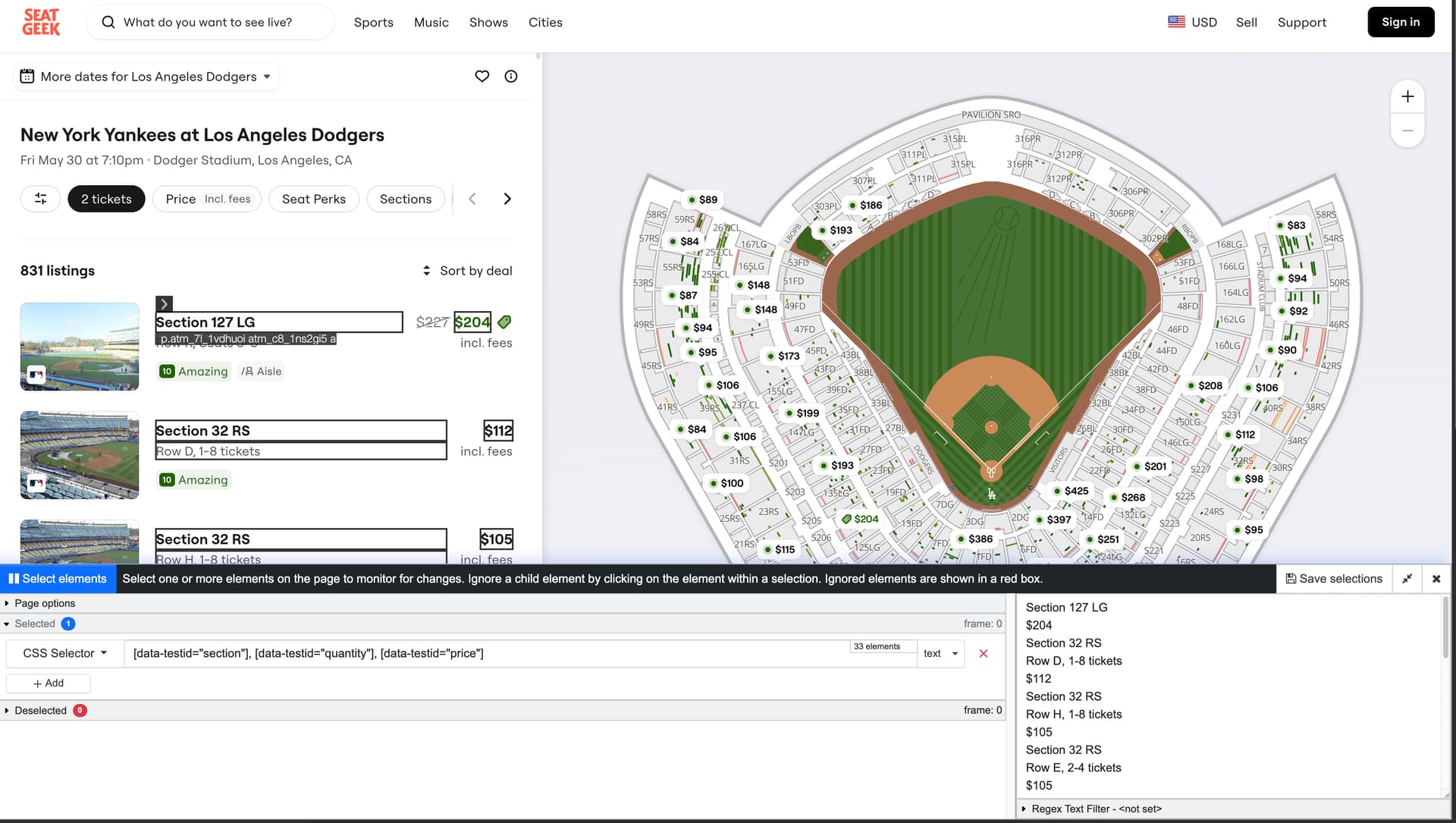
I see what you mean. Unfortunately there’s no direct way to click on the price tag alone right now (due to the page’s layout), we’ll have to look into this.
However the following selectors should help get the details-
[data-testid="section"], [data-testid="quantity"], [data-testid="price"]
This should get you the section, row/quantity and price (you can remove anything you don’t need).
I used the extension for this, the check ran successfully.