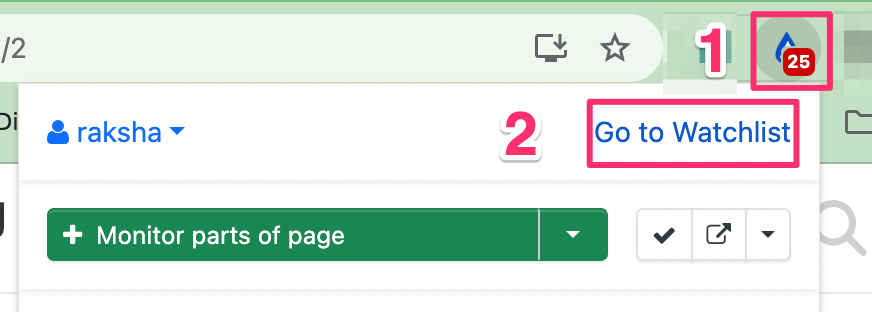
Hello, I would like to know is it possible to run Local Monitors within the Brave browser?
I could successfully run local monitors in the google chrome browser but have failed to work out how to in Brave browser. In Brave browser, Distill extension, I choose ‘google chrome’ under monitor and received the error message ‘Local monitors cant be run from the web app. Please switch to Google Chromes watchlist to run them. Open Extension Learn More’. I clicked on message and it takes me to the google chrome watchlist e.g. the device is set to the google chrome. But I am on Brave browser.
As you can see I am quite confused now. Please can you tell me what I need to do to run Local monitors on Brave browser, if it is possible.
I can successfully run cloud monitors in the Brave browser.
Thank you raksha. That is what I thought were the steps. Sadly those steps are not working for me.
Please see screenshots.
I can confirm I am on the watchlist page – xxxx/#/w/0/list/label/XXX
I can confirm I have chosen this device.
Error message at top of screen says: “Local monitors cant be run from the web app. Please switch the devices watchlist to run them”
When I click on the link Open extension in the error it takes me back to this page I am already on, watchlist
The only thing I can think of is — something has gone wrong in the migration from chrome to brave web browser. As I had no issue in google chrome. I migrated to brave web browser last week.
I have 3 cloud monitors and they are all working correctly.
This morning, 1 of the local monitors, gave me an alert, although the error message still shows AND when I click run for all alerts I dont see the normal ‘running’ (rather I see nothing happens and the error message shows)
mac osx ventura 13.7.5.on T1 mac air
brave 1.80.122 error message